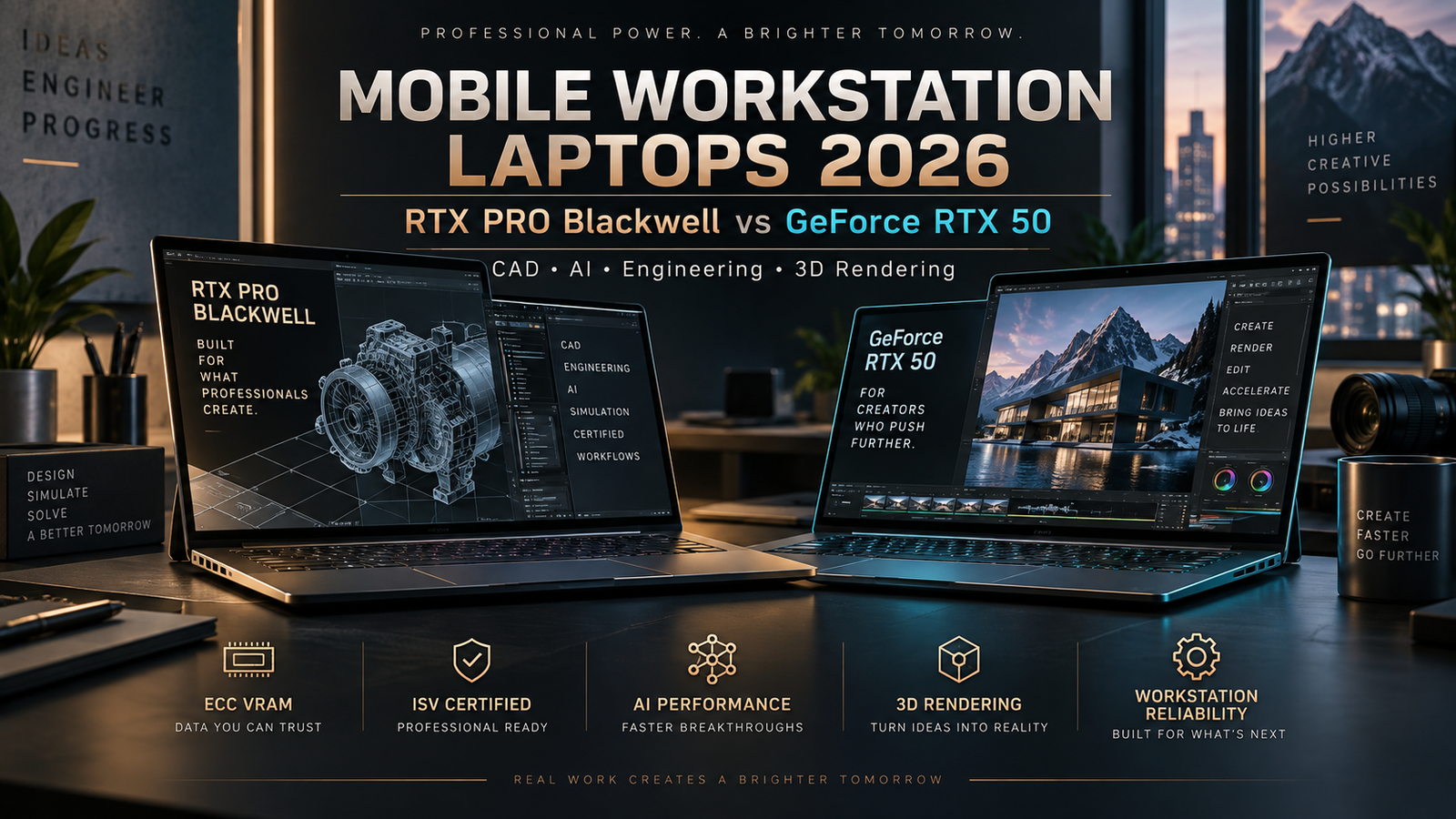
Mobile Workstation Laptops in 2026: RTX PRO Blackwell vs GeForce RTX 50 for CAD, AI and Engineering
Mobile workstation laptops have entered a new performance class in 2026. These systems are no longer simply thicker business laptops with a professional graphics badge. The latest models combine workstation-class GPUs, large amounts of ECC graphics memory, powerful multi-core processors, high-capacity RAM, PCIe storage, advanced AI acceleration and professional software certifications in systems that can still be moved between offices, studios and client locations.
NVIDIA’s RTX PRO Blackwell Laptop GPUs are now central to this market.
The current professional mobile lineup includes RTX PRO 5000, RTX PRO 4000, RTX PRO 3000 and lower-tier Blackwell laptop GPUs. At the top of the family, the RTX PRO 5000 Blackwell Generation Laptop GPU provides 10,496 CUDA cores, 24GB of GDDR7 memory with ECC, 896GB/s of memory bandwidth and up to 1,824 AI TOPS. NVIDIA lists a configurable power range of 95W to 175W for the GPU.
Those numbers may look familiar.
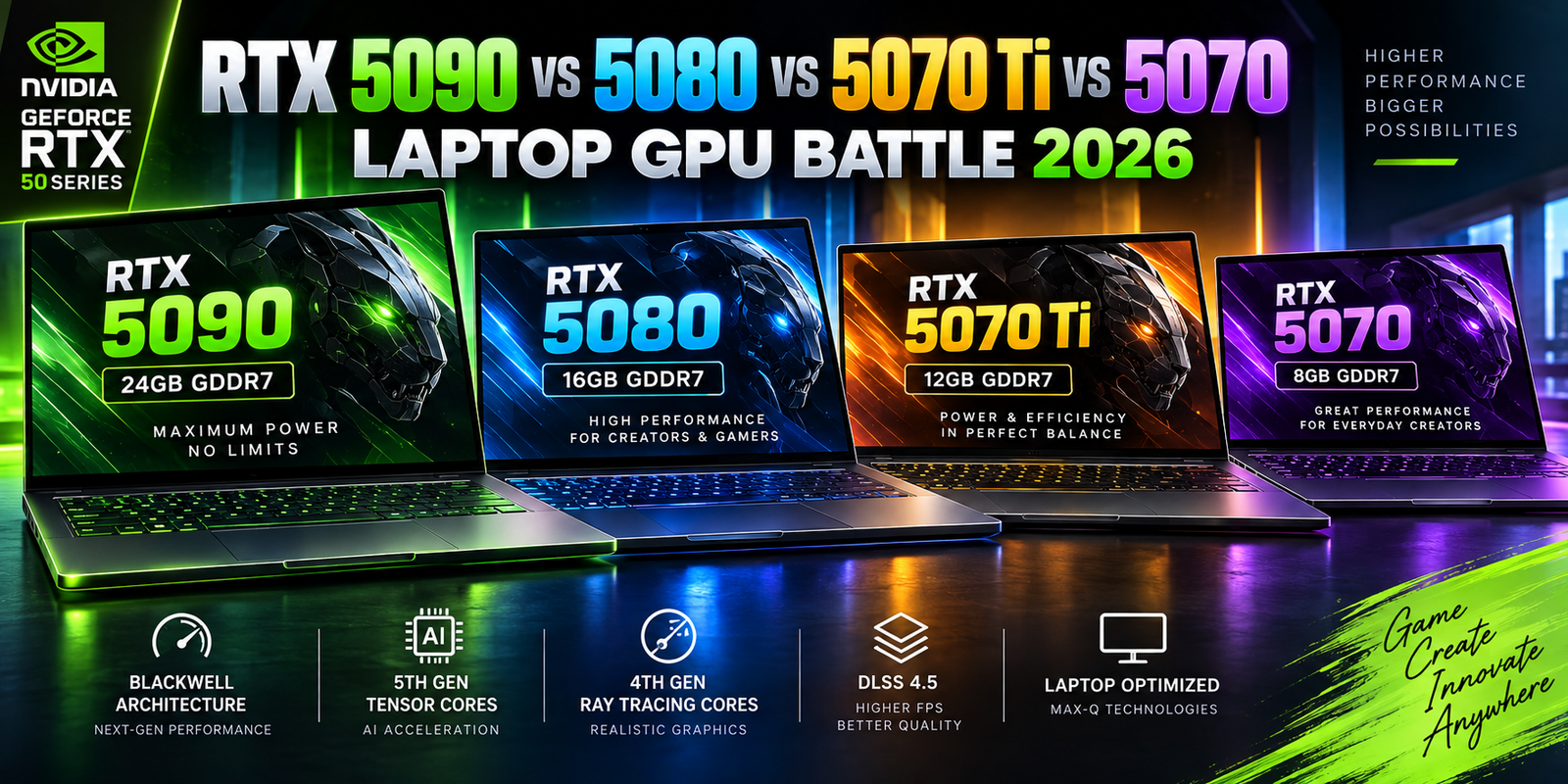
The GeForce RTX 5090 Laptop GPU also provides 10,496 CUDA cores, 24GB of GDDR7 memory and up to 1,824 AI TOPS. The RTX 5080 and RTX 5070 Ti similarly share important hardware characteristics with professional RTX PRO models.
That raises an important buying question.
If a GeForce laptop can provide similar raw GPU specifications for less money, why would an engineer, architect, 3D artist or enterprise buyer pay more for a mobile workstation using RTX PRO?
The answer is that professional workstations are not only about raw gaming-style performance.
They are also about ECC memory, enterprise drivers, ISV certifications, long-term support, predictable configurations, system validation and professional reliability.
This advanced guide explains how mobile workstations differ from premium gaming laptops in 2026 and when the extra cost of an RTX PRO system can make financial and technical sense.
What Is a Mobile Workstation Laptop?
A mobile workstation is a laptop designed for professional technical workloads rather than primarily for everyday productivity or gaming.
These systems are commonly used in engineering, architecture, product design, manufacturing, scientific computing, media production, 3D visualization, simulation and artificial intelligence development.
The basic hardware can look similar to a premium gaming laptop.
Both may include a high-performance CPU.
Both may include powerful NVIDIA graphics.
Both may have 32GB, 64GB or more of system memory.
Both may use fast NVMe storage.
The difference is in how the complete system is designed, tested and supported.
NVIDIA describes RTX PRO workstations as systems tested across design, engineering and AI workflows, supported by enterprise drivers, extensive ISV certifications, IT management tools and enterprise support.
That professional ecosystem can be more important than a small benchmark advantage.
RTX PRO Blackwell Laptop GPUs in 2026
The current RTX PRO Blackwell laptop family covers a broad performance range.
At the upper end, the RTX PRO 5000 Blackwell Laptop GPU is designed for highly demanding professional applications.
Below it, the RTX PRO 4000 and RTX PRO 3000 provide progressively lower compute and memory capacity while preserving the same professional software ecosystem.
NVIDIA’s current specifications list the following characteristics.
| GPU | CUDA Cores | VRAM | Memory Bandwidth | AI TOPS | GPU Power Range |
|---|---|---|---|---|---|
| RTX PRO 5000 Blackwell Laptop | 10,496 | 24GB GDDR7 ECC | 896GB/s | 1,824 | 95–175W |
| RTX PRO 4000 Blackwell Laptop | 7,680 | 16GB GDDR7 ECC | 896GB/s | 1,334 | 80–175W |
| RTX PRO 3000 Blackwell Laptop | 5,888 | 12GB GDDR7 ECC | 672GB/s | 992 | 60–140W |
These specifications are significant because professional users increasingly work with very large datasets.
A complex CAD assembly can contain thousands of components.
A 3D scene can require large amounts of graphics memory.
AI models can consume tens of gigabytes.
High-resolution video projects can place heavy demand on both GPU compute and memory bandwidth.
The workstation GPU tier therefore needs to be selected according to the workload rather than the marketing name.
RTX PRO 5000 Blackwell vs GeForce RTX 5090 Laptop GPU
One of the most interesting comparisons in 2026 is RTX PRO 5000 versus RTX 5090 Laptop GPU.
On paper, they appear remarkably similar.
Both use Blackwell architecture.
Both provide 10,496 CUDA cores.
Both offer 24GB of GDDR7 memory.
Both are rated at up to 1,824 AI TOPS.
Both provide 896GB/s peak memory bandwidth.
However, the professional GPU uses ECC-enabled memory and operates within an ecosystem specifically designed for certified professional applications.
The RTX PRO 5000 Laptop GPU can also be configured at up to 175W according to NVIDIA’s professional specification, compared with up to 150W GPU subsystem power listed for the GeForce RTX 5090 Laptop GPU.
This does not mean RTX PRO is automatically faster in every application.
The main advantage is professional reliability and software support.
What Is ECC Graphics Memory?
ECC stands for Error-Correcting Code.
Memory stores enormous numbers of bits.
Occasionally, electrical interference, hardware behavior or other factors can cause a bit to change unexpectedly.
In ordinary consumer computing, a rare memory error may produce no noticeable effect.
In scientific computation, engineering simulation or long-running professional rendering, an incorrect value can potentially corrupt results.
ECC memory is designed to detect and correct certain memory errors.
NVIDIA provides ECC GDDR7 memory across its RTX PRO Blackwell professional laptop lineup.
This is one of the most important technical differences between professional workstation graphics and standard GeForce laptop graphics.
A gamer usually does not need ECC graphics memory.
An engineering organization running long simulations or mission-critical workloads may value it considerably more.
ISV Certification Is a Major Workstation Advantage
ISV stands for Independent Software Vendor.
Professional workstation vendors work with software companies to certify hardware configurations for specific applications.
NVIDIA maintains a large certification database covering applications used in design, manufacturing, media and engineering.
For example, NVIDIA’s current certification listings include RTX PRO Blackwell laptop GPUs for software including AutoCAD, Autodesk Inventor and Fusion.
This matters because professional applications can be extremely complex.
A game may use standardized graphics APIs.
A large CAD or engineering package may contain specialized rendering modes, visualization pipelines and hardware-accelerated calculations.
Certification means the hardware and driver combination has been tested for the application.
That can reduce the risk of graphical errors, crashes or unexpected behavior.
For a hobbyist, certification may not justify a large price premium.
For a company whose engineers generate revenue using CAD software every day, system stability can be worth far more than the original laptop price difference.
Why Professional Drivers Matter
GeForce GPUs are optimized heavily for gaming and consumer creator workloads.
RTX PRO GPUs use NVIDIA’s enterprise driver ecosystem.
NVIDIA says RTX Enterprise Drivers are developed specifically to improve professional workflow capabilities, reduce bottlenecks, strengthen security and improve stability. Drivers undergo extensive testing before release.
That does not mean GeForce drivers are unstable.
Millions of professionals successfully use GeForce GPUs for creative applications.
The difference is development priority.
Enterprise drivers place greater emphasis on predictable professional application behavior.
In some companies, driver updates are tested internally before being deployed across hundreds of workstations.
A stable long-term driver branch may be more valuable than receiving the newest gaming optimizations immediately.
RTX PRO vs GeForce RTX 50: Core Differences
| Feature | RTX PRO Blackwell Laptop | GeForce RTX 50 Laptop |
|---|---|---|
| Primary Audience | Engineers, architects, enterprise professionals | Gamers, creators, general high-performance users |
| Architecture | Blackwell | Blackwell |
| ECC VRAM | Yes on professional models | No standard ECC feature |
| Enterprise Drivers | Yes | Primarily Game Ready / Studio ecosystem |
| ISV Certifications | Major focus | Not primary focus |
| CAD Optimization | Professional ecosystem | Works, but not certification-focused |
| AI Acceleration | Strong | Strong |
| Gaming | Capable | Primary optimization focus |
| Enterprise Lifecycle | Stronger emphasis | Consumer product lifecycle |
| IT Management | Professional ecosystem | Consumer-oriented |
| Typical Cost | Higher | Usually lower |
This table explains why two laptops with apparently similar graphics specifications can have very different prices.
The workstation buyer is purchasing much more than GPU compute.
When GeForce RTX Can Still Be the Better Choice
A professional does not automatically need RTX PRO.
Many video editors use GeForce.
Many Blender artists use GeForce.
Many AI developers use RTX 5090 or RTX 5080 laptops.
Many freelance creators can obtain excellent performance from gaming or creator laptops.
If your software runs perfectly on GeForce and you do not need certified configurations, the consumer GPU may provide better performance per dollar.
For example, NVIDIA markets GeForce RTX 50-series laptops for local LLMs, image generation, video generation, 3D rendering and creative workflows.
The workstation premium makes more sense when reliability, certification and enterprise deployment matter directly to the business.
Mobile Workstations for CAD
CAD is one of the classic workstation workloads.
Applications such as AutoCAD, Inventor and other engineering platforms may handle complex drawings and models that need precise graphics behavior.
NVIDIA’s current professional certification database lists RTX PRO Blackwell laptop GPUs across several Autodesk applications, including AutoCAD 2026 and Inventor 2026.
For small 2D drawings, an expensive RTX PRO 5000 would be unnecessary.
Large assemblies and complex 3D visualization are different.
The GPU needs enough VRAM to store geometry and textures.
The CPU also matters because many CAD operations remain CPU dependent.
System RAM becomes important as project size grows.
A balanced workstation is therefore more valuable than simply purchasing the highest GPU tier.
Mobile Workstations for Architecture and BIM
Architecture workloads increasingly combine CAD, BIM, rendering and real-time visualization.
A designer may work in one application while simultaneously running a rendering package, browser, communication tools and large project files.
That can create high RAM requirements.
32GB may be sufficient for smaller projects.
64GB provides more comfortable headroom for larger professional workloads.
Some advanced users may benefit from 128GB or more.
GPU requirements depend heavily on project complexity and visualization workflow.
A professional regularly using real-time ray-traced visualization can justify a much stronger GPU than someone mainly producing 2D documentation.
Mobile Workstations for 3D Rendering
3D rendering can place enormous load on both GPU compute and VRAM.
The larger the scene, the more memory may be required.
High-resolution textures consume memory.
Complex geometry consumes memory.
AI-assisted denoising and rendering features can also use GPU resources.
NVIDIA’s RTX PRO Blackwell architecture includes fourth-generation RT Cores and fifth-generation Tensor Cores. NVIDIA says Blackwell professional GPUs improve ray-tracing and AI capabilities compared with previous generations.
The RTX PRO 5000’s 24GB ECC framebuffer is especially useful for large projects.
But an RTX 5090 laptop also provides 24GB.
For freelance artists using applications that perform well on GeForce, the GeForce option may be more cost effective.
Studios that depend on validated professional drivers may prefer RTX PRO.
Mobile Workstations for Artificial Intelligence
AI development is becoming one of the biggest new workstation workloads.
The Blackwell architecture includes fifth-generation Tensor Cores and support for modern low-precision AI formats.
NVIDIA introduced RTX PRO Blackwell specifically for workflows including generative AI, agentic AI, simulation and scientific computing.
For local AI, GPU memory remains extremely important.
A 24GB GPU can run significantly larger models than a 12GB GPU.
However, the model also needs to fit within the selected runtime and quantization.
AI developers should consider CUDA compatibility, framework support, system RAM and SSD capacity alongside GPU specifications.
For serious local AI development, 64GB or more of system RAM can be useful.
A 2TB SSD is also easier to live with than a 512GB drive because local models and datasets consume significant storage.
Why Workstation VRAM Matters More Than Gaming VRAM
Gaming and professional workloads use graphics memory differently.
A game may load textures, geometry, frame buffers and ray-tracing data.
Professional applications can hold extremely large project datasets in GPU memory.
If the project fits entirely in VRAM, performance can remain smooth.
If the application constantly needs to transfer data from slower system memory, performance can decline.
This is why the 24GB RTX PRO 5000 and 16GB RTX PRO 4000 are attractive for serious professional users.
NVIDIA specifically positions the larger GDDR7 memory capacity of Blackwell RTX PRO GPUs for larger AI, 3D and technical datasets.
System RAM Should Not Be Ignored
It makes little sense to buy a 24GB professional GPU and then pair it with insufficient system memory.
32GB should increasingly be viewed as an entry-level configuration for serious professional mobile workstations.
64GB is more suitable for many engineering and creative workflows.
128GB may make sense for large CAD assemblies, heavy virtualization, advanced simulations or high-end video work.
Some mobile workstation platforms support considerably more.
The correct amount depends on software.
A structural engineer may need different memory capacity from a video editor.
A developer running several virtual machines may need more RAM than a photographer.
SSD Capacity and Workstation Performance
Professional projects can consume large amounts of storage.
CAD libraries can grow over time.
Video files can consume terabytes.
AI models may take tens of gigabytes each.
Simulation results and datasets can be even larger.
For this reason, 1TB should often be considered the minimum comfortable storage capacity for a premium workstation.
2TB or 4TB can be more practical for advanced users.
Workstation buyers should also check whether the laptop has more than one M.2 slot.
A second SSD can allow projects and operating-system files to remain on separate drives.
It can also make future upgrades easier.
PCIe 5.0 Storage Is Becoming More Relevant
Modern workstation platforms increasingly support faster PCI Express generations.
PCIe 5.0 NVMe SSDs can offer very high sequential transfer performance.
For everyday office use, the difference from a good PCIe 4.0 SSD may not be noticeable.
For professional workflows involving extremely large files, faster storage can reduce transfer and load times.
Thermal design still matters.
High-performance NVMe drives produce substantial heat.
A laptop with poor SSD cooling may throttle during long transfers.
Professionals should therefore examine sustained storage performance instead of relying only on peak manufacturer specifications.
Workstation Cooling Is Critical
Professional laptops often run heavy workloads for hours.
A gaming benchmark may last several minutes.
A simulation or render can run overnight.
This places much greater emphasis on sustained thermal performance.
A processor that reaches high boost clocks for thirty seconds is less useful if performance drops substantially after the chassis heats up.
The same applies to GPUs.
NVIDIA allows the RTX PRO 5000 Laptop GPU to be configured across a broad power range reaching 175W.
A thin workstation may use a lower-power configuration.
A larger 16- or 18-inch workstation may sustain much more GPU power.
Buyers should therefore compare the exact laptop rather than only the GPU model.
Thin Mobile Workstation vs Desktop-Replacement Workstation
The workstation market increasingly offers two design philosophies.
Thin mobile workstations prioritize portability.
They may weigh less, fit easily in a bag and provide better battery life.
The tradeoff can be lower sustained CPU and GPU power.
Desktop-replacement workstations prioritize performance.
They are larger.
They have stronger cooling.
They may support more memory and storage.
They often use larger power adapters.
For an architect regularly visiting construction sites, portability can matter greatly.
For an engineer moving mainly between an office desk and meeting rooms, sustained performance may matter more.
Neither design is universally superior.
Display Quality Matters for Professional Work
Workstation displays vary from ordinary IPS screens to high-resolution OLED and Mini-LED panels.
The ideal choice depends on workload.
A CAD engineer may prioritize sharp text and anti-glare coating.
A colorist may need wide color gamut, HDR capability and professional calibration.
A 3D artist may benefit from OLED contrast and color.
A field engineer may prioritize brightness.
Professional buyers should evaluate color-space coverage, brightness, resolution, refresh rate and factory calibration rather than simply choosing OLED because it looks more premium.
Why ISV Certification Can Reduce Business Risk
Imagine an engineering firm with 200 employees.
If one graphics driver causes a CAD application to crash once a week, the total lost productivity can become significant.
The workstation premium may therefore act as a form of operational risk reduction.
NVIDIA says its professional GPUs are tested across design, engineering and AI workflows and supported by extensive ISV certifications.
For individuals, the financial calculation may be different.
A freelance user can sometimes tolerate manually changing drivers or troubleshooting an application.
An enterprise usually prefers predictable behavior across the entire fleet.
Workstation Warranty and Support Matter
Mobile workstations are often purchased with stronger support packages than consumer laptops.
That can include onsite service.
Extended warranties.
Accidental-damage protection.
Priority technical support.
Parts availability.
For someone earning income with the laptop, downtime has a direct cost.
A workstation that costs $500 more but is repaired onsite the next business day may be financially preferable to a cheaper gaming laptop that needs to be shipped away for repair.
This is another reason retail price alone does not tell the full story.
Professional Laptop Total Cost of Ownership
Total cost of ownership includes more than hardware purchase price.
It can include:
Software licensing.
Warranty.
Docking stations.
Replacement batteries.
IT management.
Repairs.
Employee downtime.
Security administration.
Device replacement.
A mobile workstation may have a higher initial price while delivering lower lifecycle cost in an enterprise environment.
This is especially true if certified drivers and professional support reduce interruptions.
RTX PRO 5000 vs RTX PRO 4000
The main difference is GPU capacity.
RTX PRO 5000 provides 24GB ECC GDDR7.
RTX PRO 4000 provides 16GB ECC GDDR7.
Both provide 896GB/s peak memory bandwidth according to NVIDIA’s current specifications.
The RTX PRO 5000 also provides more CUDA cores and higher AI throughput.
For professionals working with extremely large scenes, AI models or technical datasets, the additional memory can justify the higher cost.
For workflows that stay comfortably below 16GB of VRAM, RTX PRO 4000 may provide a more balanced configuration.
RTX PRO 4000 vs RTX PRO 3000
The RTX PRO 3000 provides 12GB ECC GDDR7 and 672GB/s memory bandwidth.
That is still substantial for a mobile professional GPU.
For mainstream CAD, engineering and moderate rendering workloads, it may be more than adequate.
The RTX PRO 4000’s 16GB memory capacity provides more headroom for heavier visualization and AI work.
Again, buying the largest GPU is not automatically sensible.
The correct tier depends on the software and project size.
RTX PRO or GeForce for Blender?
Blender is heavily GPU accelerated and works extremely well with NVIDIA RTX hardware.
A GeForce RTX 5090 or RTX 5080 laptop can be exceptionally capable for Blender rendering.
If Blender is your primary professional application and you do not need enterprise certifications, GeForce can offer excellent value.
RTX PRO becomes more attractive when Blender is only one part of a larger pipeline that includes certified engineering or visualization software.
Studios may also value enterprise support and long-term driver stability.
RTX PRO or GeForce for Video Editing?
Most video editors do not necessarily need RTX PRO.
GeForce RTX 50-series laptops already provide powerful encoding, decoding, CUDA and AI acceleration.
NVIDIA actively markets GeForce RTX laptops to creators and supports them with Studio Drivers.
RTX PRO makes more sense in environments where broadcast reliability, enterprise deployment and professional application certification matter.
A freelance YouTube editor may receive better value from GeForce.
A large production organization may prefer workstation-class systems.
RTX PRO or GeForce for AI Development?
This decision is more nuanced.
Raw local AI performance can be very similar when comparing equivalent Blackwell silicon.
For example, RTX PRO 5000 and RTX 5090 Laptop GPUs share the same listed CUDA core count and AI TOPS figure.
The professional model adds ECC VRAM and the enterprise software ecosystem.
Researchers running long computations where memory integrity matters may value ECC.
Independent AI developers may prioritize price and choose GeForce.
Enterprise AI teams may prefer certified professional workstations.
Recommended Workstation Configuration by Workload
| Workload | Suggested GPU Class | System RAM | Storage |
|---|---|---|---|
| 2D CAD / General Engineering | RTX PRO 1000–3000 | 32GB | 1TB |
| Advanced 3D CAD | RTX PRO 3000–4000 | 64GB | 1–2TB |
| Large BIM Projects | RTX PRO 4000 | 64GB+ | 2TB |
| Complex 3D Rendering | RTX PRO 4000–5000 | 64–128GB | 2–4TB |
| AI Development | RTX PRO 4000–5000 | 64GB+ | 2TB+ |
| Scientific Visualization | RTX PRO 5000 | 64–128GB+ | 2TB+ |
| Professional Video / VFX | RTX PRO 4000–5000 | 64GB+ | 2–4TB |
| Mainstream Creative Work | GeForce RTX 5070 Ti / 5080 | 32–64GB | 1–2TB |
These are general starting points. Software vendor requirements should always be checked before purchase.
Should You Buy a Mobile Workstation in 2026?
A mobile workstation makes sense when the laptop is part of a professional production environment.
If your organization depends on certified CAD, simulation or engineering software, RTX PRO can be valuable.
If you need ECC GPU memory, RTX PRO becomes particularly attractive.
If enterprise support and predictable driver behavior matter, workstation hardware is easier to justify.
If your workloads are mostly gaming, ordinary video editing, web development or general creative work, a GeForce RTX laptop may provide better value.
The hardware should match the cost of failure.
For a gamer, one application crash is frustrating.
For an engineer running an overnight simulation before a client deadline, one failure can be expensive.
Final Thoughts
Mobile workstation laptops in 2026 are exceptionally powerful.
NVIDIA’s RTX PRO Blackwell generation brings the same fundamental Blackwell architecture used in high-end GeForce laptops into a professional platform built around ECC memory, enterprise drivers and certified professional applications.
The RTX PRO 5000 Laptop GPU offers 24GB of ECC GDDR7 memory, 10,496 CUDA cores and up to 1,824 AI TOPS.
RTX PRO 4000 provides 16GB ECC memory, while RTX PRO 3000 provides 12GB.
Those capabilities place modern mobile workstations in territory that previously required a large desktop.
But raw performance is only part of their value.
NVIDIA’s professional ecosystem emphasizes ISV certifications, enterprise drivers, long product lifecycle support and IT manageability.
For professional engineering, CAD, simulation and mission-critical enterprise workloads, those benefits can justify the additional cost.
For independent creators and developers, GeForce RTX 50-series laptops remain extremely capable alternatives and often provide stronger value when certification and ECC memory are not required.
The smartest buying decision therefore depends on the application, not the badge.
If your software vendor recommends or certifies RTX PRO, the workstation premium can be an investment in stability.
If your workflow runs perfectly on GeForce, spending the difference on more RAM, storage or a better display may provide greater practical benefit.
In 2026, the best mobile workstation is not simply the laptop with the fastest GPU.
It is the system that can run your professional applications reliably, sustain performance for hours, protect your data and remain supported throughout the years you expect to use it.