AI Laptops in 2026: Advanced Buying Guide for Business, Creators and Developers
The laptop market in 2026 is going through one of its biggest technical changes in years. Buying a premium laptop is no longer simply a choice between an Intel or AMD processor, 16GB or 32GB of memory, and integrated or dedicated graphics. Modern laptops increasingly combine three different computing engines: the CPU for general processing, the GPU for graphics and massively parallel workloads, and the NPU for efficient artificial intelligence processing.
For business professionals, software developers, engineers, video editors, designers, cybersecurity teams and other demanding users, this shift changes the way a laptop should be evaluated. Raw processor speed is still important, but performance per watt, local AI capability, GPU memory, display quality, enterprise security, upgradeability, connectivity, warranty coverage and long-term operating cost can now be equally important.
The latest 2026 platforms make the market especially interesting. Intel introduced its Core Ultra Series 3 processors, commonly associated with the Panther Lake generation, while AMD expanded its Ryzen AI 400 family. Qualcomm’s Snapdragon X2 Elite platform is pushing Windows-on-Arm systems further into premium territory, while NVIDIA’s GeForce RTX 50-series Laptop GPUs bring Blackwell architecture into gaming, creative and professional notebooks.
This guide focuses on the advanced specifications that actually matter when buying a high-performance laptop in 2026.
Why 2026 Laptops Are Different From Previous Generations
For many years, laptop upgrades were relatively predictable. A new processor generation usually brought somewhat higher CPU performance, slightly better battery life and perhaps improved integrated graphics.
The modern AI PC cycle is different because manufacturers are redesigning their processors around multiple specialized computing blocks. Instead of making the CPU responsible for almost every workload, modern chips can distribute tasks across CPU cores, integrated graphics and dedicated neural processing hardware.
That matters because running every AI workload on a CPU would consume unnecessary power. Running everything on a large dedicated GPU could deliver excellent performance but would also increase battery consumption and heat.
The NPU occupies a middle ground. It is optimized for neural-network workloads and can run supported AI features more efficiently in the background.
Microsoft’s Copilot+ PC category illustrates this transition. Current Copilot+ requirements include a capable NPU delivering at least 40 TOPS, along with minimum platform requirements such as 16GB of RAM and 256GB of storage. Microsoft positions these NPUs for tasks including local AI processing, translation, image-related workloads and Windows AI functionality.
However, buyers should not assume that an AI laptop is automatically faster at every task. An NPU will not magically accelerate traditional spreadsheets, older games or software that has not been designed to use it.
The real advantage comes when software developers optimize applications for the available hardware.
Intel Core Ultra Series 3 Changes the Premium Windows Laptop Market
Intel’s Core Ultra Series 3 is one of the most important laptop developments of 2026.
Intel officially launched the generation at CES 2026, describing it as its first compute platform built on Intel 18A process technology. Intel said the platform would power more than 200 PC designs, giving buyers a wide range of laptops rather than limiting the architecture to a few flagship systems.
The most interesting processors for performance-focused buyers include Core Ultra X9 and X7 models.
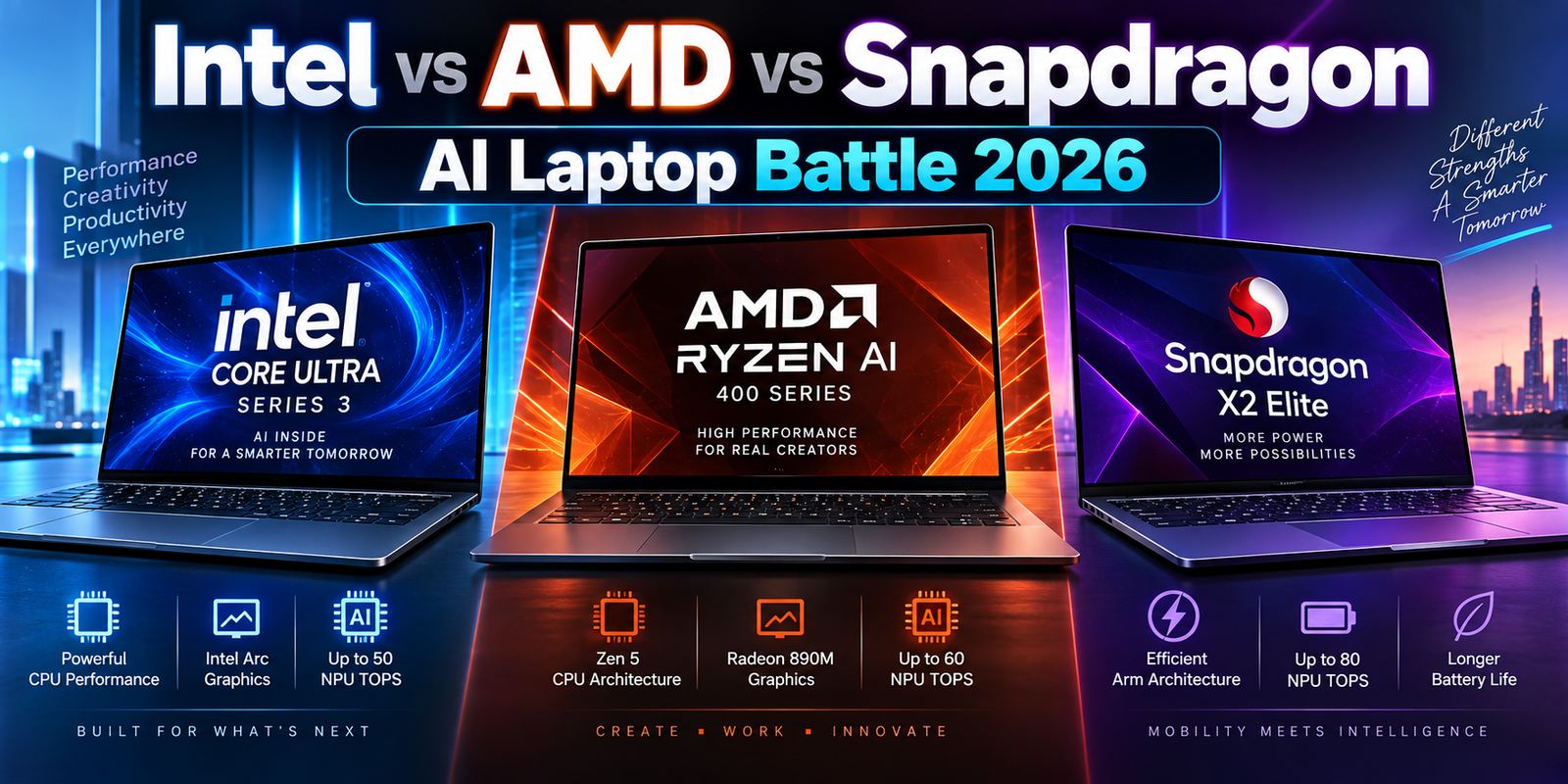
Intel’s higher-end Series 3 configurations can combine up to 16 CPU cores, powerful integrated Arc graphics and an NPU rated at up to 50 TOPS. The integrated graphics improvements are especially important because premium thin-and-light notebooks can now handle workloads that previously required a dedicated entry-level GPU.
One example is the Intel Core Ultra X9 388H. Intel lists this mobile processor with 16 cores and a maximum turbo frequency of up to 5.1GHz, paired with Intel Arc B390 graphics.
That type of configuration is particularly attractive for users who want strong graphics capability but do not want the additional weight, heat and power requirements associated with a large discrete GPU.
Integrated Graphics Are Becoming More Important
Integrated graphics used to be viewed primarily as a solution for basic office computers.
That assumption is increasingly outdated.
Powerful integrated GPUs can now handle photo editing, accelerated video processing, multiple high-resolution displays, GPU-assisted applications and even respectable gaming workloads.
A laptop with excellent integrated graphics can also offer better battery efficiency than a system that needs to activate a high-powered discrete GPU frequently.
However, dedicated graphics remain important for demanding 3D rendering, advanced video workflows, engineering software, machine learning and high-end gaming.
The decision therefore should not be based on whether a laptop has “good graphics.” Buyers need to identify the software they actually use and determine whether it benefits significantly from a dedicated GPU.
AMD Ryzen AI 400 Brings More NPU Performance to Mobile PCs
AMD’s Ryzen AI 400 family is another major platform for 2026 laptops.
The architecture combines Zen 5 CPU technology, RDNA 3.5 graphics and AMD’s XDNA 2 NPU technology. Depending on the processor, the platform offers substantial local AI capability while maintaining the efficiency needed for mobile systems.
The high-end Ryzen AI 9 HX 475, for example, is specified with 12 CPU cores and 24 threads, boost speeds of up to 5.2GHz, Radeon 890M integrated graphics and an NPU rated at up to 60 TOPS.
AMD lists the Ryzen AI 9 HX 470 with a 55-TOPS NPU, while several Ryzen AI 9, Ryzen AI 7 and Ryzen AI 5 configurations provide 50 TOPS.
These numbers make Ryzen AI laptops particularly interesting for professionals who expect more applications to move AI processing onto the device itself.
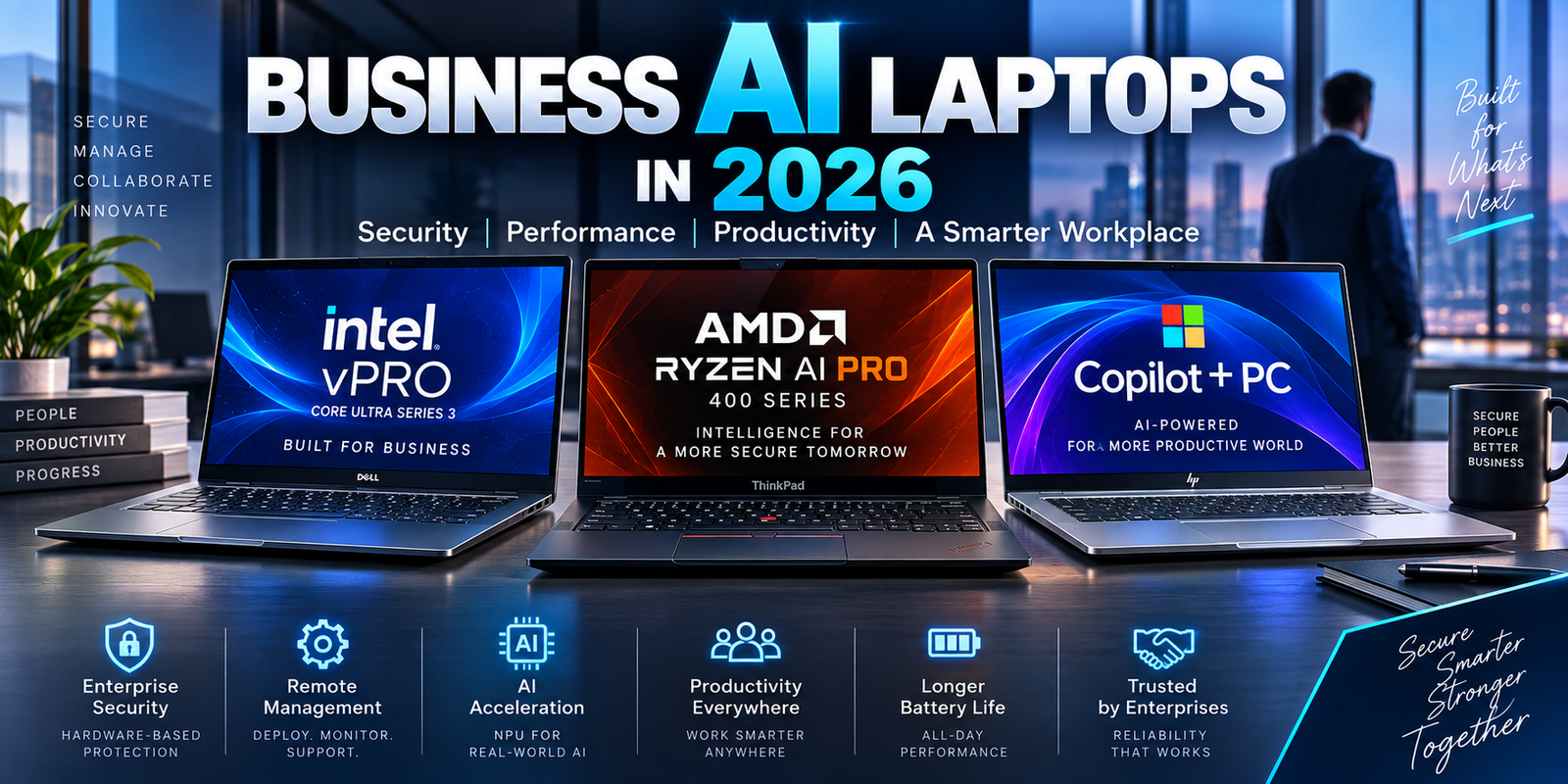
AMD also offers Ryzen AI PRO platforms targeted at commercial deployments. These systems are relevant for companies that need security, manageability and enterprise lifecycle support rather than simply consumer-level performance. AMD says its PRO platform focuses on enterprise-class security and management capabilities for large-scale AI PC deployment.
Snapdragon X2 Elite Makes Windows on Arm More Competitive
Qualcomm’s Snapdragon laptop strategy has also moved forward.
For 2026, the Snapdragon X2 Elite and X2 Elite Extreme platforms target premium Windows laptops with an emphasis on performance, AI acceleration and battery efficiency.
Qualcomm lists Snapdragon X2 Elite Extreme with an 18-core CPU capable of reaching up to 5.0GHz. The company also offers 18-core and 12-core Snapdragon X2 Elite configurations.
The attraction of Snapdragon-based laptops remains efficiency.
Arm-based Windows notebooks can be compelling for users who spend much of their day in web applications, Microsoft 365, communication platforms, cloud services and other software that runs well on the architecture.
Compatibility deserves careful attention, however.
Mainstream software support for Windows on Arm has improved substantially, but professional users should still verify their exact applications, plug-ins, hardware drivers, VPN clients, cybersecurity tools and specialist utilities before purchasing.
A laptop that provides excellent battery life is not a good investment if a business-critical application cannot run correctly.
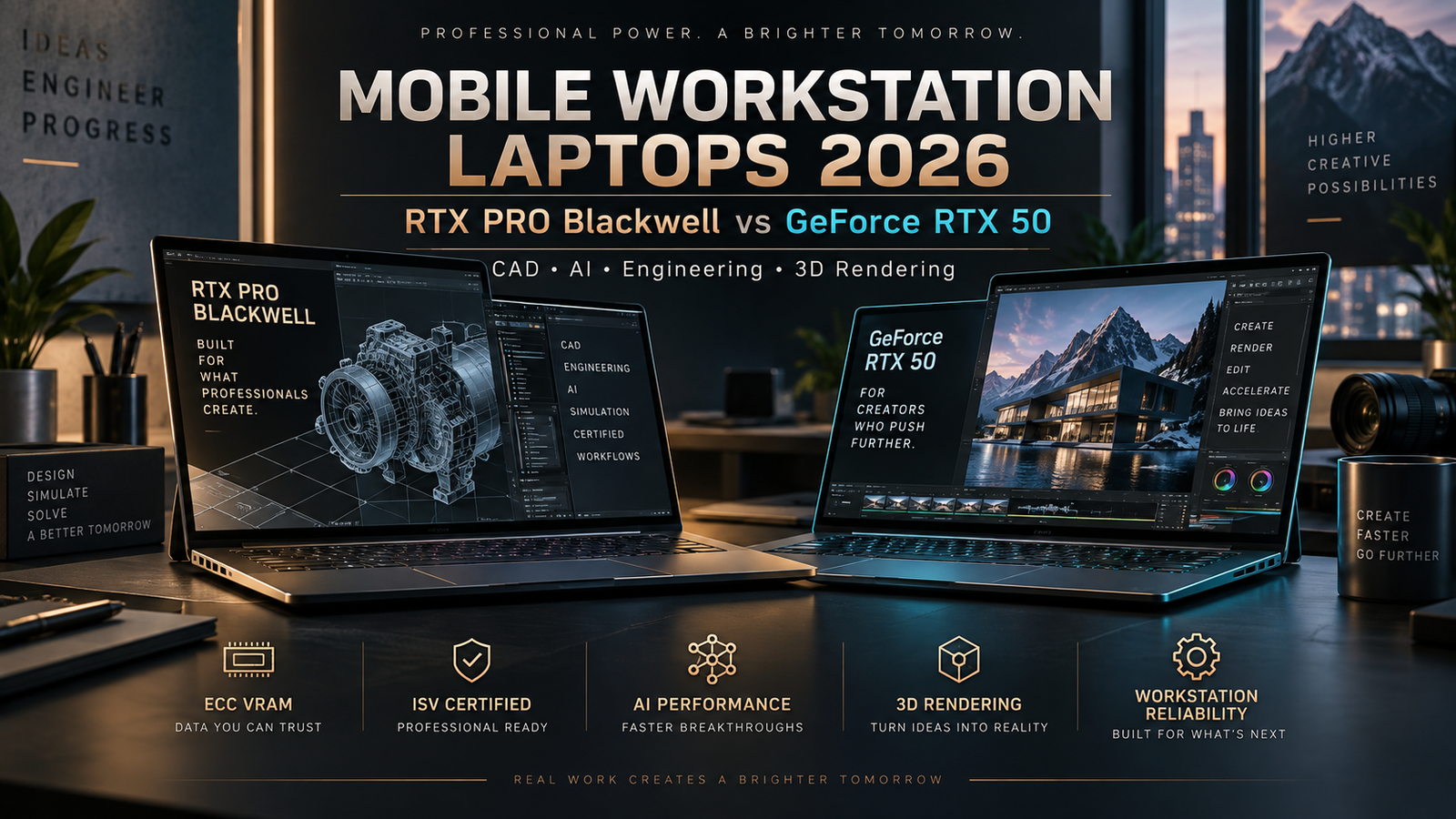
NVIDIA RTX 50-Series Laptop GPUs and the New Mobile Workstation Era
While integrated graphics continue to improve, a dedicated GPU remains essential for many advanced workloads.
NVIDIA’s RTX 50-series Laptop GPUs use the company’s Blackwell architecture and include fifth-generation Tensor Cores and fourth-generation ray-tracing cores. NVIDIA is positioning the family for gaming, AI processing and creative workflows.
The GPU range extends from mainstream RTX 50-series options to extremely powerful mobile configurations.
At the high end, NVIDIA specifies the GeForce RTX 5090 Laptop GPU with 24GB of GDDR7 memory. The RTX 5080 Laptop GPU provides 16GB, the RTX 5070 Ti provides 12GB, while RTX 5070 and RTX 5060 laptop configurations provide 8GB in NVIDIA’s published specifications.
VRAM is particularly important for professional users.
A GPU can have enormous computational capability yet become limited when a complex project exceeds available graphics memory. High-resolution video timelines, large 3D scenes, AI models, architectural visualization and GPU rendering can all consume significant VRAM.
This is one reason an expensive RTX 5090 laptop may make sense for certain professional workloads but be unnecessary for a typical business user.
2026 Laptop Platform Comparison
| Platform | Main Strength | AI Capability | Best Suited For | Important Consideration |
|---|---|---|---|---|
| Intel Core Ultra Series 3 | Strong CPU, improved efficiency and powerful integrated graphics | Up to around 50 NPU TOPS on leading configurations | Business, developers, premium productivity, creators | Performance varies significantly by processor and laptop cooling |
| AMD Ryzen AI 400 | Strong multi-core performance and powerful integrated Radeon graphics | Up to 60 NPU TOPS on selected chips | Creators, developers, business and local AI workloads | Check exact Ryzen AI model and integrated GPU configuration |
| Snapdragon X2 Elite | Efficiency and premium Windows-on-Arm performance | Strong dedicated AI acceleration | Mobile professionals, cloud workflows, long-duration productivity | Verify software and peripheral compatibility |
| NVIDIA RTX 50 Laptop GPU | Dedicated GPU and CUDA/AI/creative acceleration | High GPU AI performance through Tensor Cores | 3D artists, engineers, video editors, AI developers and gamers | Higher power consumption, heat and cost |
| Copilot+ PC class | Windows AI integration | Minimum 40+ TOPS NPU requirement | Users wanting Microsoft’s advanced local AI features | Not every Windows laptop qualifies |
Performance specifications should always be evaluated at the complete-laptop level rather than only by processor name. Cooling design, manufacturer power limits, memory configuration and firmware can cause two laptops using similar hardware to behave very differently.
NPU TOPS Should Not Be the Only Number You Compare
One of the most common mistakes when comparing modern laptops is looking at a single TOPS figure and assuming the higher number automatically indicates the faster computer.
TOPS stands for trillions of operations per second. It can provide useful information about theoretical AI acceleration, but it is not a universal measure of total laptop performance.
CPU architecture matters.
GPU performance matters.
Memory bandwidth matters.
Software optimization matters.
The AI model itself matters.
Even the type and precision of mathematical operations being performed can affect the meaning of a TOPS figure.
This means a 60-TOPS NPU should not automatically be viewed as 50 percent faster in real applications than a 40-TOPS NPU.
For an advanced buyer, the better question is whether the applications being used can actually take advantage of the NPU.
32GB of RAM Is Becoming the Practical Premium Standard
Memory requirements are also changing.
For basic productivity, 16GB remains workable and is the minimum memory level associated with Copilot+ PCs. However, professionals purchasing an expensive laptop for several years of use should think carefully before choosing a system with non-upgradable 16GB memory.
Modern browsers can consume substantial memory with many active tabs. Development tools, virtual machines, Adobe applications, local databases, collaboration apps and AI software can quickly push memory use above the comfortable range for 16GB systems.
For advanced professional workloads, 32GB is increasingly the sensible starting point.
Developers working with containers or virtual machines may benefit from 64GB.
Video professionals, engineers, data scientists and users working with unusually large datasets may require 64GB or 128GB depending on their software.
The important factor is upgradeability.
Many ultra-thin laptops use soldered memory. If the laptop is purchased with 16GB today, it may remain a 16GB system permanently.
A slightly more expensive 32GB configuration can therefore provide better long-term value.
SSD Performance Is About More Than Capacity
Storage specifications are often simplified to 512GB, 1TB or 2TB.
Capacity matters, but professional buyers should also evaluate the SSD interface, sustained performance, thermal behavior and whether the drive can be replaced.
A high-speed NVMe SSD can improve project loading, file transfers, software installation, cache operations and large media workflows.
However, headline sequential read speeds do not always represent real-world performance.
Some SSDs slow significantly once their fast cache is exhausted. Others may reduce speed when temperatures rise during sustained workloads.
For video editing and large-data workflows, sustained performance can matter more than a spectacular benchmark result measured over a short period.
A replaceable M.2 SSD also provides flexibility.
If a 1TB drive becomes inadequate two years later, the user may be able to install a larger SSD rather than replace the entire laptop.
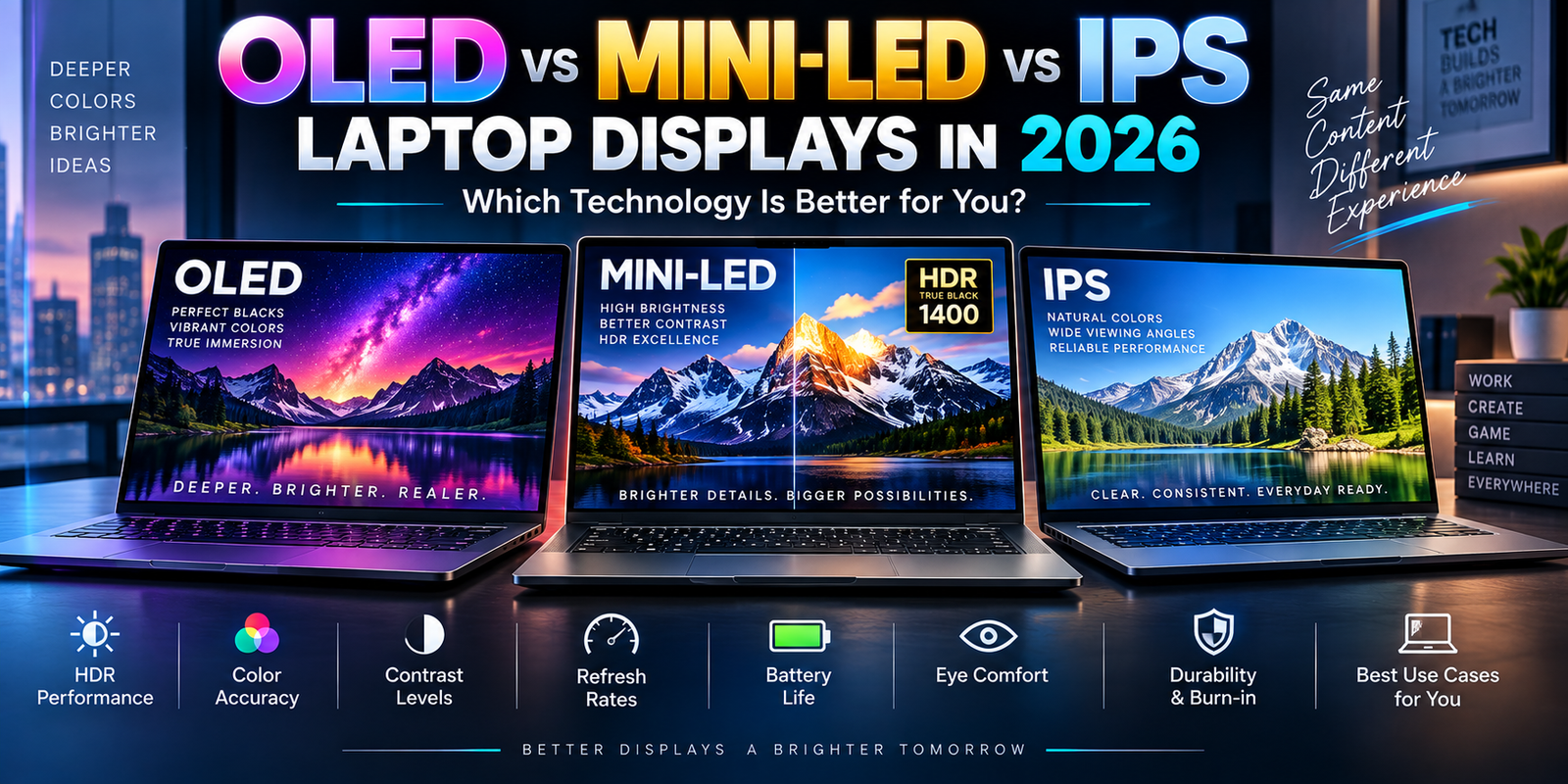
OLED Displays Are Excellent, but Professionals Need More Than OLED
OLED displays have become common in premium laptops because they provide deep blacks, excellent contrast and impressive visual quality.
For entertainment and creative work, the result can be outstanding.
But the word OLED alone does not tell buyers whether the screen is suitable for professional work.
Resolution, brightness, color gamut, factory calibration, refresh rate, PWM behavior, anti-reflection treatment and HDR performance can all matter.
A photographer should care about accurate color representation.
A programmer may prioritize text clarity, battery efficiency and comfortable brightness.
A competitive gamer may care more about refresh rate and response time.
An office professional working near windows may value brightness and anti-glare performance more than perfect black levels.
Display quality should therefore be selected around the workload instead of marketing terminology.
Thunderbolt, USB4 and Docking Can Determine Business Value
Connectivity is easy to overlook when comparing processor specifications, yet poor port selection can turn an expensive laptop into an inconvenient workstation.
Professional buyers should determine whether the laptop supports the monitors, docks, high-speed storage devices, network adapters and other accessories they already own.
Modern USB-C ports can look identical while supporting very different capabilities.
One port might provide basic USB data.
Another might support charging and DisplayPort.
Another could support high-speed USB4 or Thunderbolt connectivity.
For users with multiple external displays, fast external SSDs or workstation docks, confirming the exact port specification is essential.
A premium laptop used primarily at a desk can become much more productive when one cable connects power, networking, monitors and peripherals.
That also makes docking compatibility an important consideration when companies are buying dozens or hundreds of machines.
Wi-Fi 7 Is Useful, but the Entire Network Must Support It
Premium 2026 laptops increasingly offer Wi-Fi 7.
The technology can provide higher throughput, lower latency and improved wireless efficiency under suitable conditions.
However, purchasing a Wi-Fi 7 laptop does not automatically improve internet speed.
The router, wireless environment, internet connection and client configuration all affect the result.
A Wi-Fi 7 laptop connected to an older Wi-Fi router will operate according to the capabilities available on that network.
Businesses planning a laptop refresh should therefore consider wireless infrastructure and computers together rather than purchasing premium networking hardware that employees cannot fully use.
Enterprise Security Is Becoming a Major Laptop Buying Factor
Security is increasingly part of the laptop specification itself.
A modern business laptop may include TPM-based protection, biometric authentication, secure boot capabilities, firmware protection and hardware-assisted security features.
Microsoft says Copilot+ PCs designed for business support security features including Secured-core PC protection and Microsoft Pluton on supported platforms.
For organizations, the operating system edition also matters.
A consumer laptop with impressive processor specifications may not provide the same management options, support lifecycle or deployment capabilities as a proper business model.
Companies commonly need integration with endpoint management, identity platforms, encryption policies, VPN software, security monitoring and remote administration.
That is why comparing a $1,300 consumer laptop with a $1,700 enterprise system only by CPU and RAM can be misleading.
The more expensive computer may include services and management capabilities that reduce support costs over several years.
Total Cost of Ownership Matters More Than the Retail Price
Professional laptop buyers should consider total cost of ownership rather than purchase price alone.
Imagine two laptops.
One costs less initially but has soldered low-capacity memory, limited ports, a small SSD and a standard one-year warranty.
Another costs more but includes 32GB of memory, larger storage, better docking support, stronger construction and a multi-year business support plan.
The cheaper laptop may look better in a price comparison.
But if it requires additional adapters, storage upgrades, repairs or early replacement, its real cost can be higher.
For a company, downtime has its own cost.
An employee unable to work because a laptop is being repaired can cost far more than the price difference between two computer models.
This is why business laptop warranty, accidental damage protection, onsite repair options and enterprise support services deserve attention when evaluating a purchase.
Battery Capacity Alone Does Not Predict Battery Life
Another misleading specification is watt-hour capacity.
A larger battery can help, but battery life depends heavily on processor efficiency, display type, screen brightness, refresh rate, software activity, wireless usage and power-management tuning.
Two laptops containing similar-size batteries may produce dramatically different runtimes.
Dedicated GPUs further complicate the comparison.
A powerful creator laptop may achieve respectable battery life during light web browsing because the dedicated GPU is inactive. Once rendering, gaming or GPU computing begins, power consumption can increase dramatically.
Manufacturer battery claims should therefore be treated as reference points rather than guarantees.
Independent testing using workloads similar to your own provides more useful information.
Cooling Determines How Much Performance You Actually Receive
One of the most advanced but overlooked laptop specifications is the cooling system.
A processor may technically support high boost frequencies, but those speeds cannot be maintained indefinitely if the laptop cannot remove enough heat.
Thin laptops have limited physical space for heat pipes, vapor chambers, fans and exhaust systems.
Manufacturers therefore balance temperature, fan noise, chassis thickness and sustained performance differently.
This can create major differences between laptops equipped with similar processors.
For short workloads, both may feel equally fast.
During a 30-minute video export, code compilation, 3D render or simulation, the better-cooled laptop may maintain substantially higher performance.
This is particularly important with high-powered RTX laptop GPUs.
GPU model names should never be evaluated in isolation because laptop manufacturers can configure power limits differently.
When an RTX 5090 Laptop Actually Makes Sense
The RTX 5090 Laptop GPU is an extraordinary piece of mobile hardware, but most buyers do not need it.
Its strongest use cases involve workloads that can directly benefit from its large GPU resources and 24GB GDDR7 memory configuration.
Professional 3D work is one example.
Advanced video production is another.
Large AI workloads, GPU-based rendering and certain scientific applications may also benefit.
For someone primarily using Microsoft Office, browser-based applications, accounting software and video meetings, investing heavily in an RTX 5090 laptop is unlikely to provide proportional productivity gains.
A premium integrated GPU or mid-range dedicated GPU may produce a better overall laptop by reducing weight, noise, heat and cost.
Local AI Versus Cloud AI Should Influence Your Purchase
AI applications can operate locally, in the cloud or through a combination of both.
Cloud AI provides access to extremely powerful remote infrastructure without requiring the laptop itself to contain massive computing resources.
Local AI offers different advantages.
Data can remain on the device.
Latency can be lower.
Some features can continue working without a reliable internet connection.
Repeated local workloads may also avoid transferring large amounts of information to cloud services.
Microsoft describes Copilot+ PCs as supporting hybrid AI experiences in which workloads can be distributed between cloud resources and the PC’s local NPU.
Professionals dealing with confidential information should still examine the privacy and security architecture of each application. Having an NPU does not guarantee that every AI feature runs locally.
The software provider determines where processing takes place.
Should You Buy a Laptop Now or Wait for Another Generation?
There is always another laptop generation coming.
Waiting indefinitely for the next CPU, GPU or display technology usually does not make sense when the current computer is limiting productivity.
The better strategy is to purchase when a system meets your workload requirements at a reasonable price.
The 2026 market already includes mature choices across Intel, AMD, Qualcomm and NVIDIA platforms.
Buyers should focus on real requirements rather than chasing the newest product announcement.
A discounted premium laptop with 32GB of RAM, a high-quality display and the correct ports may be a better investment than a newer model with a marginally faster processor but weaker overall configuration.
How Professionals Should Evaluate a 2026 Laptop
The most useful way to compare modern laptops is to work backward from the software.
Start with your most demanding applications and determine what hardware accelerates them.
For development work, CPU performance, memory capacity, Linux or virtualization compatibility and battery life may dominate the decision.
For video production, GPU acceleration, VRAM, display accuracy, fast storage and media engines become more important.
For enterprise deployments, security, manageability, warranty coverage, repairability and standardization may matter more than maximum benchmark performance.
For local AI development, memory capacity, NPU support, GPU capability and compatibility with the required frameworks should all be examined.
The best laptop on a benchmark chart is not automatically the best laptop for a particular professional workflow.
The 2026 Laptop Specifications That Offer the Best Long-Term Value
For premium buyers expecting to keep a computer for several years, balance is more valuable than maximizing a single specification.
A strong 2026 configuration will generally combine a modern Intel Core Ultra, AMD Ryzen AI or Snapdragon platform with sufficient memory, fast NVMe storage and a high-quality display.
Users performing GPU-heavy work should add the NVIDIA GPU tier that matches their actual software needs.
32GB of memory is increasingly attractive for premium systems because applications are becoming more demanding and many modern laptops cannot be upgraded after purchase.
A 1TB SSD provides a comfortable starting point for professional use, although media creators may need considerably more.
A capable NPU provides better preparation for future on-device AI workloads.
Reliable USB-C, USB4 or Thunderbolt connectivity can extend the useful life of the laptop through docking stations, external storage and multiple monitors.
Most importantly, buyers should research the complete laptop rather than purchasing based on the processor sticker.
Final Thoughts
The most important laptop trend of 2026 is not simply faster processors. It is specialization.
CPUs, GPUs and NPUs are increasingly working together to handle different types of computing more efficiently.
Intel Core Ultra Series 3 brings major improvements in mobile CPU, graphics and AI processing. AMD Ryzen AI 400 expands powerful NPU-enabled Windows systems. Snapdragon X2 Elite continues the push toward efficient premium Arm laptops, while NVIDIA’s RTX 50-series Laptop GPUs provide enormous acceleration for creators, developers, engineers and gamers who genuinely need dedicated GPU performance.
But hardware specifications still need context.
A 60-TOPS NPU is valuable only when software uses it. An RTX 5090 is valuable when applications require that level of GPU power. An OLED screen is valuable when its characteristics match the user’s work. Wi-Fi 7 is valuable when the network can take advantage of it.
For most advanced buyers, the smartest laptop purchase in 2026 is therefore not the model with the largest numbers.
It is the laptop that delivers the right combination of performance, efficiency, memory, storage, graphics, connectivity, security, display quality, repair options and warranty support for the workload it will actually perform.
That approach can result in a computer that feels fast not just on the day it is purchased, but throughout several years of professional use.