Business AI Laptops in 2026: Advanced Security, Intel vPro, Ryzen AI PRO and Copilot+ PC Buying Guide
Business laptops in 2026 are becoming far more sophisticated than traditional office computers. Companies are no longer choosing devices only by comparing processor speed, RAM capacity and storage. Modern enterprise laptops combine artificial intelligence acceleration, hardware-backed security, remote management, biometric authentication, advanced connectivity and increasingly powerful processors designed to support local AI workloads.
This shift is creating a new category of business AI laptops.
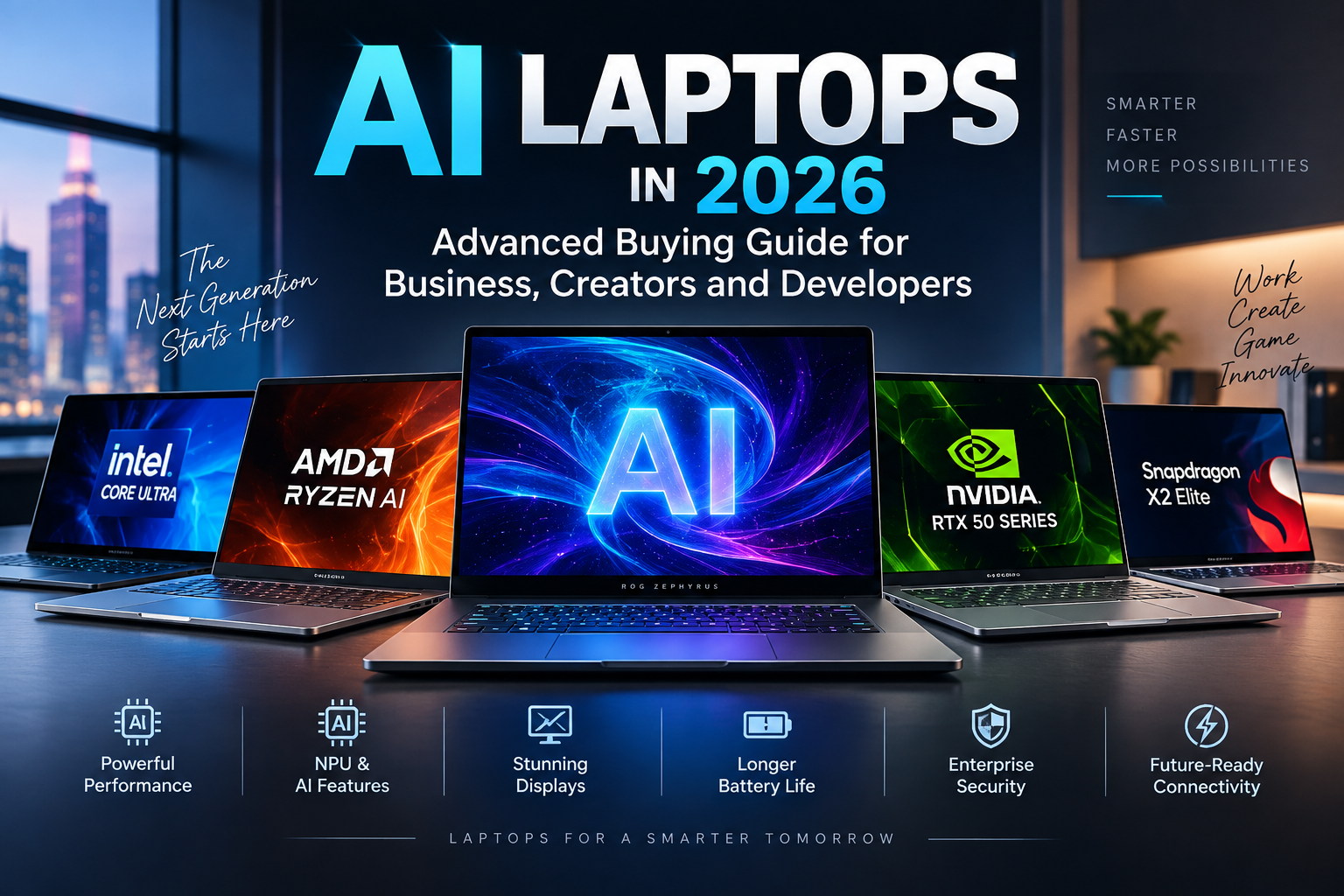
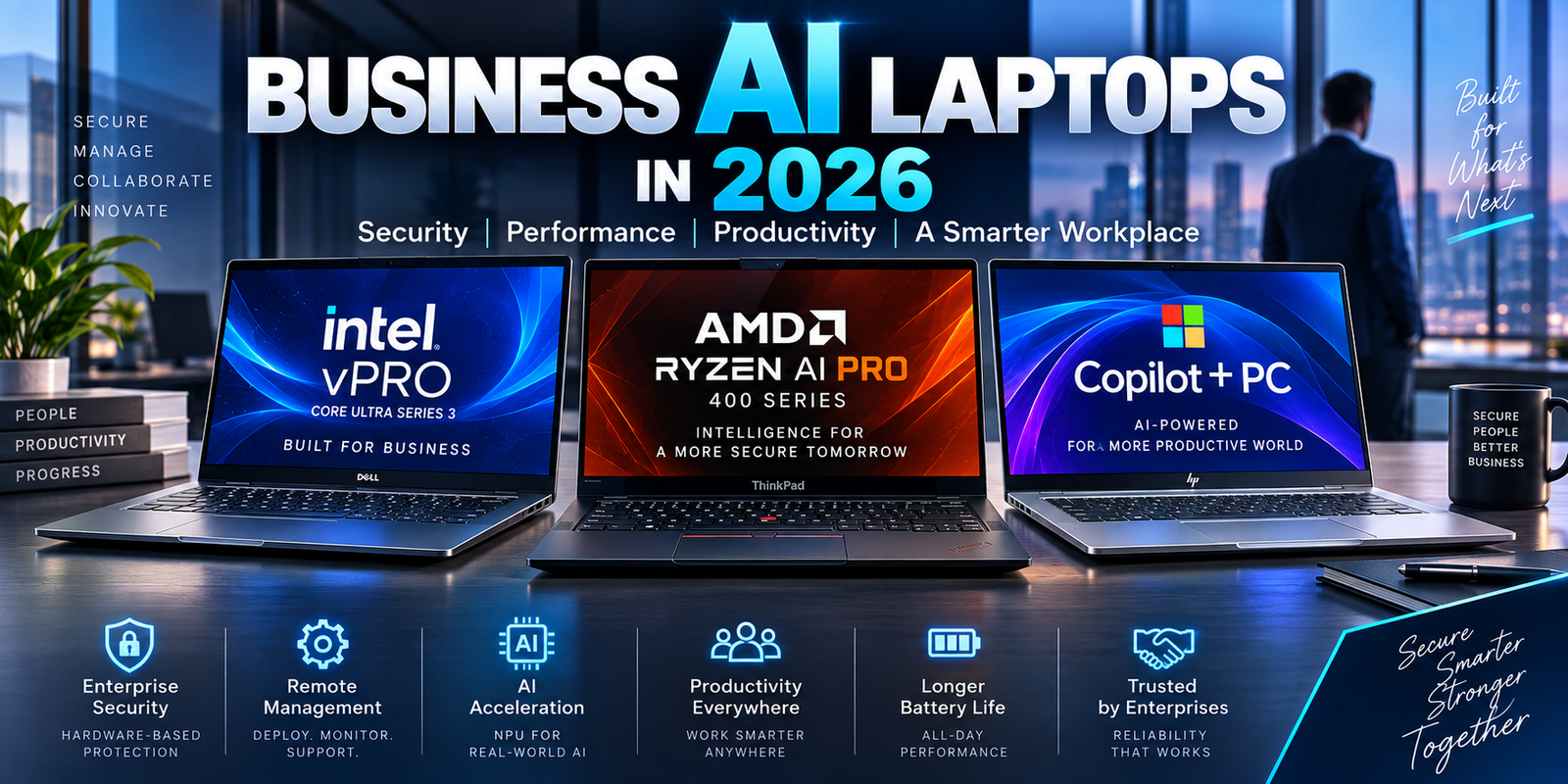
Intel Core Ultra Series 3 with Intel vPro is targeting commercial PCs with integrated AI acceleration and enterprise management capabilities. AMD Ryzen AI PRO 400 processors combine CPU, GPU and NPU resources with AMD PRO security and manageability technologies. Microsoft is also positioning Copilot+ PCs as a business-ready class of Windows computers with powerful NPUs and enhanced security technologies such as Secured-core PC protection and Microsoft Pluton.
For companies planning a laptop refresh in 2026, these technologies can influence security, productivity, IT support costs and the useful lifespan of each device.
The important question is no longer simply, “Which processor is faster?”
Organizations now need to ask whether a laptop can be securely deployed, centrally managed, remotely repaired, protected against firmware-level attacks and integrated into an existing enterprise environment.
This advanced guide explains the most important technologies behind business AI laptops in 2026 and how professionals should evaluate them before purchasing premium hardware.
Why Business Laptop Buying Has Changed in 2026
The typical corporate laptop workload is becoming more complex.
Employees may simultaneously use video conferencing software, multiple browser applications, Microsoft 365, cloud platforms, virtual private networks, endpoint security software, collaboration tools and AI-assisted applications.
Many organizations are also exploring local AI processing.
Instead of sending every AI request to a cloud server, certain tasks can be processed directly on the laptop using a neural processing unit, or NPU.
This can potentially reduce latency, lower cloud processing requirements and allow some AI features to operate even when internet connectivity is limited.
However, AI performance is only one part of the enterprise equation.
A business laptop may stay in service for three, four or even five years.
During that time, IT departments need to deploy operating-system updates, security policies, endpoint software and application changes.
They may also need to diagnose laptops located hundreds or thousands of miles from an office.
As a result, management technology can be as important as raw processor performance.
What Makes a Laptop an Enterprise AI PC?
An enterprise AI laptop typically combines several characteristics.
It needs a modern processor capable of handling conventional business workloads efficiently.
It usually includes a dedicated NPU for local AI acceleration.
It should support business-focused security technologies.
The operating system should provide enterprise management capabilities.
Manufacturers may also provide longer support lifecycles, more predictable hardware configurations and stronger warranty services than those available with ordinary consumer laptops.
Microsoft’s Copilot+ PC platform provides one reference point.
Microsoft currently requires Copilot+ PCs to contain an NPU capable of more than 40 trillion operations per second. Business Copilot+ systems can also include technologies such as Secured-core PC protection and Microsoft Pluton.
That does not mean every enterprise laptop needs to be a Copilot+ PC.
It means that dedicated AI hardware is increasingly becoming part of the standard premium Windows laptop specification.
Intel Core Ultra Series 3 With vPro for Business
Intel expanded its commercial PC portfolio in March 2026 with Intel Core Ultra Series 3 processors combined with Intel vPro.
The processors are built on Intel’s 18A manufacturing process and are designed for commercial laptops ranging from mainstream productivity systems to high-performance professional machines. Intel said its 2026 commercial portfolio was expected to power more than 125 designs across enterprise, education, government and small-business markets.
The important component for enterprise buyers is Intel vPro.
vPro is not simply another processor brand.
It is a commercial platform built around security, manageability, stability and professional deployment.
For an individual buying one laptop, some of these features may provide limited value.
For an organization responsible for thousands of laptops, they can become extremely important.
Why Intel vPro Matters to IT Departments
One of the challenges facing enterprise IT teams is supporting computers that are no longer physically located inside an office.
Hybrid and remote employees may work from another city or another country.
Traditional troubleshooting sometimes assumes that Windows is running correctly.
But what happens when the operating system itself fails?
Commercial management technologies can provide administrators with deeper access to supported systems.
Intel emphasizes remote manageability as one of the central capabilities of the vPro platform.
Depending on the device and configuration, organizations can use supported management infrastructure to diagnose and remediate problems without requiring an employee to bring the computer to an IT desk.
This can reduce downtime.
It can also reduce support costs when a company operates a large distributed workforce.
Intel’s AI PC Strategy Extends Beyond the NPU
Modern Intel business AI laptops divide workloads across the CPU, GPU and NPU.
The NPU is designed for efficient AI acceleration.
The integrated Intel Arc GPU can handle graphics and parallel workloads.
The CPU remains responsible for general application performance.
Intel says its current commercial AI PC ecosystem includes hundreds of independent software vendors and hundreds of AI-accelerated features.
For business buyers, this matters because AI hardware is only useful when applications support it.
An impressive NPU specification provides little practical benefit if an organization’s software never uses the NPU.
IT departments should therefore evaluate AI applications alongside hardware.
AMD Ryzen AI PRO 400 Targets Enterprise AI Deployment
AMD is competing aggressively for the enterprise laptop market with Ryzen AI PRO 400 processors.
These chips combine Zen-based CPU technology, Radeon integrated graphics and an XDNA-based NPU with AMD PRO business features.
In March 2026, manufacturers including Dell, HP and Lenovo announced professional laptops using Ryzen AI PRO 400 processors. AMD also expanded the platform into mobile workstation designs aimed at engineering, technical and creative workloads.
AMD PRO is particularly important for enterprise customers because it adds security, manageability and lifecycle features intended for managed PC fleets.
AMD PRO and Remote Fleet Management
Enterprise management becomes increasingly difficult as organizations become more distributed.
IT teams may be responsible for devices running different applications in different locations and connected through different networks.
AMD says Ryzen AI PRO 400 supports standards-based out-of-band management across wired and wireless environments.
Out-of-band management can allow administrators to perform certain maintenance functions even when normal operating-system management is unavailable.
That can be valuable when a computer cannot boot normally or requires deeper troubleshooting.
AMD also says the platform supports zero-touch onboarding, remote troubleshooting and device retirement processes, including data sanitization workflows.
These capabilities demonstrate why enterprise processor platforms should not be judged only through benchmark charts.
The management infrastructure around the processor can affect the total cost of supporting thousands of devices.
Business AI Laptop Platform Comparison
| Feature | Intel Core Ultra Series 3 with vPro | AMD Ryzen AI PRO 400 | Copilot+ PC Platform |
|---|---|---|---|
| Primary Purpose | Enterprise performance, AI, security and management | Enterprise AI performance, security and fleet management | Windows AI experiences and advanced hardware-backed security |
| Local AI Hardware | Dedicated Intel NPU | Dedicated AMD XDNA NPU | Requires an NPU above 40 TOPS |
| Commercial Management | Intel vPro platform | AMD PRO manageability | Managed through existing Windows business tools |
| Security Focus | Hardware-assisted platform security | AMD PRO security technologies | Secured-core protection and Microsoft Pluton on supported PCs |
| Best Fit | Large businesses, managed fleets, professional laptops | Enterprise fleets, workstations and commercial notebooks | Organizations adopting modern Windows AI workflows |
| Key Buying Consideration | Verify exact vPro capabilities and configuration | Verify exact PRO processor and OEM implementation | Verify application support and corporate AI policies |
The technologies shown above often overlap. A Copilot+ PC can also use an Intel or AMD commercial processor, so these categories should not be treated as mutually exclusive.
Microsoft Pluton Changes the Security Architecture
Microsoft Pluton is one of the more important hardware security developments in modern Windows laptops.
Pluton is a security processor integrated into the CPU architecture of supported systems.
Microsoft says it provides a hardware-based root of trust and is designed to protect credentials and sensitive information. Pluton can also receive security updates through Windows Update.
This design is significant because traditional security hardware has often existed as a separate component.
Integrating more security functionality directly into the processor can potentially make certain attacks more difficult.
For businesses, however, the technical architecture is only one part of the decision.
Organizations should confirm compatibility with their security products, compliance requirements and deployment policies before standardizing on any hardware security platform.
TPM 2.0 Is Still an Important Foundation
The introduction of newer security technologies does not make TPM 2.0 irrelevant.
The Trusted Platform Module continues to play an important role in Windows security.
Windows 11 Pro uses hardware-backed protections including TPM 2.0, Trusted Boot and virtualization-based security. Microsoft also integrates encryption and malware protection into its business security stack.
A TPM can securely store cryptographic information and help protect encryption keys.
For organizations using BitLocker device encryption, this can become part of the overall system used to protect business information if a laptop is lost or stolen.
The threat of physical laptop loss is particularly relevant for mobile workforces.
An employee may work from airports, hotels, shared offices or client locations.
The laptop therefore needs protection not only against internet-based attacks but also against physical theft.
Secured-Core PCs Are Designed for Higher-Risk Environments
Some employees handle significantly more sensitive information than others.
A marketing employee and a government security analyst may not require identical hardware protections.
Microsoft’s Secured-core PC category is designed for users who face higher security requirements.
Microsoft says Secured-core PCs enable advanced Windows security protections and are appropriate for users who handle information such as intellectual property, financial records or classified data.
The important principle is risk-based procurement.
Organizations do not necessarily need to give every employee the most expensive and heavily protected workstation available.
Instead, they can establish hardware tiers based on user roles.
Executives, finance employees, developers with source-code access and employees handling confidential customer information may justify stronger security configurations.
Windows Hello for Business and Passwordless Authentication
Passwords remain one of the most common security weaknesses in organizations.
Employees can reuse passwords.
Passwords can be stolen through phishing.
Attackers can sometimes obtain credentials from breached services.
Modern business laptops increasingly use biometric hardware and Windows Hello for Business to reduce dependence on traditional passwords.
Fingerprint readers and infrared cameras can provide convenient authentication while integrating with enterprise identity policies.
Microsoft also provides Enhanced Sign-in Security on qualifying Copilot+ PCs.
Biometric hardware should not simply be evaluated as a convenience feature.
For companies implementing stronger identity controls, it can become part of a broader zero-trust architecture.
Why Zero Trust Is Relevant to Laptop Hardware
Traditional corporate security models often assumed that devices located inside the company network could be trusted more than devices outside it.
Remote work has weakened that assumption.
Employees may access business systems from home networks, hotels, airports and mobile hotspots.
Zero-trust security approaches assume that access should be verified continuously rather than automatically trusted because a device appears to be inside a particular network.
Hardware-backed identity and security features can support this model.
Microsoft specifically positions Pluton as supporting zero-trust workflows on many current Windows 11 systems.
However, purchasing secure hardware does not automatically create a zero-trust environment.
Organizations still need identity policies, access management, endpoint security, network controls and appropriate employee training.
Windows 11 Pro vs Consumer Windows Editions
A laptop advertised with impressive AI specifications may still not be appropriate for business deployment if it includes a consumer-oriented operating-system edition.
Windows 11 Pro provides features designed for professional and organizational use.
Companies may require BitLocker, domain or identity integration, remote management capabilities and business security policies.
The exact edition required depends on the size and technology environment of the company.
Larger organizations may use Windows Enterprise licensing and management tools across thousands of endpoints.
Small businesses may find Windows 11 Pro sufficient.
The key is to treat the operating system as part of the laptop specification.
A processor comparison that ignores the operating-system edition can therefore be misleading for corporate purchasing.
Local AI Can Reduce Dependence on Cloud Processing
One of the reasons companies are interested in AI PCs is the ability to process certain workloads locally.
Cloud AI remains extremely powerful and will continue to handle many demanding workloads.
But local processing offers several potential advantages.
Latency can be lower because information does not always need to travel to a remote data center.
Some functions can continue without an internet connection.
Organizations may also have use cases where keeping certain data on the device is desirable.
Microsoft describes Copilot+ PCs as supporting hybrid AI workflows in which workloads can be distributed between local NPU resources and cloud services.
AMD similarly highlights local AI models as a use case for Ryzen AI PRO systems.
This does not mean every AI application processes information locally.
Companies still need to investigate where specific applications send data.
AI Privacy Policies Should Be Part of Laptop Procurement
The existence of an NPU does not guarantee privacy.
An AI application may still upload information to cloud infrastructure.
Organizations therefore need to consider software policies alongside hardware.
IT and security teams should ask several questions.
Which AI features operate locally?
Which AI features require cloud processing?
What business data is transmitted?
How long is information stored?
Can administrators disable features that conflict with corporate policy?
Can specific AI applications be centrally controlled?
These questions are especially important in legal services, healthcare, financial services, government and industries handling confidential intellectual property.
The most advanced laptop available is not useful if its software configuration creates unacceptable compliance risk.
RAM Is Critical for Enterprise Laptop Longevity
Processor performance receives most of the marketing attention, but system memory can determine how long a business laptop remains productive.
Sixteen gigabytes is still common.
However, companies planning to keep premium laptops for several years should carefully consider 32GB configurations.
Modern business workloads can include dozens of browser tabs, Teams or other collaboration software, enterprise security tools, large spreadsheets, cloud applications and local AI features.
Developers may add containers, virtual machines and integrated development environments.
Creative professionals may use applications that consume significantly more memory.
For many premium enterprise laptops, 32GB provides useful long-term headroom.
The issue becomes more important when memory is soldered.
Many thin business laptops cannot be upgraded after purchase.
Saving money by ordering 16GB today may create a much more expensive replacement decision later.
1TB SSDs Are Increasingly Practical for Professional Systems
Storage should also be evaluated over the entire device lifecycle.
A 256GB SSD may technically satisfy basic requirements, but it can quickly become restrictive in a professional environment.
Operating-system updates consume storage.
Enterprise applications consume storage.
Offline cloud files can consume storage.
Developers may store large repositories, virtual machines and container images.
Content creators may require hundreds of gigabytes for individual projects.
For premium corporate laptops expected to remain in service for several years, 1TB can be a more comfortable starting point.
Whether that capacity is necessary depends on the employee’s role.
Organizations can create different laptop tiers instead of giving every employee an identical storage configuration.
Wi-Fi 7 Can Matter in Modern Offices
Network performance is another component of business laptop productivity.
Premium 2026 laptops increasingly support Wi-Fi 7.
The technology can provide increased throughput, lower latency and more efficient use of wireless spectrum when the surrounding network infrastructure supports it.
However, Wi-Fi 7 should be evaluated as part of the entire corporate network.
Installing Wi-Fi 7 laptops does not automatically produce Wi-Fi 7 performance if the office access points still use an older standard.
Large businesses planning both laptop and network refresh cycles may therefore benefit from coordinating the two investments.
Remote employees are different.
A worker using a basic residential router may receive little immediate benefit from the newest wireless hardware.
USB4 and Thunderbolt Matter for Business Docking
Many professionals use a laptop as both a mobile device and a desktop workstation.
At the office, they connect it to external displays, Ethernet, keyboards, storage and other accessories.
One high-speed USB-C or Thunderbolt connection can potentially link all of these devices through a dock.
This makes port specifications important in corporate purchasing.
Two laptops may both have USB-C ports but support different capabilities.
IT departments should confirm display support, charging requirements, docking compatibility and network connectivity before choosing a standard laptop.
A successful corporate deployment needs predictable accessory compatibility.
Replacing hundreds of docking stations because a new laptop fleet is incompatible can significantly increase the cost of a hardware refresh.
Warranty Coverage Can Be More Valuable Than a Small Benchmark Difference
Consumer laptop reviews frequently focus on performance.
Business purchasing should also focus on downtime.
If an employee cannot work for two days because a laptop needs repair, the lost productivity may be worth considerably more than the original difference between two hardware configurations.
Business laptop manufacturers often provide extended warranty options.
Some offer onsite repair.
Others offer accidental-damage protection or prioritized support.
Organizations should calculate these services as part of the total cost of ownership.
A $1,500 laptop with excellent support may ultimately cost less than a $1,300 laptop that creates more downtime and requires shipping to a repair center.
Repairability and Replaceable Components Still Matter
Ultra-thin laptop designs can improve portability, but they can also reduce repairability.
Memory may be soldered.
Storage may be difficult to access.
Batteries may require significant disassembly.
For a consumer replacing a laptop every two years, these issues may have limited financial impact.
For an organization maintaining thousands of systems, they can become expensive.
Before selecting a device fleet, IT teams may want to investigate battery replacement, SSD access, spare-part availability and manufacturer repair documentation.
Laptop longevity is part of sustainability as well as finance.
A device that can remain useful for an additional year reduces both replacement spending and electronic waste.
Total Cost of Ownership Is More Important Than Purchase Price
A business laptop does not stop costing money after the purchase order is approved.
Its real cost includes deployment, software licensing, accessories, security management, support, repairs, energy use and eventually replacement.
This is known as total cost of ownership.
Consider two laptops.
Laptop A costs $1,200.
Laptop B costs $1,450.
Laptop A appears cheaper.
But Laptop B may include 32GB of RAM instead of 16GB, a larger SSD, three years of onsite support and stronger remote-management capabilities.
If Laptop A requires a memory-driven early replacement, additional warranty spending and more IT support, the initial saving can disappear.
Large enterprises therefore need to calculate cost over the complete lifecycle.
Business Laptop Specifications for Different Employee Types
| Employee Type | Suggested RAM | Suggested Storage | GPU Requirement | Key Priority |
|---|---|---|---|---|
| General Office User | 16–32GB | 512GB–1TB | Integrated | Battery, security, reliability |
| Executive | 32GB | 1TB | Integrated | Portability, privacy, premium support |
| Software Developer | 32–64GB | 1–2TB | Integrated or dedicated | CPU, memory, virtualization |
| Finance Professional | 32GB | 1TB | Integrated | Security, memory, display |
| Designer / Creator | 32–64GB | 1–2TB | Dedicated GPU often useful | GPU, display, storage |
| Engineer | 64GB+ where required | 1–2TB+ | Workstation GPU depending on software | ISV support, performance |
| Cybersecurity Professional | 32–64GB | 1–2TB | Workload dependent | Virtualization, security, memory |
| AI Developer | 64GB+ depending on workload | 2TB+ | Dedicated RTX GPU often useful | VRAM, RAM, compute performance |
These configurations are starting points rather than fixed requirements. The applications used by each employee should determine the final specification.
Intel vPro or AMD Ryzen AI PRO?
Both platforms can provide strong enterprise capabilities.
Intel vPro benefits from a mature commercial ecosystem and appears across a large variety of corporate laptop designs.
Intel says Core Ultra Series 3 with vPro is being used across more than 125 commercial PC designs in 2026.
AMD Ryzen AI PRO 400 provides another compelling option with integrated AI hardware and standards-based remote management.
AMD says its Ryzen AI PRO 400 manageability platform is designed to support device administration from onboarding through retirement, and the company says it provides software support for five years after a processor’s final shipment date.
The correct choice depends on the organization’s management infrastructure, software compatibility and OEM relationships.
A company already standardized around a particular platform may gain more value from consistency than from switching simply because another processor wins an isolated benchmark.
Should Companies Upgrade to AI Laptops in 2026?
Organizations should not replace an entire laptop fleet simply because AI PCs are newer.
Hardware refresh decisions should begin with business requirements.
If existing laptops continue to meet performance and security requirements, immediate replacement may provide little financial benefit.
However, a planned refresh cycle presents an opportunity to purchase systems that are better prepared for future AI workloads.
This is especially relevant if an organization expects local AI processing, enhanced Windows AI features or new enterprise software to become important during the next several years.
The useful question is not whether every company needs an AI laptop today.
The better question is whether a new laptop purchased today will still satisfy the organization’s requirements near the end of its planned service life.
Final Thoughts
The best business laptops of 2026 are no longer simply faster versions of traditional office PCs.
They are becoming managed AI endpoints.
Intel Core Ultra Series 3 with Intel vPro combines modern CPU, GPU and NPU capabilities with a commercial platform focused on security and manageability. Intel introduced the 2026 platform across more than 125 commercial designs.
AMD Ryzen AI PRO 400 provides another strong enterprise platform, combining dedicated AI acceleration with remote fleet management and hardware-level security technologies. AMD is working with manufacturers including Dell, HP and Lenovo across business laptops and mobile workstations.
Microsoft’s Copilot+ PC platform adds another layer by establishing powerful NPU requirements and integrating technologies such as Secured-core PC protection and Microsoft Pluton into supported business systems.
Yet processor specifications remain only part of the buying decision.
Businesses should evaluate memory capacity, SSD storage, operating-system edition, docking compatibility, security architecture, remote management, warranty coverage, repairability and device lifecycle.
For many organizations, the most valuable laptop will not be the model that records the highest benchmark score.
It will be the laptop that employees can use productively, IT teams can manage efficiently and security teams can protect throughout several years of service.
That is the real standard advanced business AI laptops need to meet in 2026.