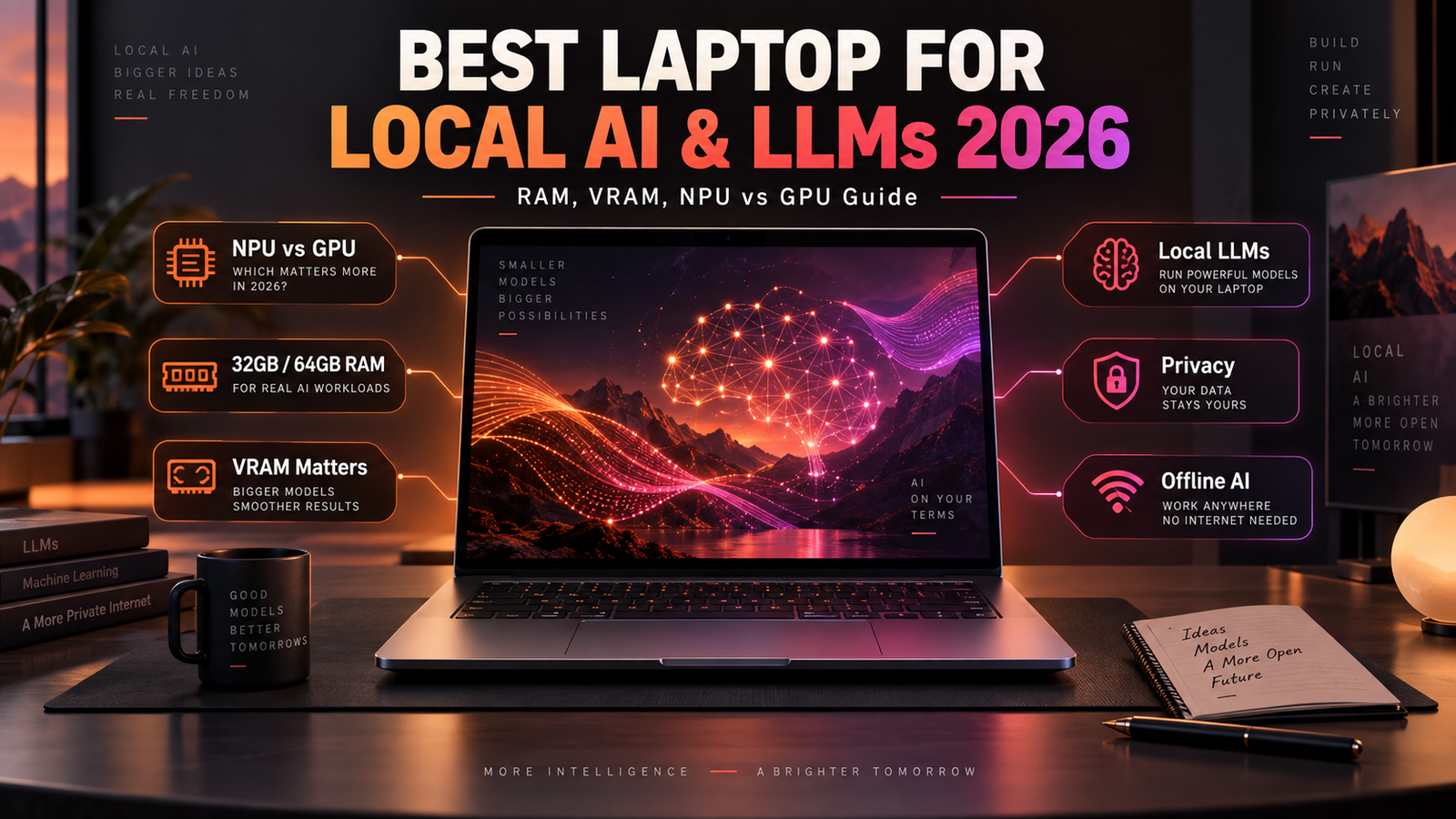
Best Laptop for Local AI and LLMs in 2026: NPU vs GPU, RAM, VRAM and Privacy Guide
Artificial intelligence is changing the way premium laptops are evaluated in 2026. A few years ago, someone buying a high-performance laptop would normally compare CPU cores, RAM, storage and graphics performance. Today, developers, creators, researchers and business users increasingly need to consider a completely different set of specifications: NPU performance, GPU AI acceleration, VRAM, unified memory, model size, local inference support and the amount of system RAM available for artificial intelligence workloads.
This is especially important for people who want to run AI models directly on a laptop instead of sending every request to a cloud service.
Local AI can be used for text generation, document analysis, coding assistance, image generation, transcription, private knowledge bases, AI agents and other workflows. Microsoft now provides ready-to-use local language models through its Windows AI ecosystem, while Windows ML can also run compatible models from sources such as Hugging Face.
At the same time, NVIDIA continues to expand local AI support on RTX laptops. In September 2026, Perplexity introduced Portable Computer support on compatible Windows RTX PCs, allowing local models to perform private agent-style tasks directly on a computer without requiring every operation to run in the cloud.
AMD is also targeting larger local AI workloads. The company says its high-memory Ryzen AI Max PRO configurations can provide up to 192GB of total memory, with as much as 160GB available to GPU workloads in suitable configurations.
The result is a new laptop-buying question.
Should you buy an AI laptop with a powerful NPU, a laptop with an NVIDIA RTX GPU, or a high-memory system designed around integrated AI acceleration?
The answer depends heavily on the models you intend to run.
What Does Running AI Locally Actually Mean?
Local AI means the model performs some or all of its processing directly on your laptop.
The prompt does not necessarily need to be sent to a remote data center.
The model files can be stored locally.
Input documents may remain on the computer.
Responses can also be generated without relying on a continuous internet connection, depending on the application.
Microsoft describes its on-device Windows AI components as providing lower latency, reduced dependence on cloud connectivity and stronger privacy because supported data processing can stay on the device.
Local processing can be useful in several situations.
A business may want to summarize confidential documents without sending them to an external service.
A developer may want to test AI applications offline.
A writer may want an assistant that works without internet access.
A researcher may need to process private datasets.
An AI enthusiast may simply want more control over which model is being used.
However, local AI also creates new hardware requirements.
Cloud AI services use large data centers containing extremely powerful accelerators.
A laptop has a much smaller power and thermal budget.
That means model size and hardware capability matter significantly.
Local AI vs Cloud AI
Local and cloud AI are not necessarily competitors.
Many advanced systems use both.
Local AI can handle private or latency-sensitive tasks, while a cloud service can take over when a larger model or much more computing power is required.
AMD describes this approach as hybrid AI, where local and cloud resources coexist depending on workload requirements.
The most practical 2026 laptop may therefore be one capable of running useful models locally while still providing access to cloud AI when needed.
| Local AI | Cloud AI |
|---|---|
| Can operate offline | Requires network access for most services |
| Data can remain on device | Data is processed remotely |
| No network round trip for local inference | Performance depends partly on connectivity |
| Hardware limits model size | Access to much larger infrastructure |
| Upfront hardware cost can be higher | Often subscription or usage based |
| Greater user control | Easier access to frontier-scale models |
For professionals, the choice depends on privacy, performance, cost and the complexity of the task.
CPU vs GPU vs NPU for AI Laptops
Modern AI laptops usually contain three processing engines.
The CPU remains the general-purpose processor.
The GPU is designed for highly parallel computation.
The NPU is a dedicated neural processing engine optimized for AI workloads.
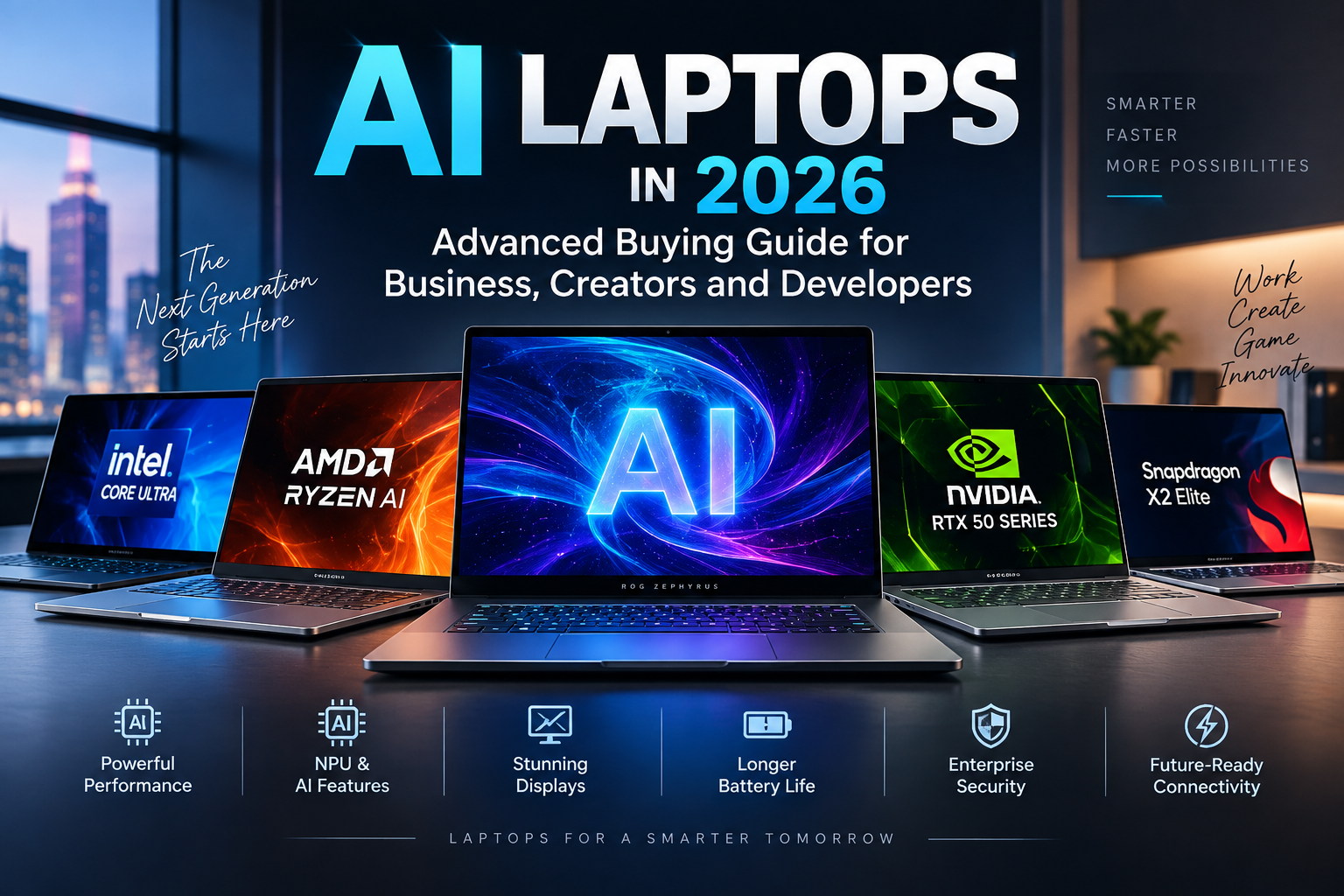
Intel describes an AI PC as a system containing a CPU, GPU and NPU that can distribute local AI tasks more efficiently.
Each engine has different strengths.
CPU
The CPU is flexible and can run almost any type of code.
It remains essential for operating-system tasks, application logic and general computation.
Small AI models can run on CPUs.
However, CPUs generally do not provide the same parallel throughput as powerful GPUs for large AI models.
For serious LLM inference, relying entirely on the CPU can result in slower token generation.
GPU
The GPU is extremely important for local generative AI.
Thousands of parallel processing units allow GPUs to perform matrix calculations efficiently.
Modern NVIDIA RTX GPUs also include Tensor Cores designed specifically for AI computation.
This makes RTX laptops attractive for local language models, image generation, video generation and machine-learning development.
The main limitations are power consumption and VRAM.
NPU
An NPU is designed specifically for neural-network workloads.
Unlike a high-powered discrete GPU, an NPU can execute supported AI tasks using relatively little energy.
This makes it attractive for continuous background AI features.
Examples can include language processing, real-time translation, camera effects, transcription and Windows AI functionality.
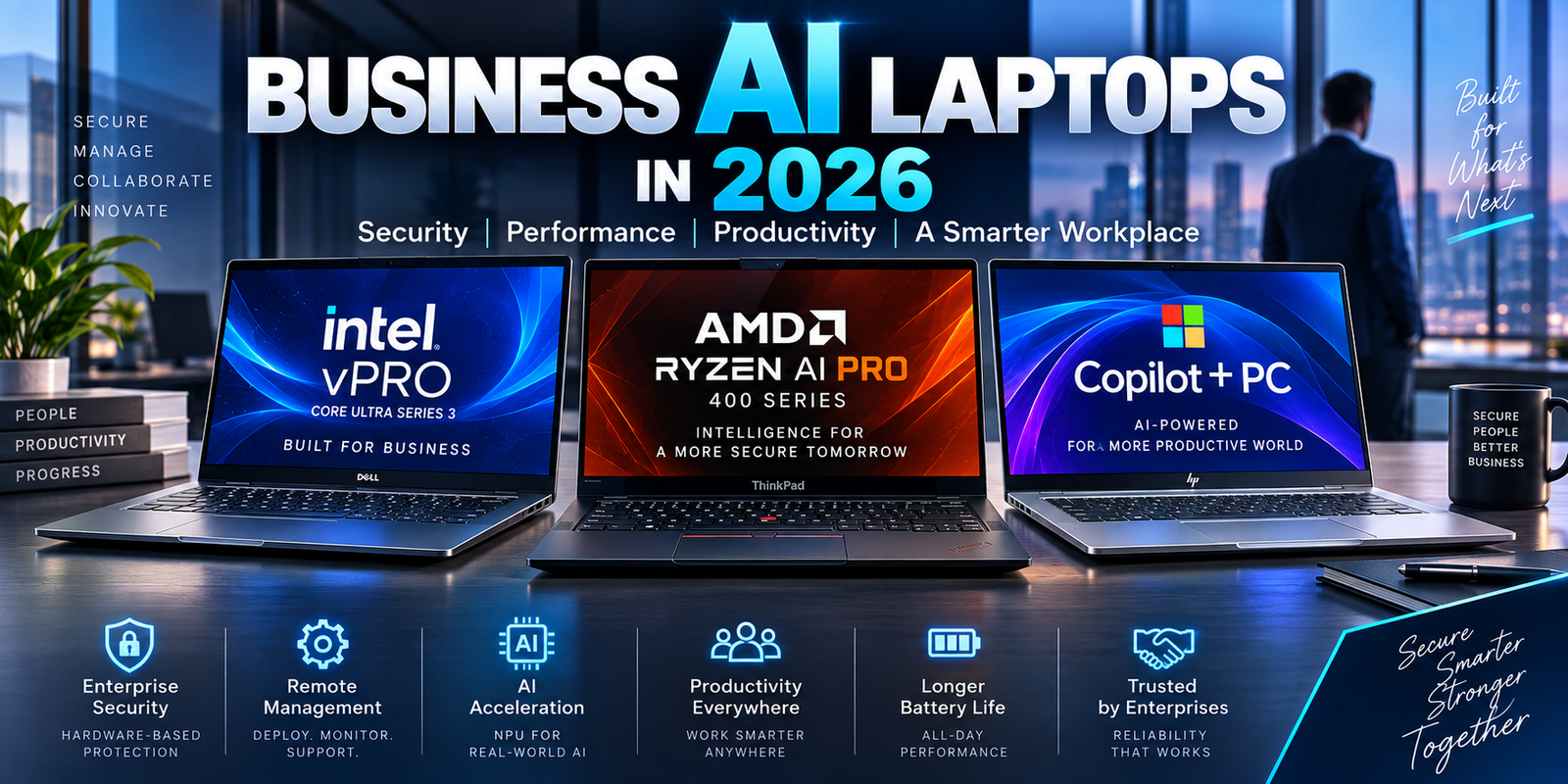
Microsoft requires Copilot+ PCs to provide an NPU capable of at least 40 TOPS.
But the NPU is not automatically the fastest option for every local LLM.
Why NPU TOPS Are Not Enough to Choose an AI Laptop
TOPS means trillions of operations per second.
Manufacturers use the figure to describe theoretical AI processing performance.
Intel Core Ultra Series 3 can provide up to 50 NPU TOPS in higher-end configurations.
AMD’s Ryzen AI PRO 400 platform can reach up to 60 NPU TOPS.
Copilot+ PCs require at least 40 TOPS from the NPU.
These figures are useful.
They are not sufficient.
A 60-TOPS NPU does not automatically run every LLM 50 percent faster than a 40-TOPS NPU.
AI performance also depends on model architecture, numeric precision, memory bandwidth, software optimization and whether an application actually supports the NPU.
Some models may run on the GPU instead.
Others may run partly on the CPU.
Windows AI development is increasingly moving toward hardware-aware execution providers that can select optimized acceleration paths depending on the platform.
Advanced buyers should therefore consider TOPS as one specification rather than the final answer.
Microsoft Phi Silica Shows What NPUs Can Do
One of the clearest examples of an NPU-oriented local model is Microsoft Phi Silica.
Phi Silica is a small language model optimized for Windows AI PCs.
Microsoft says it can perform tasks such as summarization, rewriting, text understanding and short-form content generation directly on supported devices.
On Copilot+ systems, Phi Silica is designed to use the NPU.
This allows the model to operate efficiently while leaving the CPU and GPU available for other applications.
Microsoft has also expanded Phi Silica to some non-Copilot+ PCs, where supported systems can use the GPU instead of a qualifying NPU.
That development highlights an important trend.
The future of local AI is unlikely to rely on only one accelerator.
Applications can increasingly choose between NPU and GPU execution depending on the hardware available.
Windows Now Supports More Local LLM Options
Microsoft Foundry on Windows now provides ready-to-use local language models.
Microsoft lists Phi Silica for supported Copilot+ PCs as well as more than 20 open-source models through its local AI tools, although availability and performance vary by hardware.
Developers can also use compatible models from Hugging Face or other sources through Windows ML.
That significantly expands the usefulness of AI laptops.
A developer is no longer limited to Microsoft’s own models.
The hardware can potentially run many different models if the software runtime supports them.
This makes RAM and GPU memory more important than simply checking whether a laptop carries an “AI PC” label.
VRAM May Be the Most Important Specification for Large Local Models
VRAM is memory dedicated to the GPU.
For many local LLM workloads, it is one of the most important laptop specifications.
Model weights need to fit into memory.
The inference engine also requires additional memory for context, cache and temporary data.
If the workload exceeds available VRAM, the application may need to move some data into system RAM.
That can reduce performance.
In some cases, a model may not run efficiently at all.
This is why an RTX 5090 Laptop GPU can be much more useful for local AI than a lower-tier GPU even when gaming performance is not the priority.
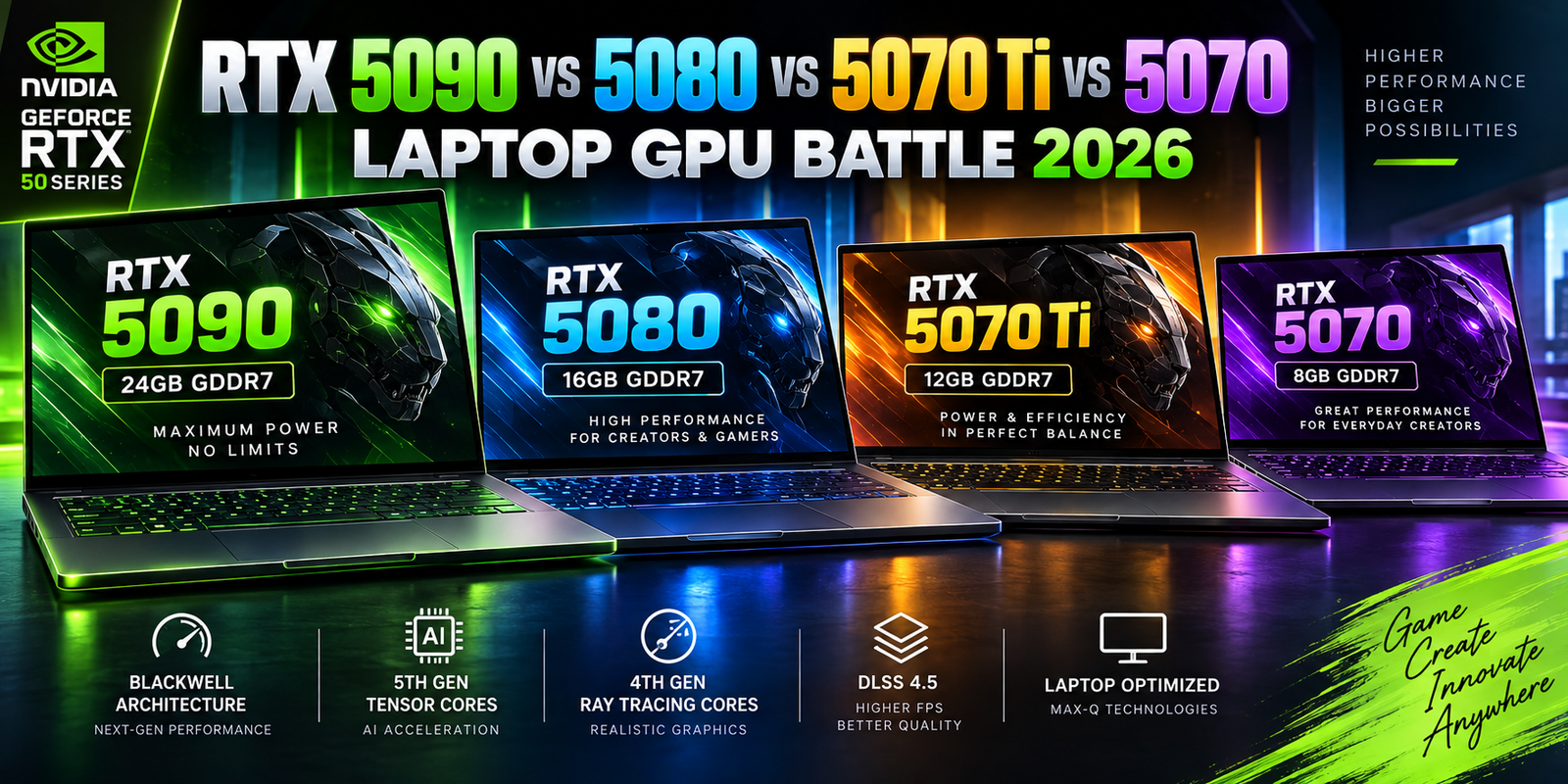
NVIDIA currently lists the RTX 5090 Laptop GPU with 24GB of GDDR7 memory.
The RTX 5080 provides 16GB.
The RTX 5070 Ti provides 12GB.
The RTX 5070 is commonly available with 8GB, although NVIDIA’s current U.S. specifications also show some 12GB configurations depending on product implementation.
For local AI developers, those differences can be more important than gaming frame-rate differences.
RTX Laptop GPU Comparison for Local AI
| Laptop GPU | VRAM | NVIDIA AI TOPS | Local AI Position |
|---|---|---|---|
| RTX 5090 Laptop | 24GB GDDR7 | 1,824 | Best suited to heavier local AI among GeForce laptops |
| RTX 5080 Laptop | 16GB GDDR7 | 1,334 | Strong balance for advanced AI development |
| RTX 5070 Ti Laptop | 12GB GDDR7 | 992 | Useful for moderate local models |
| RTX 5070 Laptop | 8GB / selected variants higher | 798 | Better for smaller AI workloads |
NVIDIA’s official comparison shows a very large gap in both compute performance and memory capacity across the range.
For AI workloads, VRAM often deserves priority over a relatively small CPU upgrade.
How Much RAM Does an AI Laptop Need?
System RAM is another critical specification.
A normal productivity laptop may still operate comfortably with 16GB.
That does not mean 16GB is ideal for serious local AI.
Microsoft’s Copilot+ minimum is 16GB, but this requirement primarily establishes the platform baseline rather than defining an advanced AI workstation.
For users running local models, the practical requirements can be considerably higher.
16GB RAM
Sixteen gigabytes can work for basic Copilot+ functionality and smaller local AI tools.
It is less attractive for serious developers because the operating system, browser, development environment and model runtime all need memory.
A 16GB laptop can become constrained quickly.
32GB RAM
32GB is a much better starting point for premium AI laptops.
It provides more room for multitasking, development tools and smaller or moderately sized local models.
For many users experimenting with AI, 32GB may be sufficient.
64GB RAM
64GB becomes attractive for developers, researchers, data professionals and users who regularly load larger models.
It also provides more headroom for virtual machines, container environments and multiple AI applications.
96GB, 128GB and Beyond
High-memory systems are becoming more relevant because local model sizes continue to grow.
AMD has taken this approach particularly far with Ryzen AI Max PRO platforms.
AMD says configurations can provide as much as 192GB of system memory, with up to 160GB potentially available to graphics workloads. The company says this allows suitable systems to run models with up to approximately 300 billion parameters under specific configurations and quantization assumptions.
That is a very different class of device from a standard 16GB Copilot+ laptop.
Unified Memory Changes the Local AI Equation
Traditional gaming laptops usually separate system RAM and dedicated GPU VRAM.
For example, a laptop could have:
64GB system RAM.
16GB GPU VRAM.
The GPU usually cannot treat all 64GB of system memory as high-speed dedicated graphics memory.
Unified-memory architectures work differently.
CPU and GPU components can access a shared memory pool.
For local AI, this can allow models larger than the VRAM capacity of a conventional discrete GPU to remain in high-speed shared memory.
AMD’s Ryzen AI Max platform is one example.
Apple’s Mac systems also use unified memory, although software ecosystem differences mean Windows AI developers need to evaluate compatibility separately.
The advantage is flexibility.
The disadvantage is that raw GPU performance and software optimization remain important.
Having enough memory to load a model does not guarantee that the model will run quickly.
Model Parameters Are Only Part of Memory Requirements
AI models are often described by parameter count.
You may see models described as 7B, 14B, 32B, 70B or larger.
“B” means billion parameters.
Larger parameter counts usually increase memory requirements.
But parameter count alone does not determine how much RAM or VRAM is needed.
The numeric precision used to store the model matters enormously.
A model stored at 16-bit precision requires much more memory than a heavily quantized 4-bit version.
Quantization reduces model memory requirements by representing weights with fewer bits.
This allows larger models to run on smaller devices.
The tradeoff can include reduced accuracy or other quality changes depending on the technique.
This is why statements such as “a 14B model requires exactly X GB” can be misleading.
Different quantizations, context lengths and software engines change the requirement.
Context Length Can Consume Significant Memory
The model weights are not the only thing occupying memory.
Large context windows require additional memory.
A simple conversation containing a few paragraphs may use relatively little context.
A developer asking an AI assistant to analyze an entire codebase is very different.
A legal professional loading dozens of documents is different again.
Long-context workloads can require substantial memory for the key-value cache used during generation.
That means a laptop capable of loading a model may still become constrained when the context becomes very large.
Serious buyers should therefore leave memory headroom rather than selecting a system that only barely fits the desired model.
RTX GPU vs NPU for Local LLMs
This is one of the most important questions in 2026.
The NPU is designed for efficiency.
The RTX GPU is designed for much higher parallel performance.
For small, continuously running models, an NPU can be extremely attractive because it consumes less power.
For demanding generative AI, the discrete GPU often provides much greater throughput.
NVIDIA lists 1,824 AI TOPS for its RTX 5090 Laptop GPU compared with approximately 40–60 TOPS typical of current premium laptop NPUs.
These TOPS numbers are not directly interchangeable because hardware vendors may measure different precisions and workloads.
The scale difference nevertheless illustrates why large GPUs are attractive for intensive AI.
The problem is energy use.
NVIDIA lists the RTX 5090 Laptop GPU with a GPU power range reaching up to 150W in supported configurations.
An NPU can perform suitable workloads using far less power.
NPU vs GPU: Practical Comparison
| Requirement | NPU | Dedicated RTX GPU |
|---|---|---|
| Background AI features | Excellent | Usually unnecessary |
| Low power usage | Major advantage | Higher consumption |
| Windows AI features | Excellent when supported | Increasing support |
| Small language models | Good | Excellent |
| Large local LLMs | Limited by platform/software | Stronger |
| Image generation | Workload dependent | Strong |
| AI video generation | Limited | Much stronger |
| CUDA development | No | Yes |
| Long battery operation | Better | Worse under load |
| Local AI workstation use | Secondary accelerator | Primary accelerator |
For advanced AI laptops, having both is increasingly ideal.
AI Image Generation Has Different Hardware Requirements
Text generation is only one type of generative AI.
Image-generation applications place significant load on the GPU.
Tools based on diffusion and related models can benefit heavily from GPU acceleration.
NVIDIA specifically markets RTX systems for local image and video generation and supports optimized workflows in tools such as ComfyUI.
For these workloads, VRAM again becomes important.
Higher-resolution generation requires more memory.
Complex workflows may load several models simultaneously.
Upscaling and video generation can increase demand even further.
An 8GB GPU can still run useful AI tools.
A 16GB or 24GB GPU provides far more flexibility.
AI Video Generation Can Push Laptops Hard
Local AI video generation is one of the most demanding consumer AI workloads.
Each generated frame involves significant computation.
Temporal consistency makes the problem more complex than generating a single image.
Video models can therefore stress GPU compute, VRAM, system memory and cooling simultaneously.
This is an area where a large desktop workstation still has significant advantages over a portable computer.
A high-end RTX 5090 laptop can nevertheless provide impressive mobile capability.
Professionals should simply understand that running intensive AI generation on battery power is unrealistic for long periods.
Maximum GPU performance generally requires AC power.
Thermal Design Matters for AI Workloads
Laptop AI inference can be sustained for minutes or hours.
That makes thermal design important.
A short benchmark may finish before the chassis becomes fully saturated with heat.
A long AI workload does not.
Once CPU and GPU temperatures rise, the laptop’s cooling system must continuously remove heat.
If it cannot, clock speeds may decrease.
Two laptops using the same RTX 5080 GPU can therefore produce different sustained AI performance.
A thick workstation-style chassis may maintain a higher power level.
A thin premium laptop may prioritize quiet operation and portability.
Advanced AI buyers should look for long-duration performance tests rather than only short synthetic benchmarks.
SSD Capacity Matters More for AI Developers
AI models consume storage.
A single model may require several gigabytes.
Developers often test many models.
Quantized versions may be stored separately.
Image-generation checkpoints can also consume large amounts of space.
Datasets add even more.
For an AI development laptop, 512GB storage can become restrictive very quickly.
1TB should be considered a practical minimum for many serious users.
2TB is more comfortable.
Developers with large model libraries may want 4TB or expandable secondary storage.
A laptop with multiple M.2 SSD slots can therefore provide significant long-term value.
SSD Speed Also Affects AI Workflow
Model loading requires moving data from storage into RAM or VRAM.
A fast NVMe SSD can reduce loading time.
This becomes particularly noticeable with very large models.
However, SSD speed does not directly replace RAM.
Once the model begins inference, frequently moving data between SSD and memory is dramatically slower than keeping it in RAM or VRAM.
Capacity and memory remain more important than purchasing the absolute fastest SSD benchmark result.
Local AI and Privacy
Privacy is one of the strongest reasons to consider local AI.
Microsoft specifically notes that Phi Silica keeps prompts and responses local when it runs fully on device.
Microsoft’s broader Copilot+ AI architecture also emphasizes local processing for selected Windows features.
NVIDIA similarly promotes private local AI workflows on RTX PCs.
Perplexity’s September 2026 Portable Computer announcement says locally completed work can process private files directly on compatible RTX Windows systems.
But buyers should understand an important distinction.
A laptop capable of local AI does not guarantee that every AI application will stay local.
Some software still sends prompts or files to cloud servers.
The application’s privacy policy and configuration determine what happens to the data.
Hardware capability alone cannot guarantee privacy.
Local AI Can Reduce Subscription Dependence
Cloud AI frequently uses subscriptions or usage credits.
Local AI shifts some of that expense toward the hardware purchase.
After downloading an open model, repeated local inference may not require the same per-request cloud costs.
This can make powerful hardware attractive for users performing large numbers of routine AI tasks.
However, electricity, hardware depreciation and maintenance still have costs.
The fastest cloud models may also remain considerably more capable than models practical to run on a laptop.
Cost comparisons therefore need to consider workload volume and quality requirements.
Battery Life and Local AI
AI laptop marketing often emphasizes efficiency.
NPUs genuinely help because they can handle supported workloads without activating a large discrete GPU.
This can improve battery behavior for background AI features.
Intel’s Core Ultra Series 3, for example, combines a dedicated NPU with integrated Arc graphics and power-efficient CPU cores. Intel lists up to 50 NPU TOPS on higher-end Series 3 chips.
For lightweight local AI, this approach can provide a good balance.
Running an RTX GPU at high power is very different.
Heavy LLM inference or image generation can reduce battery life substantially.
If local AI is the primary workload, buyers should expect to connect the power adapter for demanding tasks.
Choosing Between 32GB and 64GB RAM
This decision deserves serious attention because many modern laptops use soldered memory.
For ordinary Copilot+ features, 16GB satisfies Microsoft’s baseline.
For an expensive AI development system, 32GB is a much safer starting point.
64GB becomes attractive when local models, large datasets or multiple development environments are involved.
If the laptop cannot be upgraded later, purchasing 64GB initially may provide much better long-term value.
An AI workstation with insufficient memory can become obsolete much sooner than its processor performance would suggest.
Practical AI Laptop Configurations for 2026
| User Type | RAM | GPU / NPU | Storage | Main Workload |
|---|---|---|---|---|
| AI Productivity User | 16–32GB | 40+ TOPS NPU | 512GB–1TB | Windows AI, transcription, summaries |
| AI Student / Beginner | 32GB | NPU + integrated GPU | 1TB | Small local models |
| Developer | 32–64GB | NPU + RTX 5070 Ti or better | 1–2TB | Coding and local inference |
| AI Content Creator | 64GB | RTX 5080 | 2TB | Image/video generation |
| Advanced Local LLM User | 64GB+ | RTX 5090 24GB | 2–4TB | Larger GPU-based models |
| High-Memory AI Research | 96–192GB | Unified-memory platform | 2TB+ | Very large quantized models |
The right configuration depends on the exact model, quantization and software runtime.
Is an RTX 5090 Laptop Worth It for Local AI?
For some users, yes.
The key advantage is its 24GB GDDR7 frame buffer.
NVIDIA also lists 1,824 AI TOPS and 10,496 CUDA cores.
That makes it the strongest current GeForce laptop GPU for demanding local AI.
But the cost is substantial.
RTX 5090 laptops are expensive.
They are often large.
Their GPU can consume significant power.
If your local models comfortably fit inside 12GB or 16GB of VRAM, an RTX 5070 Ti or RTX 5080 laptop may deliver a more balanced system.
Users should buy the memory capacity required by their workload rather than automatically choosing the highest model number.
Is an NPU-Only AI Laptop Enough?
For mainstream AI productivity, often yes.
A Copilot+ laptop with a 40+ TOPS NPU can support Microsoft’s local AI ecosystem and power efficient features such as language processing and image-related Windows experiences.
For large LLMs, advanced image generation or professional machine learning, an NPU-only approach may be limiting.
That is why it is helpful to separate two ideas:
An AI PC.
And an AI workstation.
An AI PC prioritizes efficient everyday AI.
An AI workstation prioritizes raw compute and memory capacity.
Both are valuable.
They serve different users.
The New High-Memory AI Laptop Category
Perhaps the most interesting development for local AI is the emergence of laptops and compact mobile workstations with unusually large shared-memory pools.
AMD’s Ryzen AI Max PRO approach is particularly notable.
AMD says some configurations provide 192GB of total system memory and allow as much as 160GB to be allocated to graphics workloads.
This can make models possible that would never fit inside the 24GB VRAM of a conventional RTX 5090 laptop.
The tradeoff is that fitting a model into memory is not the same as delivering RTX-class GPU throughput.
High-memory integrated platforms and discrete GPUs solve different problems.
For some users, model capacity matters most.
For others, generation speed matters most.
Should You Buy an AI Laptop in 2026 or Wait?
AI hardware is evolving quickly.
Waiting will almost certainly produce faster NPUs, more memory and improved software.
But that is true of almost every computer generation.
A purchase should be based on current requirements.
If you already need local LLMs, private document processing or GPU AI development, 2026 hardware offers genuinely useful options.
Windows now has a much stronger local AI platform.
RTX 50-series laptops offer large increases in mobile AI compute.
High-memory unified systems are making much larger local models possible.
The ecosystem is mature enough for practical work rather than only demonstrations.
Final Thoughts
Choosing the best laptop for local AI in 2026 requires looking beyond the “AI PC” label.
An NPU is valuable for efficient on-device intelligence.
A powerful RTX GPU is valuable for demanding generative AI.
System RAM determines how much data and how many applications can remain active.
VRAM can determine whether a GPU-based model fits at all.
SSD capacity determines how many models and datasets you can store.
Cooling determines whether performance can be sustained.
Software determines which processor is actually used.
For mainstream users, a Copilot+ PC with 32GB of RAM and a modern 40+ TOPS NPU can provide an excellent local AI experience.
For developers and creators, 64GB of RAM combined with an RTX 5070 Ti or RTX 5080 provides much more flexibility.
For demanding local LLM and generative AI workloads, an RTX 5090 Laptop GPU’s 24GB of VRAM can be highly valuable.
For users who need models larger than conventional laptop VRAM can hold, high-memory unified platforms such as Ryzen AI Max PRO introduce another option entirely.
The most important lesson is that there is no single “best AI laptop.”
The best system is the one whose memory architecture, NPU, GPU and storage match the models you actually intend to run.
In 2026, local AI has moved from an experimental laptop feature into a serious buying consideration.
And for professionals planning to keep a laptop for several years, memory capacity may ultimately matter just as much as processor speed.