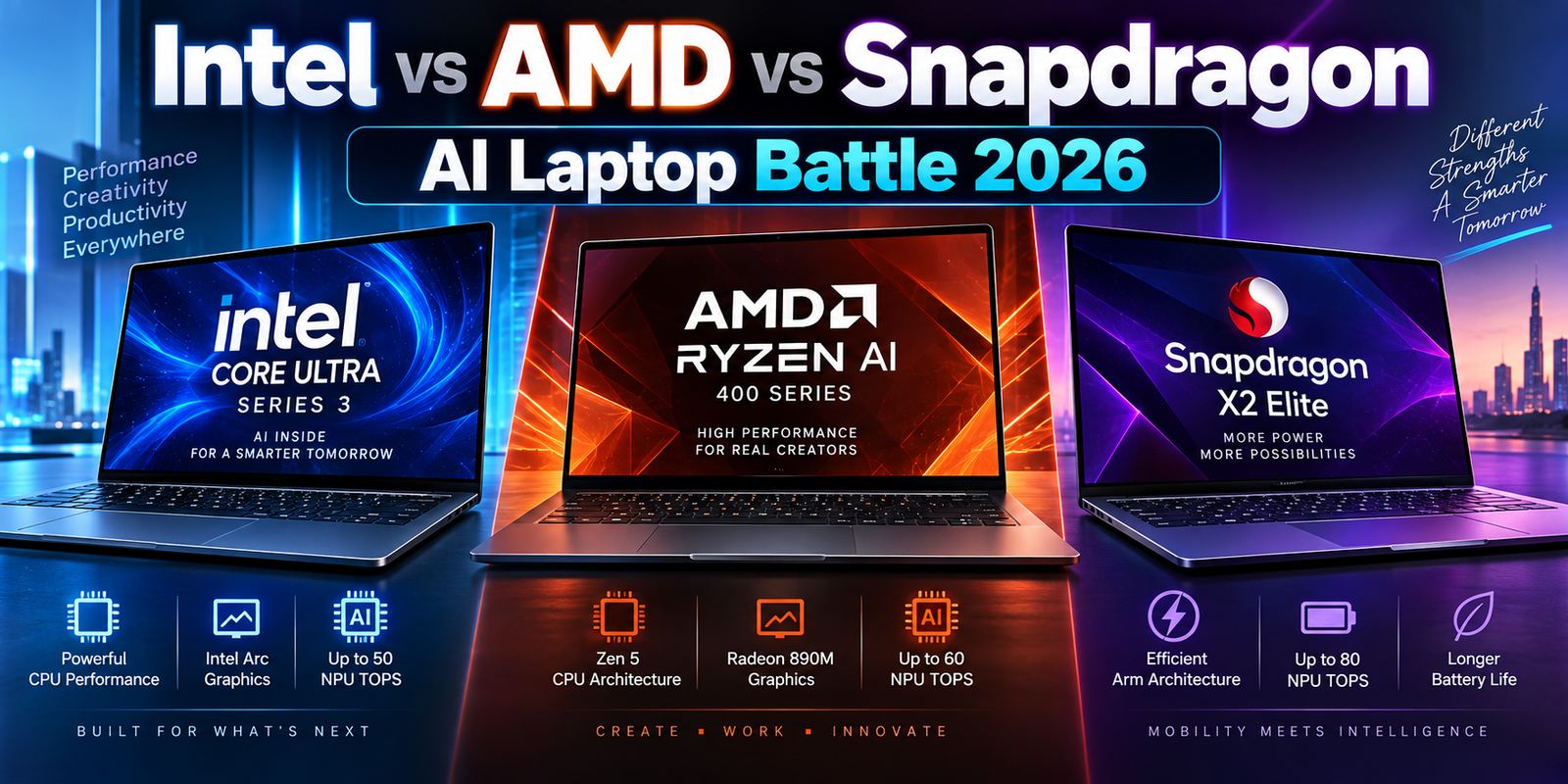
Intel Core Ultra Series 3 vs AMD Ryzen AI 400 vs Snapdragon X2 Elite: Advanced AI Laptop Comparison for 2026
Buying a premium laptop in 2026 requires a very different approach from buying one only a few years ago. Processor manufacturers are no longer competing only on CPU clock speed, core count or benchmark scores. The modern premium laptop is becoming a complete computing platform that combines CPU performance, integrated graphics, neural processing, memory bandwidth, security technologies and increasingly sophisticated power management.
Three processor families are especially important for buyers considering a new AI laptop in 2026: Intel Core Ultra Series 3, AMD Ryzen AI 400 and Qualcomm Snapdragon X2 Elite.
All three platforms target modern Windows laptops, but they take noticeably different approaches. Intel is combining its new CPU architecture with powerful Arc integrated graphics and an upgraded NPU. AMD is pairing Zen 5 processing with Radeon graphics and an XDNA 2 AI engine. Qualcomm continues to build around the Arm architecture, using custom Oryon CPU cores and an extremely powerful Hexagon NPU while emphasizing efficiency and mobile computing.
For professionals, the differences matter.
A software developer may care about virtualization, native application support and memory capacity. A business purchasing hundreds of enterprise laptops may care more about security, device management and long-term platform stability. A creator may prioritize integrated GPU performance and hardware video engines. Someone running AI models locally may care about NPU capability, GPU acceleration and memory architecture.
This guide explains how the three major AI laptop platforms compare in 2026 and, more importantly, how to interpret their specifications before spending money on a premium computer.
The AI Laptop Market Has Changed in 2026
The traditional laptop specification sheet focused heavily on CPU performance.
That is no longer enough.
A modern AI PC may contain three important processing engines. The CPU handles general-purpose computing and latency-sensitive workloads. The GPU handles graphics and massively parallel processing. The NPU, or neural processing unit, is designed to run artificial intelligence workloads efficiently without constantly relying on the CPU or a power-hungry discrete GPU.
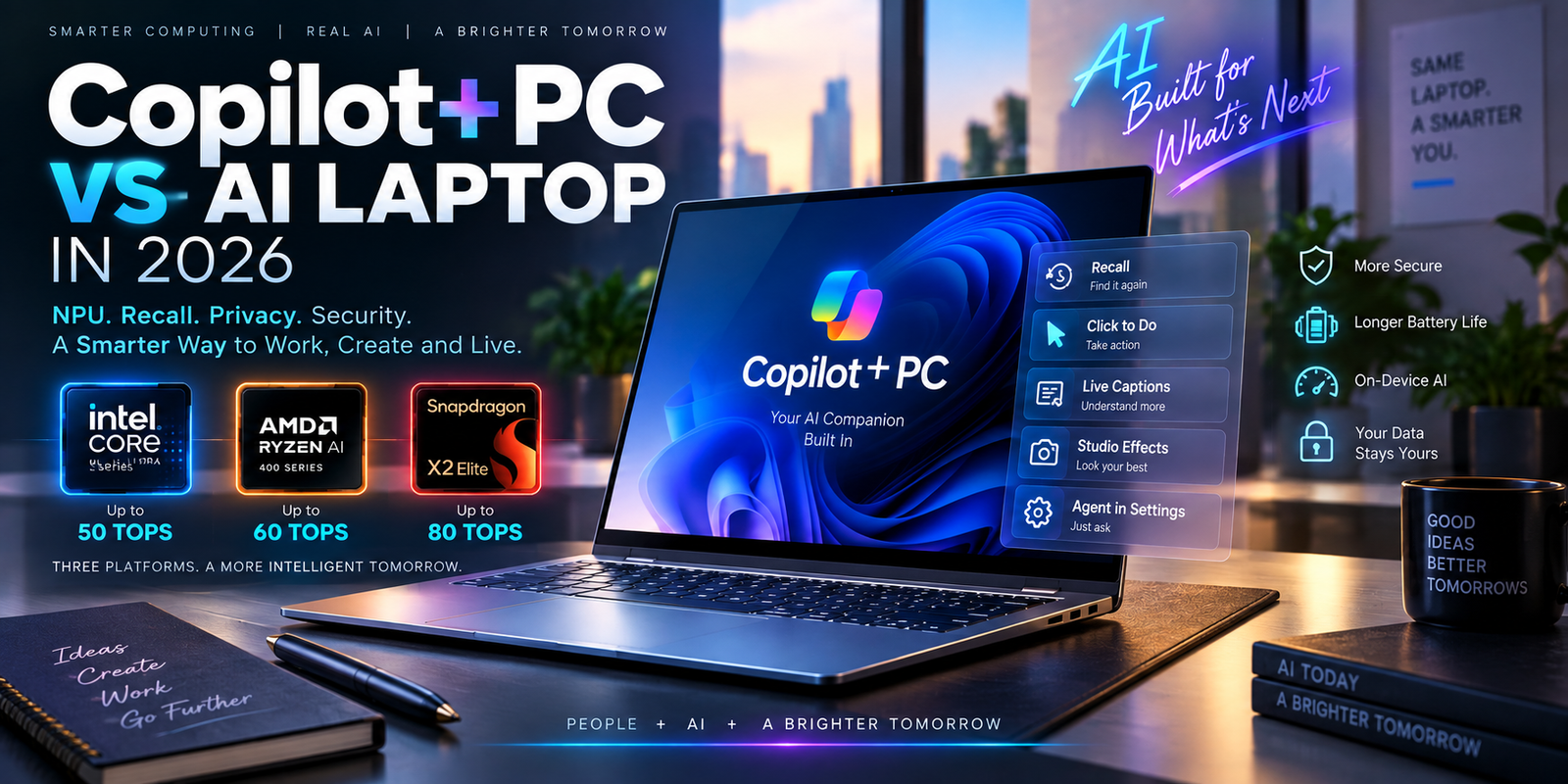
Microsoft’s Copilot+ PC specification illustrates how important dedicated AI hardware has become. Microsoft states that Copilot+ PCs require an NPU capable of at least 40 TOPS, along with at least 16GB of RAM and 256GB of storage.
TOPS means trillions of operations per second. It is useful for understanding theoretical AI processing capability, but it should not be treated like a universal benchmark.
A processor with a higher TOPS rating is not automatically the faster laptop.
AI software needs to support the hardware. Memory bandwidth matters. The exact model being processed matters. CPU and GPU capabilities remain important, and manufacturers can configure the same processor differently in different laptops.
This is why advanced buyers should compare complete platforms rather than focusing on a single marketing number.
Intel Core Ultra Series 3: Panther Lake Moves Into 2026 Laptops
Intel Core Ultra Series 3, previously known by the codename Panther Lake, is one of Intel’s most important mobile processor generations.
The processors began appearing in the first quarter of 2026 and are manufactured using Intel’s 18A process technology. Intel offers a broad range of Series 3 processors covering mainstream productivity laptops through premium Core Ultra X systems.
At the top of the lineup, processors such as the Intel Core Ultra X9 388H provide 16 CPU cores and boost frequencies reaching 5.1GHz.
The architecture is unusual because those 16 cores are divided into different types. The Core Ultra X9 388H contains four performance cores, eight efficient cores and four low-power efficient cores. This allows the platform to send demanding workloads to faster cores while using more efficient cores for lighter background tasks.
That design can be particularly useful in premium laptops where manufacturers must balance performance, temperature and battery life.
Intel Arc B390 Integrated Graphics Are a Major Part of the Platform
The CPU is only part of the Series 3 story.
Higher-end Core Ultra X processors can include Intel Arc B390 integrated graphics with 12 Xe cores. Intel lists the Arc B390 in the Core Ultra X9 388H with peak INT8 GPU AI capability of 122 TOPS, along with ray tracing, AV1 encoding and decoding, and support for multiple high-resolution displays.
This is important because integrated graphics are increasingly capable of doing work that previously required an entry-level discrete GPU.
A professional using Photoshop, video editing software, GPU-accelerated productivity tools or light 3D applications may no longer automatically need a dedicated graphics card.
That can create a more efficient laptop with lower weight and potentially better battery life.
However, users performing advanced CUDA workloads, large-scale GPU rendering, demanding professional 3D work or high-end gaming may still be better served by a laptop containing a dedicated NVIDIA RTX GPU.
Intel NPU 5 Reaches 50 TOPS
Intel’s latest NPU architecture provides up to 50 TOPS across the Core Ultra Series 3 stack. Intel also describes high-end configurations as capable of approximately 180 total platform TOPS when CPU, GPU and NPU resources are considered together.
The distinction between NPU TOPS and total platform TOPS is important.
Microsoft’s Copilot+ qualification is based on the NPU requirement rather than simply adding CPU, GPU and NPU numbers together.
For local AI workloads, the NPU can run sustained neural processing tasks more efficiently than sending every operation to the CPU.
Intel also supports AI development frameworks including OpenVINO, Windows ML, DirectML and ONNX Runtime across different parts of the platform.
This can make Intel especially attractive for developers who want broad Windows software compatibility while experimenting with on-device AI.
AMD Ryzen AI 400: Zen 5, Radeon Graphics and Up to 60 NPU TOPS
AMD’s Ryzen AI 400 series represents another major 2026 AI laptop platform.
The family is based on AMD’s Zen 5 CPU architecture, RDNA 3.5 integrated graphics and second-generation XDNA 2 neural processing technology.
The flagship Ryzen AI 9 HX 475 contains 12 CPU cores and 24 threads with a boost clock of up to 5.2GHz. It also includes Radeon 890M integrated graphics and an NPU rated at up to 60 TOPS. AMD lists a configurable power range of 15 to 54 watts for the processor.
The slightly lower Ryzen AI 9 HX 470 retains 12 cores and 24 threads but uses a 55-TOPS NPU.
Ryzen AI 9 465, Ryzen AI 7 450 and several Ryzen AI 5 processors provide 50-TOPS NPUs, meaning that AMD has brought Copilot+ class AI capability across a relatively broad portion of its 2026 laptop range.
Radeon 890M Remains Important for Thin-and-Light Performance
AMD has built a strong reputation for capable integrated laptop graphics, and the Radeon 890M remains a significant part of the Ryzen AI 400 platform.
The Ryzen AI 9 HX 475 provides 16 graphics compute units and supports modern display and media capabilities.
For buyers who want a relatively thin laptop capable of creative work, accelerated video processing or occasional gaming without adding the cost and power consumption of a dedicated GPU, this type of configuration can be attractive.
It is still important to look at the complete laptop.
Memory configuration can affect integrated graphics performance because an integrated GPU typically shares system memory rather than using a dedicated pool of VRAM.
Fast dual-channel memory and adequate memory capacity can therefore have a meaningful effect on the experience.
Ryzen AI PRO 400 Adds Enterprise-Focused Features
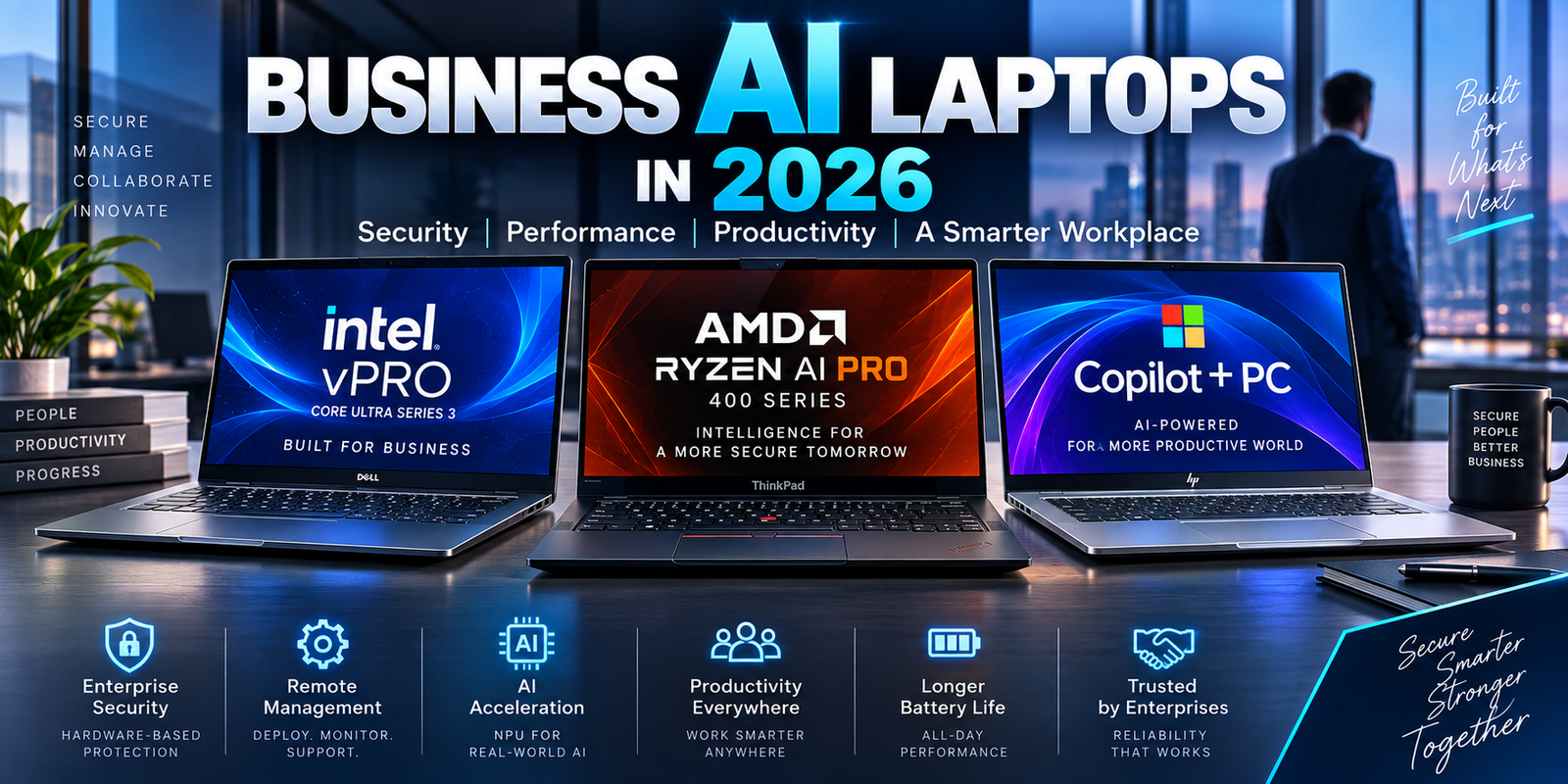
AMD also offers Ryzen AI PRO 400 processors for commercial laptops.
The PRO versions are particularly relevant to corporate buyers because AMD combines AI hardware with enterprise security and manageability features.
For example, AMD lists technologies such as AMD Memory Guard, Secure Processor support, firmware TPM, Device Guard support and virtualization capabilities on its Ryzen AI 9 HX PRO 475 platform.
This distinction matters for companies considering a large business laptop deployment.
A consumer laptop can have excellent benchmark performance but still be less suitable for corporate use if it lacks the management, security, support lifecycle or warranty options required by an IT department.
Enterprise laptop purchasing should therefore consider the complete platform and not just CPU speed.
Snapdragon X2 Elite Pushes Windows on Arm Further
Qualcomm’s Snapdragon X2 Elite is the third major platform in the 2026 premium AI laptop market.
Unlike Intel and AMD’s mainstream Windows processors, Snapdragon is built around the Arm instruction architecture.
Qualcomm offers Snapdragon X2 Elite configurations with 12 or 18 CPU cores, while the higher-end Snapdragon X2 Elite Extreme provides 18 CPU cores and clock speeds of up to 5.0GHz. Qualcomm also rates the platform’s Hexagon NPU at up to 80 TOPS.
That 80-TOPS NPU number is impressive, particularly for users interested in local AI workloads.
However, it should not be interpreted as meaning that every Snapdragon laptop will outperform an Intel or AMD laptop in every AI application.
Software support still determines which processing engine is used.
Snapdragon’s Biggest Advantage Is Its Mobile-First Design
Qualcomm emphasizes performance per watt and long battery life for Snapdragon laptops.
That approach makes Snapdragon systems particularly interesting for people who travel frequently, work away from power outlets or use cloud-based productivity applications throughout the day.
A consultant working in Microsoft 365, browser applications, email, video meetings and cloud services may value battery efficiency more than maximum sustained multi-core workstation performance.
A software engineer using specialized x86 development tools may have very different requirements.
This is where Windows on Arm compatibility becomes important.
Intel vs AMD vs Snapdragon X2 Elite: Key Specifications
| Feature | Intel Core Ultra Series 3 | AMD Ryzen AI 400 | Snapdragon X2 Elite |
|---|---|---|---|
| Architecture | x86, hybrid core design | x86, Zen 5/Zen 5c | Arm, Oryon CPU |
| High-End CPU Configuration | Up to 16 cores | Up to 12 cores / 24 threads in Ryzen AI 400 | Up to 18 cores |
| Example Flagship | Core Ultra X9 388H | Ryzen AI 9 HX 475 | Snapdragon X2 Elite Extreme |
| Maximum Listed CPU Speed | Up to 5.1GHz on X9 388H | Up to 5.2GHz on HX 475 | Up to 5.0GHz on X2 Elite Extreme |
| NPU Capability | Up to 50 TOPS | Up to 60 TOPS | Up to 80 TOPS |
| High-End Integrated Graphics | Intel Arc B390 | Radeon 890M | Qualcomm Adreno |
| Copilot+ Capability | Supported on qualifying systems | Supported on qualifying systems | Supported |
| Primary Strength | Broad compatibility and balanced CPU/GPU/AI platform | CPU, Radeon graphics and strong NPU balance | Efficiency and high NPU capability |
| Main Buying Consideration | Exact GPU and power configuration | Exact Ryzen tier and memory setup | Verify specialist software and hardware compatibility |
Specifications are based on manufacturer data and do not represent guaranteed real-world laptop performance. Actual results depend on cooling, firmware, power limits, memory and the laptop manufacturer’s design.
CPU Performance Cannot Be Judged by Core Count Alone
Looking at the table, it might appear that an 18-core processor must automatically outperform a 12-core processor.
Real-world CPU performance is more complicated.
Different architectures perform different amounts of work per clock cycle. Core designs vary. Some platforms use multiple types of cores, while others organize their CPU differently.
Power limits also matter enormously in laptops.
A processor installed in a large 16-inch performance notebook with an advanced cooling system may maintain higher sustained frequencies than a similar processor installed in a thin 13-inch chassis.
Short benchmarks can therefore tell a different story from a one-hour video export, software compile or engineering simulation.
Professional buyers should pay particular attention to sustained performance reviews of the exact laptop model being considered.
NPU Performance: 50 vs 60 vs 80 TOPS
On paper, the comparison looks straightforward.
Intel reaches 50 NPU TOPS.
AMD reaches as high as 60 NPU TOPS.
Snapdragon X2 Elite reaches as high as 80 TOPS.
But buying the highest number without understanding the workload is a mistake.
An NPU is valuable when software has been developed to use it.
Windows AI features can take advantage of modern NPUs, and more third-party software is gradually adding local AI acceleration.
The NPU is especially useful for persistent tasks because it can process AI workloads efficiently without unnecessarily activating a large GPU.
Examples may include background image processing, camera effects, speech processing, translation and supported local AI inference.
However, a developer running a large language model may sometimes obtain better performance from a powerful GPU depending on the software stack and model.
The NPU should therefore be considered one part of an AI laptop rather than the entire reason to purchase it.
Windows on Arm Compatibility Has Improved, but Verification Still Matters
Snapdragon laptop compatibility is significantly better than it was during the earlier years of Windows on Arm.
Microsoft states that Windows 11 on Arm can run native Arm applications and can also run many unmodified x86 and x64 Windows applications through its compatibility technologies. Microsoft still notes that native Arm applications provide the best performance, responsiveness and battery efficiency.
For mainstream users, this can make modern Snapdragon laptops practical daily computers.
Microsoft 365, browsers and many popular applications have strong Arm support.
Professional users should still verify specialized software before purchasing.
This is particularly important for older enterprise software, specialized engineering applications, custom drivers, security products, unusual peripherals, virtual machine workflows, developer tools and plug-ins.
Microsoft maintains Windows on Arm compatibility resources for this reason.
If your income depends on one specialized application, checking compatibility should happen before ordering the laptop, not after.
Which Platform Makes More Sense for Software Developers?
Development workloads vary dramatically.
A web developer spending most of the day in VS Code, browser tools, Node.js and cloud environments has different hardware needs from someone compiling large native applications or running several virtual machines.
Intel Core Ultra Series 3 can be attractive when broad x86 Windows compatibility is a priority.
AMD Ryzen AI 400 also uses the established x86 ecosystem and can be appealing for developers who want strong multi-threaded CPU capability combined with powerful Radeon integrated graphics.
Snapdragon X2 Elite is increasingly viable because many major development technologies now support Arm, but individual tools should still be checked.
Developers working heavily with virtual machines, containers and local databases should also prioritize RAM.
For serious professional development, 32GB should increasingly be considered a practical starting point, while 64GB can be worthwhile for heavier virtualization and container workloads.
A very fast processor cannot compensate for insufficient memory once the system begins constantly moving data between RAM and storage.
Which Platform Makes Sense for Business Laptops?
Business buyers need to evaluate more than performance.
Security, warranty coverage, repair availability, enterprise support, docking compatibility, remote management and device lifecycle can have greater financial impact than a small benchmark difference.
Intel has an extensive business-PC ecosystem, and Core Ultra Series 3 is appearing across consumer and commercial systems.
AMD’s Ryzen AI PRO 400 lineup specifically targets enterprise deployments with additional management and security capabilities.
Qualcomm is also increasingly targeting professional Windows laptops, particularly where mobility and efficiency are important.
The right choice for a company may ultimately depend more on its existing IT environment than on a CPU benchmark.
Businesses should evaluate compatibility with endpoint security software, VPN systems, device management platforms, identity tools, docking stations and line-of-business applications before standardizing on a laptop platform.
Security Can Affect the Real Cost of a Business Laptop
Cybersecurity is now closely connected with hardware purchasing.
Modern companies may need full-disk encryption, secure boot, biometric authentication, TPM protection, hardware-assisted security and centrally managed endpoint policies.
These features can reduce risk, but security also has a financial dimension.
A cheaper consumer laptop may save money when purchased but create additional management and support costs later.
A commercial laptop with enterprise security, extended warranty coverage and better service options may have a higher purchase price while delivering a lower total cost of ownership.
This is why keywords such as business laptop security, enterprise device management, laptop warranty and corporate laptop support represent real buying considerations rather than simple marketing extras.
Which Platform Is Better for Content Creators?
Creators need to look beyond the CPU.
Photo editors, video producers, designers and digital artists increasingly use GPU acceleration.
Intel’s Arc B390 integrated GPU is one of the most notable features of higher-end Series 3 systems, especially for buyers who want strong graphics capability without a discrete GPU.
AMD’s Radeon 890M is another capable integrated solution and combines well with the Ryzen AI 9 HX processors.
Snapdragon’s Adreno graphics can deliver efficient performance in compatible workloads, but professional creators should verify native support for their exact editing software, codecs, effects and plug-ins.
Serious professional video editors may still prefer a laptop with dedicated graphics.
An NVIDIA GeForce RTX or professional GPU can offer substantially more acceleration for certain workloads, particularly when the application uses CUDA or requires large amounts of graphics memory.
In that situation, the CPU comparison becomes only one part of the purchasing decision.
Memory May Matter More Than the Processor Upgrade
A common purchasing mistake is spending heavily on the fastest CPU while selecting insufficient RAM.
For a premium 2026 laptop, 16GB is increasingly an entry point rather than an ideal long-term professional configuration.
Microsoft’s minimum Copilot+ specification includes 16GB of memory, but advanced users often need more.
32GB provides more comfortable headroom for professional multitasking, development environments, large spreadsheets, creative applications and AI software.
64GB can be valuable for virtual machines, high-resolution media projects, engineering workloads and heavier local AI work.
Buyers should also investigate whether memory is upgradeable.
Many thin AI laptops use soldered LPDDR memory. If the computer is purchased with 16GB, adding another 16GB later may be impossible.
Paying for more memory when ordering the laptop may therefore be cheaper than replacing the entire computer earlier than expected.
Storage and SSD Upgradeability Still Matter
AI marketing can distract buyers from traditional specifications that remain important.
Storage is one example.
A premium processor paired with a 512GB SSD may become frustrating for someone working with large project files, virtual machines or video footage.
1TB is increasingly a sensible starting capacity for professional laptops.
Creators and technical users may prefer 2TB or more.
The ability to replace the SSD can also improve long-term ownership value.
A removable M.2 NVMe drive allows storage to be expanded later and can make servicing easier.
Buyers should therefore look beyond the processor badge and investigate the internal design of the complete laptop.
Battery Life Depends More on the Laptop Than the Processor Name
Qualcomm strongly emphasizes battery efficiency, while both Intel and AMD have also invested heavily in mobile power management.
But users should avoid assuming that every laptop using a particular processor will achieve the same runtime.
Display resolution can have a major effect.
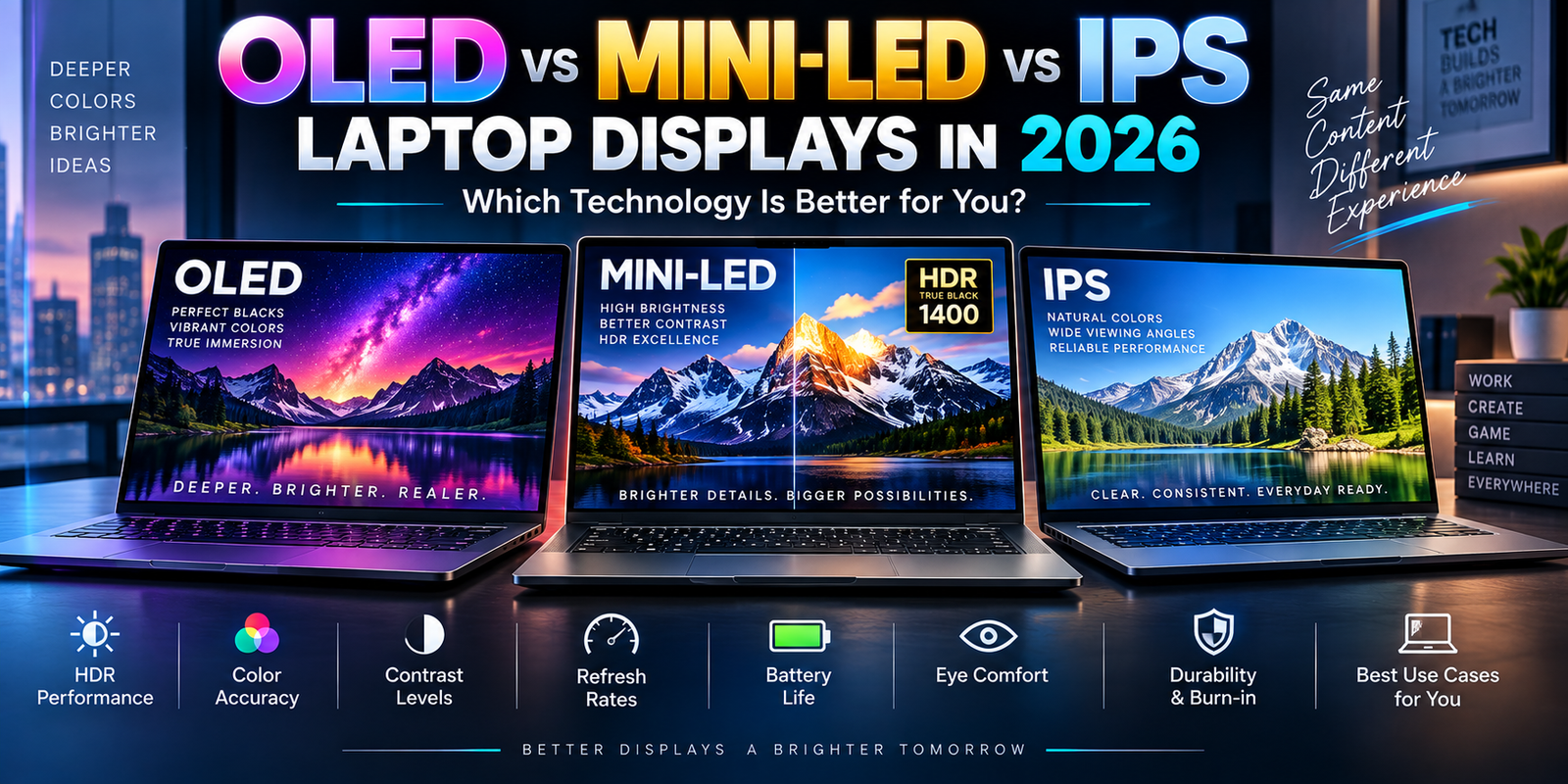
OLED panels can behave differently from LCD displays depending on content and brightness.
A small battery can limit an otherwise efficient processor.
Background software, Wi-Fi activity, keyboard lighting and manufacturer power profiles all change real-world battery life.
Cooling design can also influence power behavior.
The correct approach is to compare independent battery testing of the exact laptop configuration rather than relying solely on the processor manufacturer’s claims.
The Laptop Manufacturer Still Controls Much of the Experience
Intel, AMD and Qualcomm supply the processor platform, but Lenovo, Dell, HP, ASUS, Acer, Microsoft and other manufacturers determine much of the final laptop experience.
They choose the battery.
They select the display.
They design the cooling system.
They decide how many ports to include.
They determine memory and SSD configurations.
They tune fan behavior and processor power limits.
They also determine warranty coverage and service options.
This means two laptops using the same processor can feel surprisingly different.
One may be quiet and efficient.
Another may prioritize maximum performance.
One may include an excellent OLED display but have limited ports.
Another may have an ordinary screen but provide upgradeable storage and stronger business support.
Advanced buyers should therefore use the processor as the beginning of their research rather than the end.
Intel, AMD or Snapdragon: How to Choose in 2026
For users who want broad Windows compatibility and a balanced premium platform, Intel Core Ultra Series 3 deserves serious consideration. High-end Core Ultra X configurations combine substantial CPU performance, a 50-TOPS NPU and powerful Arc graphics.
AMD Ryzen AI 400 is attractive for buyers who want strong x86 CPU performance, capable Radeon integrated graphics and one of the more powerful NPUs available in mainstream Windows laptops. The Ryzen AI PRO range also gives commercial buyers enterprise-oriented options.
Snapdragon X2 Elite is particularly interesting for highly mobile users who value efficiency and on-device AI acceleration. Its 80-TOPS NPU is a major specification advantage, but professional buyers should confirm compatibility with every critical application and peripheral.
There is no meaningful answer based purely on the processor logo.
The correct platform depends on what the laptop will actually do.
Final Thoughts
The Intel versus AMD versus Snapdragon comparison has become much more sophisticated in 2026.
Intel Core Ultra Series 3 combines its latest x86 platform with up to 16 CPU cores, a 50-TOPS NPU and, on higher-end models, Arc B390 graphics.
AMD Ryzen AI 400 combines Zen 5 processing with Radeon graphics and offers up to 60 NPU TOPS, while Ryzen AI PRO expands the platform toward enterprise security and management.
Qualcomm Snapdragon X2 Elite takes a different approach with Arm architecture, up to 18 CPU cores and an NPU capable of up to 80 TOPS.
Those specifications are impressive, but specifications alone should never determine a professional laptop purchase.
Software compatibility, memory capacity, SSD storage, GPU requirements, battery size, thermal design, display quality, connectivity, enterprise security, warranty coverage and repairability can all matter just as much.
For buyers spending premium-laptop money in 2026, the smartest approach is to identify the applications that generate income or productivity first and then select the platform that serves those applications most effectively.
That produces a much better purchasing decision than simply choosing the processor with the highest clock speed or largest AI number.