Copilot+ PC vs AI Laptop in 2026: NPU, Recall, Privacy, Security and Advanced Buying Guide
The laptop market in 2026 is filled with terms such as AI PC, Copilot+ PC, NPU laptop, AI laptop and on-device AI. These labels may sound similar, but they do not always describe the same type of computer.
A laptop can contain artificial intelligence hardware without qualifying as a Copilot+ PC. A powerful gaming laptop with an NVIDIA RTX GPU can run demanding AI models locally but may not satisfy Microsoft’s specific Copilot+ hardware requirements. At the same time, a thin Copilot+ laptop may contain a relatively modest GPU while providing a dedicated NPU specifically designed for efficient Windows AI workloads.
For buyers, this distinction matters.
Microsoft defines Copilot+ PCs as Windows computers containing a neural processing unit capable of more than 40 trillion operations per second, commonly written as 40+ TOPS. Consumer Copilot+ systems also require at least 16GB of memory, 256GB of storage and a supported Windows 11 version.
The hardware ecosystem has expanded significantly since the first generation. Copilot+ PCs are now available across Qualcomm Snapdragon, Intel Core Ultra and AMD Ryzen AI platforms rather than being limited to one processor architecture.
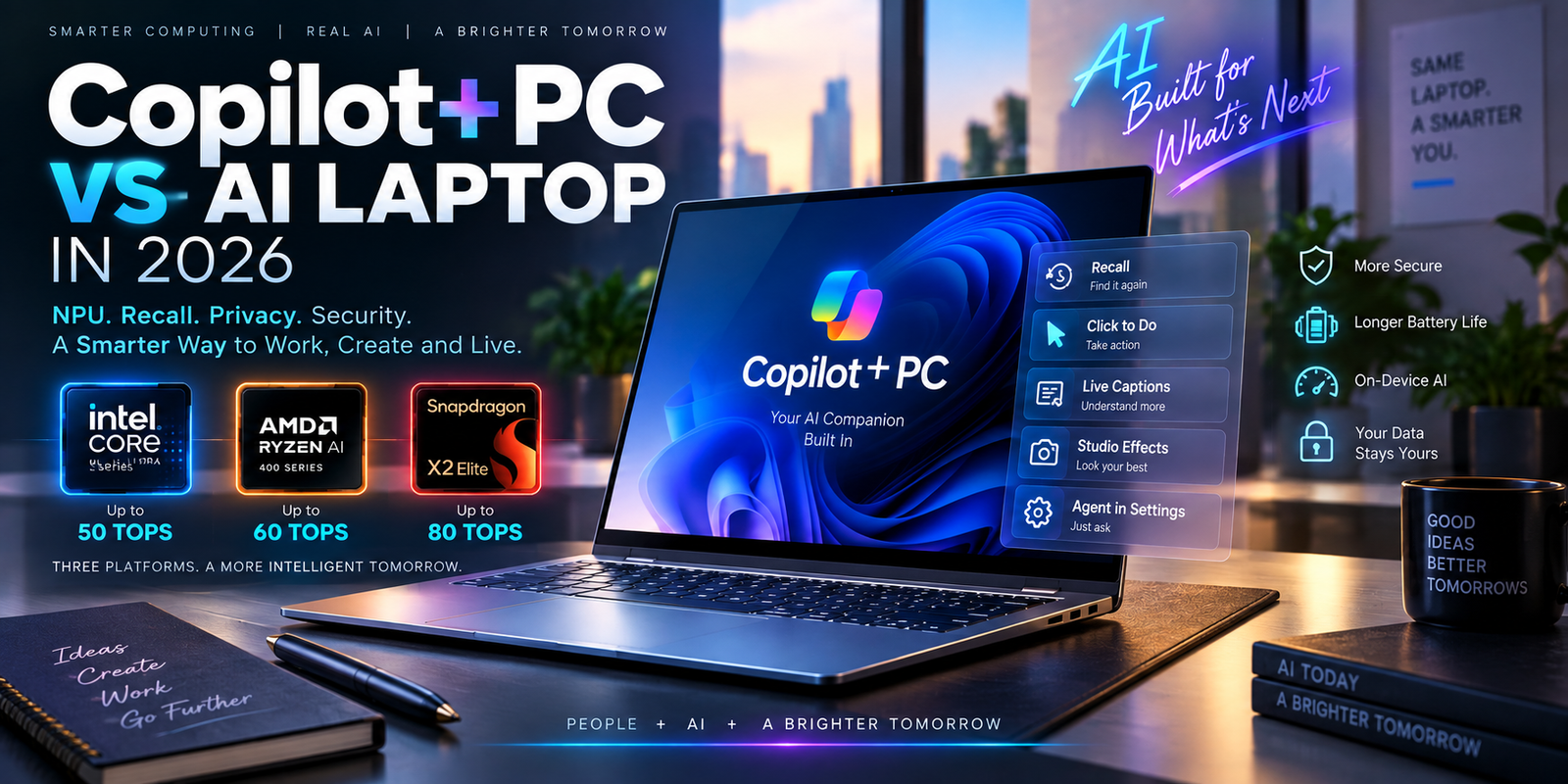
Intel’s 2026 Core Ultra Series 3 processors can provide up to 50 NPU TOPS on premium configurations. AMD’s Ryzen AI 400 family reaches up to 60 NPU TOPS, while Qualcomm’s Snapdragon X2 Elite platform pushes dedicated NPU performance as high as 80 TOPS.
But a bigger TOPS number does not automatically mean a better laptop.
Battery life, software compatibility, memory capacity, CPU performance, integrated graphics, security, cooling and the applications you actually use remain equally important.
This guide explains what Copilot+ PCs really offer in 2026, how they differ from ordinary AI laptops and what advanced buyers should check before investing in one.
What Is a Copilot+ PC?
A Copilot+ PC is a specific class of Windows computer defined around dedicated on-device AI processing.
The central hardware requirement is the NPU.
An NPU, or neural processing unit, is specialized hardware designed to process neural-network workloads more efficiently than a general-purpose CPU.
Microsoft currently describes Copilot+ PCs as systems containing an NPU capable of more than 40 TOPS. These systems can use the NPU for features such as real-time translation, image processing and other Windows AI experiences while allowing the CPU and GPU to continue handling their own workloads.
This workload separation is important.
Running every AI feature on a high-powered GPU would consume unnecessary battery power.
Running everything on the CPU could reduce responsiveness and efficiency.
The NPU provides another processing engine optimized specifically for persistent AI workloads.
This makes the modern Copilot+ PC fundamentally a three-engine system consisting of CPU, GPU and NPU resources.
Copilot+ PC vs Ordinary AI Laptop
The term “AI laptop” is much broader.
Manufacturers can market a laptop as an AI PC because it includes AI acceleration somewhere in the hardware or software stack.
That does not automatically mean the computer qualifies for Microsoft’s Copilot+ PC category.
For example, an older laptop with an NVIDIA RTX GPU may be extremely powerful for generative AI.
It could potentially generate images, run language models and accelerate machine-learning applications.
But if it lacks a qualifying 40+ TOPS NPU, it does not satisfy the central Copilot+ hardware requirement.
This creates an important distinction.
| Feature | Copilot+ PC | General AI Laptop |
|---|---|---|
| Dedicated NPU | Required | May or may not have one |
| NPU Performance | 40+ TOPS required | Can be lower |
| Windows AI Features | Full qualifying feature set where supported | Some features may be unavailable |
| Minimum RAM | 16GB for Copilot+ qualification | No universal requirement |
| Minimum Storage | 256GB | No universal requirement |
| Local AI | Yes | Depends on hardware |
| Powerful Dedicated GPU | Optional | May include RTX GPU |
| Best Strength | Efficient Windows/on-device AI | Depends on configuration |
| Gaming/Creator AI | Hardware dependent | Can be extremely powerful with RTX GPU |
A high-end RTX laptop can therefore be a stronger AI workstation than a thin Copilot+ laptop while still not being the better machine for efficient Windows NPU features.
The correct choice depends on the workload.
Why Microsoft Requires a 40+ TOPS NPU
TOPS means trillions of operations per second.
A 40-TOPS NPU can theoretically perform tens of trillions of supported AI operations each second.
The figure does not measure conventional CPU performance.
It also does not represent total laptop performance.
Instead, it describes a particular class of AI compute capability.
Microsoft uses the 40+ TOPS threshold because many Copilot+ features are designed to execute continuously or repeatedly without placing excessive load on the CPU or GPU.
Microsoft’s developer guidance says NPU-targeted AI models can improve both inference efficiency and battery behavior on supported hardware.
However, TOPS comparisons between manufacturers need context.
A 60-TOPS AMD NPU should not simply be assumed to deliver exactly 20 percent more real-world performance than a 50-TOPS Intel NPU.
Software optimization, model architecture, memory bandwidth and supported execution frameworks all affect actual performance.
Intel Core Ultra Series 3 and Copilot+ PCs
Intel significantly expanded its AI laptop platform in 2026 with Core Ultra Series 3.
The processors are built using Intel’s 18A process and began appearing in consumer laptops in January 2026.
Higher-end Core Ultra X9 and X7 models can provide up to 16 CPU cores, powerful integrated Intel Arc graphics and an NPU capable of up to 50 TOPS.
Intel says the Series 3 family is being used across hundreds of consumer and commercial PC designs.
By Computex 2026, Intel said Core Ultra Series 3 had already expanded into more than 325 consumer and commercial system designs.
This scale is important for buyers because it creates more choice.
Instead of selecting from only a few experimental AI laptops, buyers can choose among premium ultrabooks, business notebooks, creator systems and other designs using compatible Intel hardware.
Intel’s Strength Is the Complete x86 Ecosystem
Intel’s biggest advantage for many users may not be its 50-TOPS NPU.
It is software familiarity.
Core Ultra Series 3 remains part of the mainstream x86 Windows ecosystem.
Companies with older business applications, specialist utilities and existing Windows deployment infrastructure may therefore find Intel systems easier to integrate.
Developers and professionals should still check individual application requirements, but x86 compatibility can reduce uncertainty compared with adopting a different processor architecture.
AMD Ryzen AI 400 Copilot+ Laptops
AMD’s Ryzen AI 400 platform is another major 2026 option.
AMD launched the Ryzen AI 400 and Ryzen AI PRO 400 families at CES 2026.
The processors combine Zen 5 CPU architecture, integrated Radeon graphics and second-generation XDNA 2 NPU technology.
AMD says the family provides up to 60 NPU TOPS, and every processor in the Ryzen AI 400 stack exceeds Microsoft’s Copilot+ NPU requirement.
That makes the platform especially interesting for buyers who want strong integrated graphics together with dedicated AI acceleration.
AMD also offers Ryzen AI PRO 400 for business systems.
Those processors add enterprise-oriented technologies for security, management and platform stability.
For organizations refreshing corporate fleets, the distinction between consumer Ryzen AI and Ryzen AI PRO can therefore be important.
Snapdragon X2 Elite Raises NPU Performance Further
Qualcomm continues to approach AI laptops from the Arm side of the Windows ecosystem.
Its Snapdragon X2 Elite platform can provide an NPU rated at up to 80 TOPS.
Qualcomm has expanded the platform across a growing number of Copilot+ PC designs, with more than 20 Snapdragon X2-powered Copilot+ devices highlighted by the company around Computex 2026.
An 80-TOPS NPU gives Snapdragon substantial theoretical on-device AI capability.
Efficiency is also a major part of Qualcomm’s laptop strategy.
For highly mobile users who spend most of their day in web applications, office software, collaboration platforms and modern native applications, Snapdragon systems can be attractive.
Professional buyers should still verify application compatibility.
Windows on Arm support has improved significantly, but specialist drivers, old enterprise tools and unusual peripherals may still deserve additional checking.
2026 Copilot+ Processor Comparison
| Platform | NPU Capability | Architecture | Main Strength |
|---|---|---|---|
| Intel Core Ultra Series 3 | Up to 50 TOPS | x86 | Compatibility, CPU/GPU balance, broad laptop selection |
| AMD Ryzen AI 400 | Up to 60 TOPS | x86 | Strong CPU, Radeon graphics and NPU combination |
| Snapdragon X2 Elite | Up to 80 TOPS | Arm | NPU performance and power efficiency |
| Minimum Copilot+ Requirement | 40+ TOPS | Varies | Windows AI qualification |
These figures describe NPU capability only and should not be treated as overall processor rankings.
Windows AI Is Increasingly Running Locally
One of the most important changes in 2026 is that more Windows AI components can operate directly on the laptop.
Microsoft describes its Copilot+ AI components as a combination of machine-learning models, runtimes and hardware-optimized execution layers built into Windows.
The company says local execution can lower latency, reduce cloud dependence and help keep sensitive information on the device for supported features.
That represents an important change in personal computing.
Traditional cloud AI sends information to remote servers for processing.
Local AI allows some functions to run directly on the PC.
The two approaches can coexist.
A Copilot+ PC can run smaller or latency-sensitive models locally while still connecting to cloud services for workloads that need substantially more computing power.
What Is Recall in Windows?
Recall has become one of the most discussed Copilot+ PC features.
Recall allows users to search past activity by analyzing snapshots saved on the computer.
Instead of remembering the exact filename or website, a user can potentially describe what they remember seeing and search through locally indexed snapshots.
Microsoft says Recall snapshots and associated analysis are stored locally rather than uploaded to Microsoft, and accessing Recall requires Windows Hello authentication.
Recall is also opt-in.
Microsoft’s current enterprise documentation says Recall is disabled and removed by default on managed devices.
An IT administrator can decide whether employees are allowed to opt into the feature, but administrators cannot secretly turn snapshot capture on for an employee.
This distinction is important for privacy.
Recall Requires More Than a Fast NPU
Recall has additional hardware and security requirements.
Microsoft currently lists a qualifying Copilot+ PC with a 40-TOPS NPU, at least 16GB of RAM and at least 256GB of storage.
Recall also needs at least 50GB of free storage space before it can be enabled.
Snapshot saving automatically pauses if free space falls below 25GB.
Device Encryption or BitLocker must be enabled, and the user needs Windows Hello Enhanced Sign-in Security with biometric authentication.
That means storage capacity deserves attention.
A 256GB laptop may technically meet the platform minimum but can become restrictive once applications, updates, files and Recall storage all compete for space.
For a premium Copilot+ laptop, 512GB or 1TB is much more comfortable.
Recall Privacy Controls
Recall also allows users to filter particular apps and websites.
Microsoft says supported browsers can exclude private-browsing activity, and users can select applications or websites that should not be included in saved snapshots.
Recall does not record continuous video or audio.
Users can pause snapshot collection, delete saved snapshots and disable the feature.
These controls matter because different users have very different privacy requirements.
A general home user may be comfortable with local searchable history.
Someone handling confidential financial, legal or business information may prefer to keep Recall disabled or apply stricter exclusions.
The correct approach depends on the user rather than simply whether the laptop supports the feature.
Recall in Business Environments
Businesses need additional controls beyond individual user preferences.
Microsoft provides management policies that allow organizations to control whether Recall can be used.
Microsoft Purview data loss prevention can also be configured to restrict sensitive content from appearing in Recall snapshots in managed environments.
That is important for organizations handling regulated or confidential information.
A finance company may have different requirements from a home user.
A legal firm may need to protect privileged documents.
A healthcare organization may have strict rules about patient data.
Copilot+ PC adoption should therefore be accompanied by corporate AI and data policies rather than treated purely as a hardware purchase.
Click to Do and Contextual AI Actions
Another major Copilot+ feature is Click to Do.
Click to Do can analyze content currently visible on the screen and provide contextual actions.
Available actions depend on the content, device, region and installed software.
Microsoft notes that some actions may also require subscriptions.
This type of feature illustrates why the NPU matters.
Instead of sending every visible element to a cloud service, supported recognition tasks can be processed locally.
Over time, this could make AI feel less like a separate website and more like part of the operating system.
Live Captions and Translation
Real-time translation is another practical NPU workload.
Microsoft says Copilot+ PCs can support live translation capabilities using their dedicated AI hardware.
For business users, this can be valuable during meetings.
For travelers, it can improve communication.
For students, it can help with international lectures and media.
The key advantage of on-device processing is efficiency.
The NPU can perform language processing without continuously loading the CPU or requiring a high-powered discrete GPU.
Windows Studio Effects
AI-enhanced webcam processing is another area where NPUs make sense.
Background blur, automatic framing, eye-contact adjustments and related effects can run continuously during long video calls.
Using a large GPU for these relatively small AI operations would be inefficient.
An NPU can process them with lower power consumption.
For remote workers who spend several hours each day in meetings, this type of efficiency can contribute to better battery behavior.
Agent in Settings Represents the Next Stage
Microsoft’s current Windows 11 feature information lists Agent in Settings as available on Copilot+ PCs in supported languages.
The feature is designed to help users find and change Windows settings using natural-language requests.
This shows where the platform is heading.
Instead of requiring users to remember the exact menu containing a setting, local AI can increasingly interpret intent.
That does not necessarily make conventional menus disappear.
It provides another way to interact with the computer.
Security Is Becoming Part of the Copilot+ Specification
Copilot+ PCs are also designed around stronger Windows security requirements.
Microsoft says business Copilot+ PCs include Secured-core PC protection and Microsoft Pluton security capabilities on supported platforms.
Pluton is a security processor integrated into modern CPU designs.
Microsoft describes it as providing a hardware-based root of trust for credentials and sensitive information.
Windows Hello Enhanced Sign-in Security also adds stronger biometric authentication on qualifying systems.
These features can matter even for users who rarely use AI.
A laptop purchased in 2026 may store banking credentials, business documents, passwords and identity tokens for several years.
Hardware-backed security can therefore be part of long-term value.
Copilot+ PC vs Gaming Laptop
A Copilot+ PC and gaming laptop can be designed for very different priorities.
A thin Copilot+ laptop may prioritize battery life, silent operation and efficient AI processing.
A gaming laptop may contain an NVIDIA RTX 5080 or RTX 5090 GPU capable of enormous AI throughput.
For gaming, 3D rendering or local generative AI, the RTX laptop can be substantially more powerful.
For continuous lightweight AI features, the Copilot+ NPU can be dramatically more power efficient.
The ideal high-end machine may contain both a qualifying NPU and dedicated RTX graphics.
Such systems can use the NPU for background Windows AI while reserving the discrete GPU for demanding rendering or generative AI.
Copilot+ PC vs Local AI Workstation
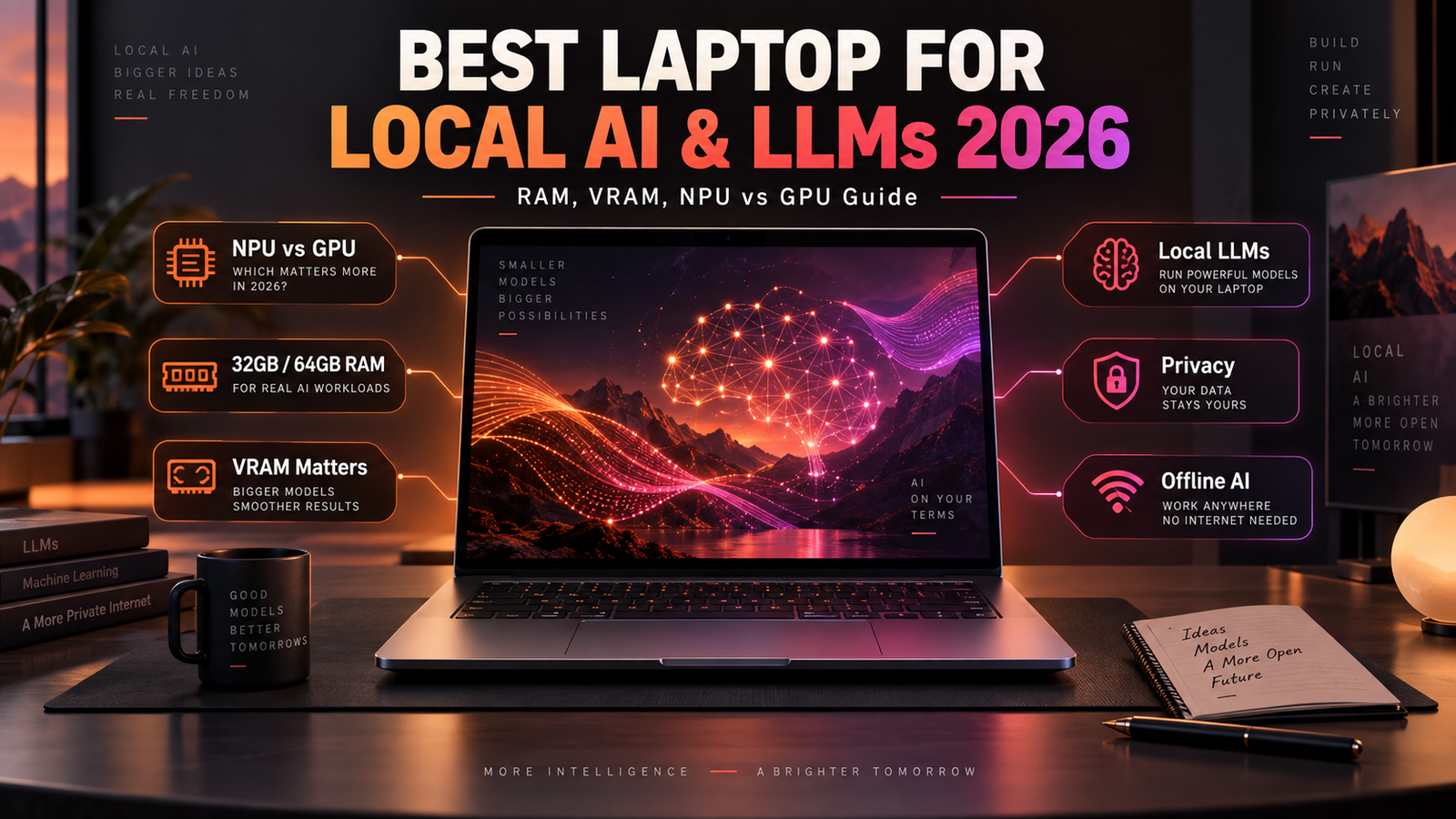
Users running large local language models should not assume Copilot+ certification is enough.
A 40-TOPS NPU is excellent for supported Windows AI experiences.
It does not provide the same performance or memory capacity as a high-end RTX GPU.
An AI developer may need 16GB or 24GB of GPU VRAM.
Large models may require 64GB or more of system memory.
A workstation may also need several terabytes of storage.
Copilot+ qualification therefore tells you that the system meets Microsoft’s AI-PC baseline.
It does not mean the machine is a professional AI workstation.
Is 16GB RAM Enough in 2026?
Sixteen gigabytes satisfies the current Copilot+ baseline.
For a premium laptop intended to remain in service for several years, 32GB is increasingly attractive.
Modern users may simultaneously run dozens of browser tabs, collaboration software, cloud applications, Microsoft Office, AI tools and security software.
Developers may add containers and virtual machines.
Creators may open large media projects.
When memory is soldered, the buying decision becomes even more important.
A 16GB laptop may never be upgradeable.
Paying for 32GB at purchase can therefore improve useful lifespan.
32GB vs 64GB for Copilot+ PCs
32GB is an excellent target for premium productivity and professional use.
64GB becomes more attractive for developers, large creative projects, virtualization and serious local AI work.
The NPU itself does not eliminate RAM requirements.
AI models still require memory.
Applications still require memory.
The operating system still requires memory.
A balanced configuration matters more than one exceptional specification.
Storage Requirements Are Increasing
Microsoft officially lists 256GB as part of the basic Copilot+ specification.
That should not be confused with an ideal premium configuration.
Windows updates consume storage.
Recall can use storage.
Local AI models consume storage.
Creative applications consume storage.
Large games and project files can consume hundreds of gigabytes.
For general professional use, 1TB is increasingly a sensible target.
AI developers and creators may prefer 2TB or more.
Upgradeable NVMe storage is also valuable when available.
Battery Life Is One of the Strongest NPU Arguments
AI computing can consume significant energy.
The NPU exists partly to solve that problem.
Instead of waking a large GPU whenever Windows needs to perform an AI operation, the system can send appropriate tasks to dedicated low-power hardware.
Intel, AMD and Qualcomm are all designing their current laptop platforms around this heterogeneous model.
Intel says its Core Ultra Series 3 combines CPU, GPU and NPU resources and has emphasized improved mobile efficiency in the 2026 generation.
AMD similarly positions Ryzen AI 400 around intelligent compute and mobile efficiency.
Qualcomm continues to make efficiency a major part of its Snapdragon X2 strategy while providing an 80-TOPS NPU.
Actual battery life still depends on the complete laptop.
Display type, battery capacity, brightness, software and wireless activity all matter.
Software Compatibility Still Matters More Than AI Branding
A laptop can have outstanding AI specifications and still be the wrong purchase if important software does not run correctly.
This is particularly important when comparing x86 Intel/AMD systems with Arm-based Snapdragon devices.
Mainstream Windows-on-Arm support has improved substantially.
But professionals should still verify specialist applications.
Plug-ins should be checked.
Printer and scanner drivers should be checked.
VPN software should be checked.
Development tools should be checked.
Enterprise security software should be checked.
Hardware compatibility can save far more time than a small NPU performance difference.
Copilot+ PC Buying Guide by User Type
| User Type | Suggested RAM | Storage | NPU Priority | Dedicated GPU |
|---|---|---|---|---|
| General Productivity | 16–32GB | 512GB–1TB | Important | Usually unnecessary |
| Premium Business User | 32GB | 1TB | Important | Optional |
| Software Developer | 32–64GB | 1–2TB | Useful | Workload dependent |
| Creator | 32–64GB | 1–2TB | Useful | Often valuable |
| Local AI Developer | 64GB+ | 2TB+ | Useful | RTX GPU often more important |
| Frequent Traveler | 16–32GB | 512GB–1TB | Important | Integrated graphics preferred for efficiency |
| Enterprise Fleet | 32GB | 1TB | Increasingly important | Role dependent |
These configurations are general starting points. Professional application requirements should determine the final specification.
Should You Buy Intel, AMD or Snapdragon?
There is no universal answer.
Intel Core Ultra Series 3 can be attractive for users who want broad x86 compatibility, strong integrated graphics and 50-TOPS-class NPU performance.
AMD Ryzen AI 400 can provide up to 60 NPU TOPS combined with strong Radeon integrated graphics and up to 12 high-performance CPU cores in current higher-end configurations.
Snapdragon X2 Elite pushes NPU performance to 80 TOPS and is particularly compelling for buyers prioritizing efficient mobile computing and supported native Arm applications.
The applications you use should make the decision.
Not the highest TOPS figure.
Should You Replace a Good Laptop Just for Copilot+?
Probably not if your existing computer still performs well for your workload.
Copilot+ features are useful, but replacing a perfectly functional machine only to obtain an NPU may not provide enough financial value for every user.
The calculation changes when you already need a new laptop.
If two similarly priced systems meet your normal CPU, RAM, display and storage requirements, choosing the one with a modern 40+ TOPS NPU can provide useful future headroom.
AI integration in Windows is clearly increasing.
A laptop purchased today may remain in use until 2030 or later.
NPU capability could become much more important during that period.
When a Copilot+ PC Is Worth Paying More For
A price premium is easier to justify when the Copilot+ model also improves other parts of the laptop.
Better battery life can matter.
More RAM can matter.
Better security can matter.
A newer CPU platform can matter.
A better webcam and microphone system can matter for business users.
Paying hundreds of dollars only for a Copilot+ logo is harder to justify.
The laptop still needs to be a good laptop without the AI marketing.
What to Check Before Buying a Copilot+ Laptop
The first specification should be the processor.
Find the exact CPU model rather than accepting a generic description such as “Intel Core Ultra.”
Check the NPU TOPS.
Check RAM capacity and whether memory is upgradeable.
Check SSD capacity.
Check the display.
Check port selection.
Check Wi-Fi.
Check the operating-system edition.
Check software compatibility.
Check warranty coverage.
For business systems, check enterprise management and security features.
The NPU should be part of a complete buying decision, not the only specification.
Final Thoughts
Copilot+ PCs have matured significantly by 2026.
They are no longer limited to the first wave of Snapdragon laptops.
Intel Core Ultra Series 3, AMD Ryzen AI 400 and Snapdragon X2 Elite now provide multiple hardware paths into the Copilot+ ecosystem.
Microsoft still defines the platform around a dedicated NPU capable of more than 40 TOPS, combined with minimum memory and storage requirements.
The Windows AI ecosystem has also expanded.
Recall can provide locally analyzed searchable snapshots for users who explicitly opt into the feature, with Windows Hello authentication and local storage controls.
Click to Do, Live Captions, Windows Studio Effects and newer features such as Agent in Settings demonstrate how AI is moving deeper into everyday Windows workflows.
Security is also becoming more closely connected with the AI PC platform through Secured-core protection, Pluton and Enhanced Sign-in Security.
But the Copilot+ logo should not replace proper laptop research.
NPU performance is only one consideration.
RAM matters.
Storage matters.
Software compatibility matters.
Display quality matters.
Battery life matters.
Security matters.
A creator may benefit more from a dedicated RTX GPU.
A developer may prioritize 64GB of RAM.
A business may prioritize vPro or Ryzen AI PRO manageability.
A frequent traveler may prefer an efficient Snapdragon system.
For most premium buyers, the best Copilot+ PC in 2026 is therefore not the laptop with the highest NPU number.
It is the laptop that combines sufficient AI acceleration with the CPU performance, memory, storage, compatibility, battery life and security required by the work you actually perform.
That is what turns an AI laptop from a marketing concept into a genuinely useful long-term computer.