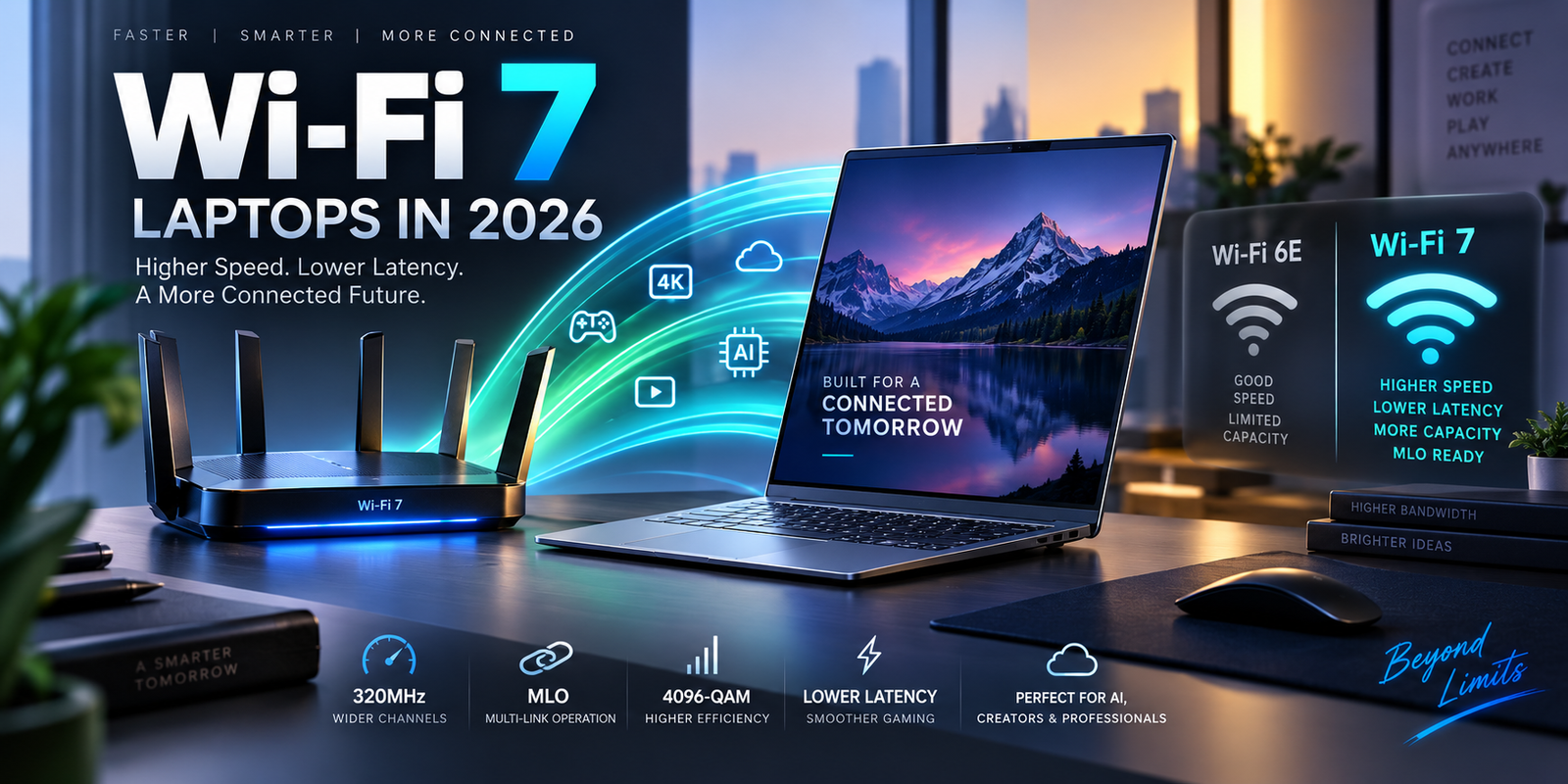
Wi-Fi 7 Laptops in 2026: Wi-Fi 7 vs Wi-Fi 6E, MLO, 320MHz and Advanced Buying Guide
Wireless networking has become an important laptop specification in 2026. Buyers spending money on a premium AI laptop, mobile workstation or business computer increasingly see Wi-Fi 7 listed alongside technologies such as Thunderbolt 5, OLED displays, Intel Core Ultra processors and dedicated NPUs.
But Wi-Fi 7 is often misunderstood.
A laptop carrying a Wi-Fi 7 label does not automatically provide multi-gigabit internet speeds. It does not automatically make cloud applications seven times faster. And it will not provide its most advanced features when connected to an older Wi-Fi 5 or Wi-Fi 6 router.
The complete network matters.
The laptop wireless adapter, router, channel width, available radio spectrum, interference, internet connection and operating system all influence performance.
Modern Wi-Fi 7 hardware can nevertheless deliver significant advantages. Microsoft describes Wi-Fi 7, technically IEEE 802.11be Extremely High Throughput, as offering higher speeds, lower latency, greater capacity and improved stability compared with earlier Wi-Fi generations. Windows 11 supports major features including Multi-Link Operation, 320MHz channels and 4096-QAM on compatible hardware.
Intel’s Wi-Fi 7 BE200 laptop adapter provides a useful example. It supports 2.4GHz, 5GHz and 6GHz bands, 320MHz channels, 4096-QAM and a theoretical maximum connection rate of 5.8Gbps.
Qualcomm’s FastConnect 7800 platform similarly supports Wi-Fi 7 with peak physical-layer speeds of up to 5.8Gbps and Multi-Link technology across compatible high-band networks.
Those specifications are impressive, but understanding what they mean in real use is much more valuable than simply looking for the highest number.
What Is Wi-Fi 7?
Wi-Fi 7 is the consumer name for the IEEE 802.11be wireless networking generation.
It builds on Wi-Fi 6 and Wi-Fi 6E while adding technologies designed to increase throughput, reduce latency and make wireless networking more efficient in demanding environments.
The most important Wi-Fi 7 features for laptop users include wider 320MHz channels, 4096-QAM modulation and Multi-Link Operation, commonly called MLO.
These technologies solve different problems.
320MHz channels increase the amount of radio spectrum available for data transmission.
4096-QAM increases how much information can be encoded into the wireless signal when radio conditions are sufficiently good.
Multi-Link Operation allows compatible devices to use more than one wireless link instead of being limited to one band and channel at a time.
Together, these improvements can make Wi-Fi 7 particularly useful for high-speed fiber internet, local network transfers, gaming, cloud workstations, wireless docking and large office networks.
Wi-Fi 7 vs Wi-Fi 6E: The Important Difference
Wi-Fi 6E introduced access to the 6GHz spectrum in supported countries.
That was an important change because 6GHz provided additional clean spectrum beyond the traditional 2.4GHz and 5GHz bands.
Wi-Fi 7 continues to use 2.4GHz, 5GHz and 6GHz, but it makes more advanced use of them.
The biggest improvements are not simply about adding another band.
Wi-Fi 7 can use 320MHz channels, while conventional Wi-Fi 6E implementations generally use channels up to 160MHz.
Microsoft states that 320MHz bandwidth in the 6GHz band doubles available channel width and can increase performance for high-bandwidth applications.
Wi-Fi 7 also adds 4096-QAM, compared with 1024-QAM associated with Wi-Fi 6/6E.
Most importantly, Multi-Link Operation changes the way a compatible device can interact with multiple wireless links.
Wi-Fi 7 vs Wi-Fi 6E Comparison
| Feature | Wi-Fi 7 | Wi-Fi 6E |
|---|---|---|
| IEEE Standard | 802.11be | 802.11ax |
| Main Bands | 2.4GHz, 5GHz, 6GHz | 2.4GHz, 5GHz, 6GHz |
| Maximum Channel Width | Up to 320MHz | Up to 160MHz |
| Modulation | Up to 4096-QAM | Up to 1024-QAM |
| Multi-Link Operation | Yes | No equivalent full MLO capability |
| Peak Client Speeds | Multi-gigabit, hardware dependent | Lower than full Wi-Fi 7 implementations |
| Latency Potential | Improved through MLO and newer features | Strong but less flexible |
| Best Use Cases | Multi-gig internet, gaming, workstations, dense networks | Fast everyday networking |
| Router Requirement | Wi-Fi 7 router for full features | Wi-Fi 6E router |
| Backward Compatibility | Yes | Yes |
Wi-Fi 6E is still a capable technology. A good Wi-Fi 6E network can easily handle ordinary web use, video conferencing, cloud software and streaming.
Wi-Fi 7 becomes more useful when network demands become more advanced.
Multi-Link Operation Is One of Wi-Fi 7’s Biggest Upgrades
Traditional Wi-Fi devices generally connect through one radio link at a time.
A laptop may connect through 5GHz or 6GHz, but the connection is still built around one selected link.
Multi-Link Operation can allow compatible Wi-Fi 7 hardware to use multiple links.
Microsoft explains that MLO can use multiple bands such as 2.4GHz, 5GHz and 6GHz to help avoid network congestion and maintain connectivity. Windows can also indicate whether an MLO connection is active by showing more than one network band in connection properties.
The real value is not simply adding bandwidth.
MLO can also improve reliability.
If one link becomes congested, another available link may help maintain performance.
For real-time applications such as online gaming, cloud desktops, video meetings and interactive AI services, consistent latency can sometimes matter more than maximum download speed.
Multi-Link Operation Can Reduce Latency
Imagine a laptop connected to a busy 5GHz channel.
Several neighboring routers are using similar frequencies.
Traffic increases.
Packets can be delayed while devices compete for airtime.
With appropriate Wi-Fi 7 equipment and MLO implementation, the device can use another link instead of depending entirely on the congested path.
This creates additional opportunities to send data without waiting for one channel.
Qualcomm’s FastConnect 7800 uses High Band Simultaneous Multi-Link technology and supports multiple links across 5GHz and 6GHz. Qualcomm markets the platform for low-latency mobile and compute use and quotes peak speeds reaching 5.8Gbps under supported conditions.
Actual latency will always depend on the router, network traffic and internet route.
Wi-Fi 7 cannot fix a slow server on the other side of the world.
It can reduce wireless-network bottlenecks inside the local environment.
What Does 320MHz Wi-Fi Mean?
A useful way to understand channel width is to imagine a road.
A wider road can move more traffic when enough space is available.
Wi-Fi 7 can use channels as wide as 320MHz in compatible 6GHz environments.
That is twice the 160MHz maximum commonly associated with Wi-Fi 6E.
Microsoft says 320MHz operation can double speed potential compared with a 160MHz channel under appropriate conditions.
However, the feature depends on available spectrum.
A laptop adapter that supports 320MHz cannot create a 320MHz channel if the router does not support it.
Regional spectrum regulations also matter.
6GHz availability and permitted channel use differ between countries.
The wireless environment matters too.
A large contiguous channel can be easier to use in clean spectrum than in extremely crowded networks.
Not Every Wi-Fi 7 Laptop Supports the Same Maximum Speed
This is one of the most important points for buyers.
Two laptops may both advertise Wi-Fi 7 while using wireless adapters with different capabilities.
Intel’s Wi-Fi 7 product lineup demonstrates this clearly.
The Intel BE200 supports 2×2 operation, 320MHz channels, 4096-QAM and maximum theoretical speed of 5.8Gbps.
Intel also offers Wi-Fi 7 products with lower maximum rates. Its current Wi-Fi 7 family includes models rated at approximately 2.4Gbps, 2.8Gbps and 5.8Gbps depending on channel width and implementation.
This means consumers should not stop at the words “Wi-Fi 7.”
The actual wireless adapter model can matter.
Intel Wi-Fi 7 BE200 in Premium Laptops
Intel’s BE200 has become a common reference point for high-end Windows wireless connectivity.
The adapter supports three bands: 2.4GHz, 5GHz and 6GHz.
It uses a 2×2 radio configuration.
It supports 320MHz operation and 4096-QAM.
Intel lists its theoretical maximum connection speed as 5.8Gbps.
It also integrates Bluetooth 5.4.
For buyers comparing premium Intel, AMD or workstation-class laptops, seeing a BE200-class adapter indicates that the system has the wireless hardware necessary for advanced Wi-Fi 7 networking.
But the laptop antenna design also matters.
A good wireless chipset inside a poorly designed chassis can still provide disappointing real-world range.
Qualcomm FastConnect 7800 and Wi-Fi 7
Qualcomm uses a somewhat different approach through its FastConnect platform.
FastConnect 7800 supports 2.4GHz, 5GHz and 6GHz connectivity, up to 320MHz channels, 4K QAM and Multi-Link technology.
Qualcomm lists peak Wi-Fi speeds of up to 5.8Gbps.
The platform can also use high-band simultaneous connections.
Qualcomm says its implementation can deliver up to 4.3Gbps using 5GHz spectrum in certain situations where 6GHz operation is unavailable.
This illustrates another important Wi-Fi 7 advantage.
The technology is not valuable only because of 6GHz.
Advanced multi-link approaches can also improve flexibility when spectrum availability differs across locations.
What Is 4096-QAM?
QAM stands for Quadrature Amplitude Modulation.
The technical details can become complex, but the practical idea is straightforward.
Higher-order QAM allows more information to be represented in each wireless transmission symbol.
Wi-Fi 6 commonly uses up to 1024-QAM.
Wi-Fi 7 can use 4096-QAM, also called 4K QAM.
Microsoft states that 4096-QAM can increase data transmission by approximately 20 percent compared with the previous modulation level under suitable conditions.
The phrase “suitable conditions” matters.
Higher-order modulation requires a strong and clean signal.
A laptop far from the router or behind several walls may not maintain the signal quality needed for 4096-QAM.
The network will automatically move to more robust modulation when necessary.
This is why maximum Wi-Fi specifications are normally achieved near a high-quality router.
5.8Gbps Wi-Fi Does Not Mean 5.8Gbps Internet
This distinction is essential.
A wireless adapter’s advertised 5.8Gbps figure is a theoretical physical-layer connection rate.
It is not a guarantee that a speed-test website will show 5.8Gbps.
Protocol overhead reduces usable throughput.
Wireless interference affects performance.
Router limitations affect performance.
Distance affects performance.
The internet connection itself may be far slower.
If a house has a 500Mbps internet plan, buying a 5.8Gbps Wi-Fi adapter does not turn that connection into 5.8Gbps internet.
The advantage may still appear in local networking.
For example, moving files from a laptop to a high-speed network attached storage system can potentially use far more bandwidth than a normal internet connection.
Wi-Fi 7 Makes More Sense With Multi-Gigabit Internet
Wi-Fi 7 becomes particularly attractive as fiber connections move beyond 1Gbps.
A user with a 2Gbps, 5Gbps or faster broadband plan needs the complete home network to keep pace.
A gigabit Ethernet port becomes a bottleneck for a 2Gbps connection.
An older Wi-Fi connection can also become the limiting factor.
A high-performance Wi-Fi 7 laptop connected to a capable Wi-Fi 7 router creates much more wireless headroom.
The router will still need a fast enough WAN port.
Its Ethernet interfaces must also match the connection.
For multi-gig networking, 2.5GbE, 5GbE or 10GbE infrastructure may become relevant.
This is why purchasing a fast laptop alone is only one part of a networking upgrade.
Wi-Fi 7 for Business Laptops
Business users increasingly work with cloud applications, online meetings and remote file systems.
Network quality directly affects productivity.
A faster wireless standard can help, but enterprises should think beyond headline speed.
Capacity is often more important.
An office floor may contain hundreds of wireless devices.
Laptops, phones, tablets, displays, printers and IoT equipment all compete for network resources.
Wi-Fi 7’s wider channels and Multi-Link capabilities can help modern access points manage demanding clients more efficiently.
But enterprise deployment also introduces security and compatibility concerns.
Microsoft’s current Windows guidance includes an important limitation: Wi-Fi 7 Enterprise authentication support is not currently available in Windows 11 according to its support documentation, so organizations should verify their required authentication environment before planning a deployment.
That detail is particularly important for managed corporate networks.
Wi-Fi 7 and WPA3 Security
Wireless speed should never be considered separately from security.
Windows supports WPA3, the newer Wi-Fi security generation designed to provide stronger authentication and cryptographic protections.
Microsoft recommends checking a Windows computer’s supported authentication capabilities to confirm WPA3 Personal or WPA3 Enterprise compatibility.
A premium 2026 laptop should generally support modern security standards.
However, the router and network configuration must use them too.
A Wi-Fi 7 laptop connected to a network configured with outdated security does not automatically make that network secure.
Businesses should coordinate laptop hardware, access points, authentication and endpoint policies.
Wi-Fi 7 for Remote Workers
Remote professionals can benefit from Wi-Fi 7, but many home networks are limited by factors unrelated to the laptop.
A remote employee may have a premium Wi-Fi 7 notebook connected to an ISP-supplied router located on another floor.
Walls, interference and weak router placement may have a greater impact than the wireless generation.
Before replacing hardware, users should identify the real bottleneck.
Moving the router to a more central location can sometimes improve performance significantly.
Adding a properly designed mesh system may help in a larger property.
Wired Ethernet may still be preferable for a permanent office desk.
Wi-Fi 7 adds capability, but good network design remains essential.
Wi-Fi 7 Mesh Networks
Mesh Wi-Fi systems use multiple access points to expand coverage.
Wi-Fi 7 can make mesh systems more interesting because high-bandwidth links can potentially be used between access points and clients.
Multi-Link technology can also provide greater flexibility.
However, buyers need to distinguish wired and wireless backhaul.
A mesh access point connected to the main router through Ethernet usually has a dedicated wired path.
A wireless node must use radio bandwidth to communicate with the rest of the mesh.
A poorly placed wireless node can still become a bottleneck even if both devices carry Wi-Fi 7 logos.
The best mesh design depends on building size, construction materials and wired-network availability.
Wi-Fi 7 for Gaming Laptops
Gamers frequently focus on download speed, but latency and consistency matter more during gameplay.
A game might use relatively little bandwidth compared with a large file download.
What matters is how quickly packets travel between the laptop and game server.
Wi-Fi 7’s Multi-Link Operation can improve the local wireless portion of that path by providing additional options when one band becomes busy.
Qualcomm markets its Wi-Fi 7 platform around low-latency use cases, including gaming.
A wired Ethernet connection can still provide more predictable performance.
For a gaming laptop used in locations where Ethernet is inconvenient, Wi-Fi 7 can reduce the gap.
Wi-Fi 7 for Cloud Gaming
Cloud gaming is more demanding from a networking perspective because the game itself is rendered remotely.
The laptop receives a continuous high-quality video stream while user inputs travel back to the cloud server.
High bandwidth helps.
Low latency helps even more.
Jitter is also important.
Jitter means variation in latency.
An unstable network where packets sometimes arrive quickly and sometimes arrive late can produce a poor experience even when average speed looks impressive.
Wi-Fi 7’s improved network efficiency and Multi-Link design can be particularly useful in this type of real-time application.
Wi-Fi 7 for Video Conferencing
Video conferencing rarely requires multi-gigabit speeds.
A good Wi-Fi 6 connection already has far more raw bandwidth than a typical meeting application needs.
But reliability matters.
A congested network can produce frozen video, delayed audio and brief connection drops.
Wi-Fi 7’s network-efficiency improvements can therefore help indirectly, especially in offices or homes containing many active wireless devices.
The upgrade is not about making a normal Teams or Zoom call use gigabits of bandwidth.
It is about maintaining a cleaner connection when the surrounding wireless environment is busy.
Wi-Fi 7 for Creators
Creators may receive more direct benefit from high-speed wireless networking.
A video editor can work with huge files.
A photographer may transfer entire libraries.
A 3D professional can move large project folders between a workstation and NAS.
A fast local network can dramatically change these workflows.
For these users, Wi-Fi 7 should be combined with a multi-gigabit storage server and appropriately fast network infrastructure.
A 10GbE NAS connected to a strong Wi-Fi 7 access point creates an environment where wireless file transfers can become much more practical.
The SSD inside the laptop must also be fast enough to write incoming data.
Every component in the chain matters.
Wi-Fi 7 for AI and Local LLM Workflows
Local AI does not necessarily need fast internet once models are downloaded.
But AI developers frequently move large datasets, model files and checkpoints between computers and servers.
Individual model files can consume many gigabytes.
Enterprise datasets can be far larger.
High-speed local networking can help developers move this information without relying on external SSDs.
Cloud AI users can also benefit from reliable low-latency connectivity.
Again, the main advantage is not that the AI computation becomes faster because the laptop has Wi-Fi 7.
The advantage is faster and more reliable communication with the systems storing or processing data.
Wi-Fi 7 and NAS Storage
Network attached storage is becoming increasingly relevant to laptop users.
Instead of keeping every project on the laptop’s internal SSD, users can store files on a central NAS.
Multiple computers can access the same storage.
Backups can run automatically.
A fast wireless connection makes this workflow much more practical.
But the NAS must have enough network bandwidth.
A NAS with only a 1GbE Ethernet connection cannot take full advantage of a multi-gigabit Wi-Fi 7 link.
Users building a performance-oriented environment should consider 2.5GbE, 5GbE or 10GbE connections between the NAS and network infrastructure.
Wi-Fi 7 Laptop Performance Depends on Router Quality
The router is one of the most important components in real Wi-Fi performance.
A cheap router with limited processing power, weak antennas and poor firmware may restrict an expensive laptop.
Premium Wi-Fi 7 routers can provide multiple spatial streams, advanced traffic management and stronger multi-gig wired connectivity.
Qualcomm’s Wi-Fi 7 networking platforms can scale to many radio streams and much higher aggregate network capacity than a single laptop client.
This distinction matters.
A laptop adapter may be 2×2.
A router can have many more streams because it needs to serve multiple devices simultaneously.
Router specifications and laptop specifications should therefore not be compared as if they represent the same thing.
Wi-Fi 7 Does Not Eliminate Ethernet
Ethernet remains extremely valuable.
A wired connection is predictable.
It avoids radio interference.
It can provide low latency.
It is excellent for desktop workstations, servers and storage systems.
Wi-Fi 7 is most valuable when mobility matters.
A creator can move between rooms without disconnecting.
An employee can work from conference spaces.
A gaming laptop can operate without a cable.
A home user can access multi-gig broadband from a couch.
For a permanent workstation, 2.5GbE or 10GbE Ethernet may still be preferable.
Modern premium laptops increasingly combine Wi-Fi 7 with Thunderbolt or USB4 docks that can add high-speed wired Ethernet when needed.
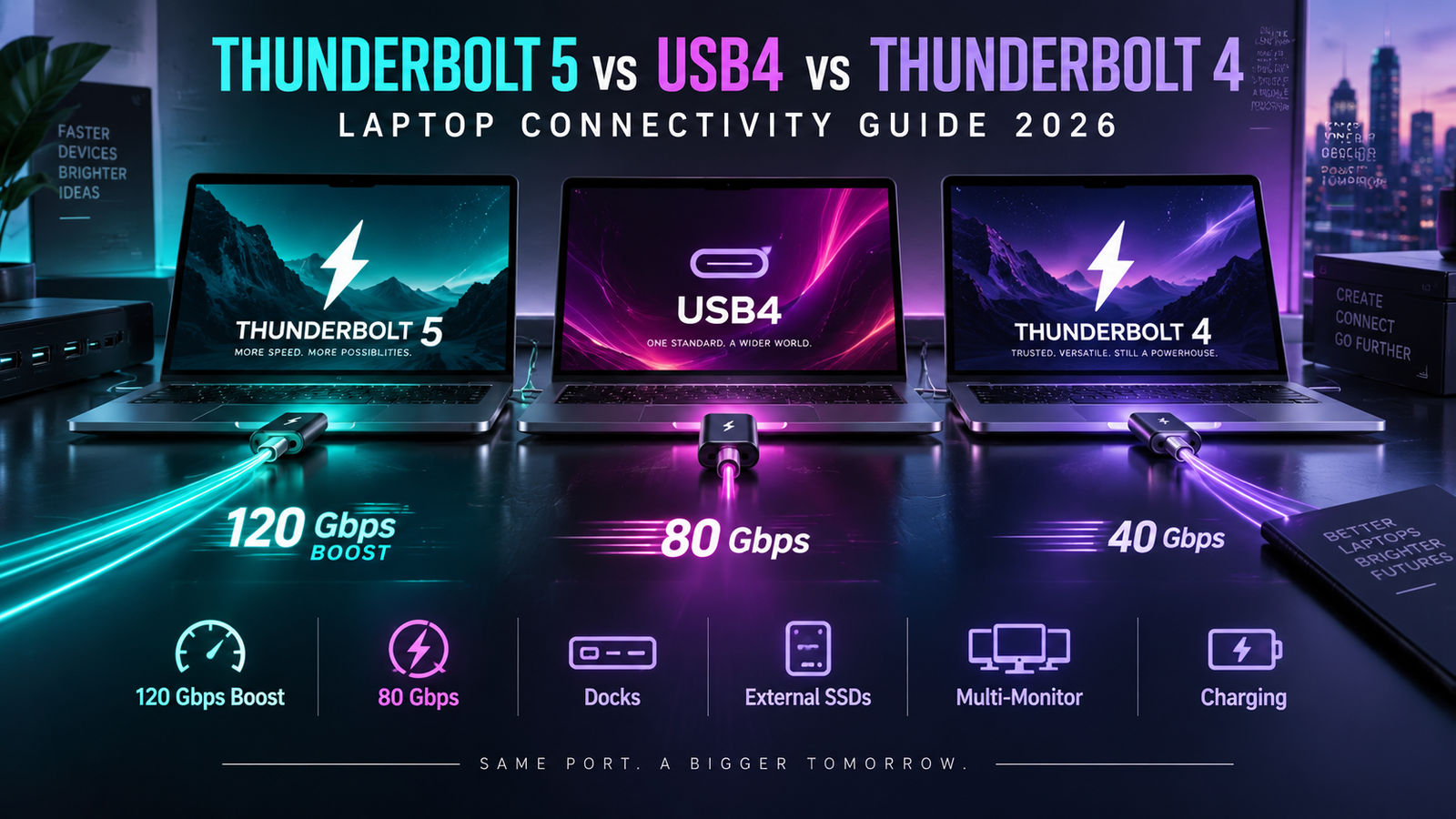
Wi-Fi 7 Can Complement Thunderbolt 5
Wi-Fi 7 and Thunderbolt 5 solve different connectivity problems.
Thunderbolt 5 provides extremely high-bandwidth wired connections for monitors, external SSDs, docks and PCIe devices.
Wi-Fi 7 provides high-performance wireless networking.
A premium workstation laptop can benefit from both.
At a desk, Thunderbolt can connect the laptop to power, displays and wired Ethernet through one cable.
Away from the desk, Wi-Fi 7 maintains fast network access.
This combination is becoming a strong specification for premium professional laptops.
Does Wi-Fi 7 Reduce Laptop Battery Life?
Wireless power consumption depends heavily on workload.
Transmitting large amounts of information requires more power than maintaining an idle connection.
However, newer networking platforms also include increasingly sophisticated efficiency technologies.
Qualcomm says FastConnect 7800 includes power-saving improvements across demanding sustained Wi-Fi workloads compared with previous generations.
The actual effect on laptop battery life will depend on the hardware implementation.
A user transferring hundreds of gigabytes at maximum speed will consume more energy than someone reading a mostly static web page.
Wi-Fi generation should therefore not be used as a simple battery-life predictor.
Does Your Laptop Need 320MHz Support?
For premium buyers purchasing a machine intended to last several years, 320MHz support can provide useful future headroom.
It is particularly relevant for people using high-end Wi-Fi 7 routers, multi-gig fiber or fast local storage.
For normal internet use, it is less critical.
A 500Mbps broadband connection does not require a 320MHz Wi-Fi channel.
Even a strong 160MHz implementation may provide far more wireless capacity than that internet connection can use.
The value depends on the network around the laptop.
160MHz Wi-Fi 7 vs 320MHz Wi-Fi 7
A 160MHz Wi-Fi 7 adapter can still include useful Wi-Fi 7 technologies.
The absence of 320MHz does not mean the laptop has bad wireless performance.
Intel’s product lineup shows several Wi-Fi 7 implementations with different channel-width and speed capabilities.
For buyers, the question should be whether maximum local networking performance matters.
A thin business laptop with 160MHz Wi-Fi 7 may be perfectly appropriate.
A mobile workstation used with a 5Gbps fiber connection or high-speed NAS can benefit more from 320MHz support.
Practical Wi-Fi Recommendation by Laptop Use
| Laptop Use | Suggested Wireless Level | Main Reason |
|---|---|---|
| General office work | Wi-Fi 6E or Wi-Fi 7 | Both provide ample everyday capacity |
| Premium business laptop | Wi-Fi 7 | Better long-term networking headroom |
| Gaming laptop | Wi-Fi 7 with MLO | Lower-latency potential and better congestion handling |
| Creator laptop | 320MHz Wi-Fi 7 | Fast NAS and large file transfers |
| Mobile workstation | Full-featured Wi-Fi 7 | Professional network and storage workflows |
| AI development laptop | Wi-Fi 7 | Large model and dataset transfers |
| Multi-gig fiber user | 320MHz Wi-Fi 7 | Better ability to use faster broadband |
| Basic 100–500Mbps internet | Wi-Fi 6/6E remains sufficient | Internet connection is likely the bottleneck |
The exact laptop adapter, router and environment remain more important than the marketing generation alone.
Should You Upgrade Your Router for a Wi-Fi 7 Laptop?
Not automatically.
Wi-Fi 7 laptops are backward compatible with older wireless networks.
A Wi-Fi 7 laptop can connect to a Wi-Fi 6E, Wi-Fi 6 or older router.
You simply will not receive the newest Wi-Fi 7 features.
If the current router already provides full internet speed and reliable coverage, upgrading it may provide little practical improvement.
A router upgrade becomes easier to justify when broadband exceeds 1Gbps, local network transfers are important, the home has many active devices, latency problems exist or the user wants MLO and 6GHz performance.
Should You Pay More for Wi-Fi 7 in a Laptop?
For a budget laptop purchased for basic browsing, paying a large premium only for Wi-Fi 7 makes little sense.
For a premium laptop expected to remain useful for four or five years, Wi-Fi 7 is much easier to justify.
Network infrastructure changes more slowly than processors.
A modern wireless adapter can therefore extend the usefulness of the computer as faster routers and internet connections become common.
The price difference matters too.
If Wi-Fi 7 is included as part of an otherwise strong premium configuration, it is a valuable feature.
If choosing Wi-Fi 7 means sacrificing RAM, SSD capacity or display quality, those other upgrades may produce a larger daily benefit.
What to Check Before Buying a Wi-Fi 7 Laptop
The most important specification is the actual wireless adapter rather than simply the Wi-Fi generation.
A full-featured premium implementation should be examined for channel width, 6GHz support, MLO capabilities and modulation support.
A buyer considering Intel BE200-class connectivity, for example, can verify 320MHz operation, 4096-QAM and a theoretical 5.8Gbps maximum.
The operating system should also support the intended features.
Router compatibility matters.
Regional 6GHz rules matter.
Enterprise buyers should additionally verify authentication and management requirements before deployment.
Is Wi-Fi 7 Future-Proof?
No wireless technology is permanently future-proof.
A new standard will eventually replace Wi-Fi 7.
But Wi-Fi 7 provides substantial networking headroom for current laptops.
320MHz channels, Multi-Link Operation and 4096-QAM are meaningful architectural improvements rather than simple branding changes.
For users purchasing expensive laptops today, these features can keep wireless networking from becoming an early bottleneck.
That is particularly valuable as 2Gbps, 5Gbps and faster broadband services expand.
Final Thoughts
Wi-Fi 7 is one of the most important connectivity upgrades in premium laptops in 2026, but its value depends on understanding the entire network.
The technology introduces Multi-Link Operation, 320MHz channels and 4096-QAM while continuing to operate across 2.4GHz, 5GHz and 6GHz spectrum.
Microsoft says Windows 11 can use these capabilities on compatible Wi-Fi 7 hardware and describes Wi-Fi 7 as capable of multi-gigabit performance with lower latency and greater network capacity than earlier Wi-Fi generations.
High-end client hardware can already reach impressive theoretical speeds.
Intel’s BE200 provides up to 5.8Gbps using 320MHz channels and 4096-QAM.
Qualcomm’s FastConnect 7800 also reaches up to 5.8Gbps and adds high-band simultaneous Multi-Link technology for compatible laptops and other devices.
Those numbers should not be confused with guaranteed internet speeds.
The router, broadband plan, signal quality, distance, interference, operating system and local network all influence actual performance.
For everyday browsing and normal office work, Wi-Fi 6E remains highly capable.
For premium business laptops, gaming machines, creator notebooks, mobile workstations and AI-development systems, Wi-Fi 7 provides significantly more long-term headroom.
The biggest improvement may not even be maximum speed.
Multi-Link Operation can provide a more flexible connection in congested environments, while 320MHz channels create additional capacity for multi-gigabit networking.
For buyers spending premium money on a 2026 laptop, Wi-Fi 7 should therefore be treated as an important specification—but not just as a logo.
Check the wireless adapter.
Check 320MHz support.
Check MLO.
Check the router.
Check the internet connection.
When those components work together, Wi-Fi 7 can turn a modern laptop into a genuinely high-performance wireless workstation.